Why everyone is confused by “agent”
The word “agent” gets used for three very different things: a finished product you open and use, a code library you build software with, and a hosted service that runs agents for you. This post separates those three buckets, explains the jargon in plain terms, and gives you a simple rule for choosing between them.
If you have read two articles about “AI agents” lately, they were probably not about the same thing. One might have described a chatbot-style assistant that books meetings. Another might have been a developer tutorial full of Python. Both were about agents — just at different layers. The confusion is not your fault: the industry itself lumps everything under one label. Anthropic, for example, groups all of these variations under the umbrella term “agentic systems” in its engineering guide on building effective agents.
The three-bucket split we use in this post — tools, frameworks, platforms — is our own framing for beginners, not an official industry standard. But it maps cleanly onto real products, and it makes choosing much easier.
What an AI agent actually is
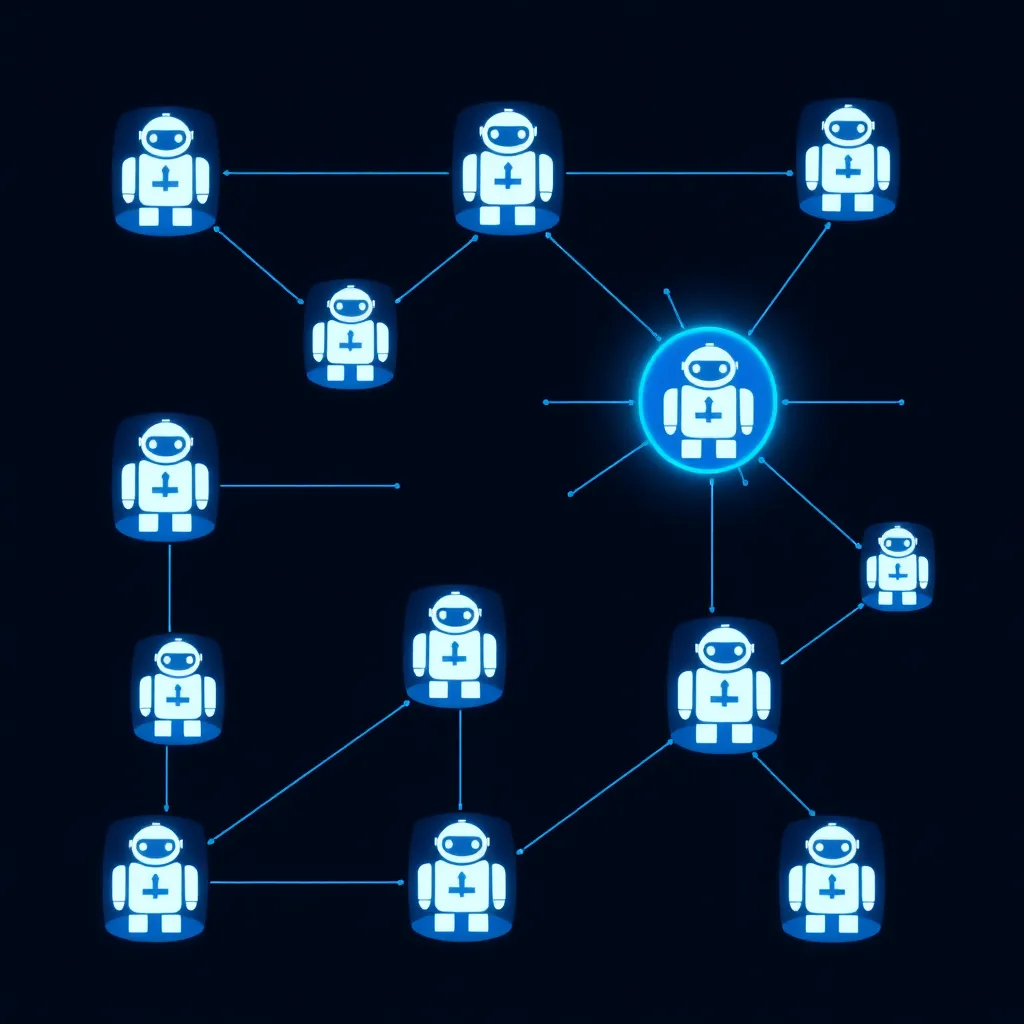
An AI agent is a system where a large language model decides for itself how to complete a task — which steps to take, which tools to call, and when it is finished. That separates it from a workflow, where a developer writes the steps in advance and the model simply fills in each step as scripted.
An LLM (large language model) is the AI model behind chatbots; it reads text and produces text. A tool, in the agent sense, is a capability the model can call while working — searching the web, running code, reading a file. Orchestration means coordinating all of this: deciding what happens first, what happens next, and what to do when something fails.
Anthropic draws a useful line between two kinds of agentic systems (source):
- Workflows: the LLM and tools are orchestrated through predefined code paths. A human wrote the sequence; the model executes it.
- Agents: the LLM dynamically directs its own processes and tool usage, maintaining control over how it accomplishes the task.
In plain language: a workflow is a recipe the model follows; an agent is a competent assistant you give a goal to and let figure out the route. Everything below — tools, frameworks, platforms — is just different ways of getting an agent running.
Tools: agents you use, not build
A tool, in our taxonomy, is a finished agent product you open and use directly — no code required. Claude Code fits here: its Agent SDK documentation describes the Claude Code CLI as the terminal interface built for daily interactive use. If you want an agent working for you today rather than starting a build project, this is the bucket to shop in.
The clearest way to think about this bucket: someone else has already built the agent, wired up the tools, and packaged it. You bring the task; the product brings the agent. Our beginner AI agents guide walks through what using one feels like day to day.
Other products in this bucket include no-code agent builders such as LangSmith Fleet, which the LangGraph documentation describes as no-code agent building with templates, integrations, and routine automation. We compare more of these in AI agents for beginners: 22 tools compared.
Frameworks: code libraries you build with
A framework is a code library — prepackaged code you call from your own program — that handles the plumbing of agent building. You write and operate the agent yourself. Five widely used options are LangGraph, CrewAI, the OpenAI Agents SDK, Microsoft Agent Framework, and the Claude Agent SDK.
This is the developer bucket, so a few terms need defining. An SDK (software development kit) is a packaged library for building on a product or service. A runtime is the environment that actually executes your agent while it runs. Stateful means the agent remembers what has happened across steps — its progress, its intermediate results — instead of starting blank each time. Human-in-the-loop means the agent pauses and asks a person to approve important actions before continuing.
One line on each framework, based on official documentation:
- LangGraph describes itself as “a low-level orchestration framework and runtime for building, managing, and deploying long-running, stateful agents,” with strengths in durable execution, streaming, human-in-the-loop, and persistence. It mixes deterministic steps with LLM-driven steps in a single graph. If you want something higher-level, LangChain agents (
create_agent) run on top of it. - CrewAI calls itself “the leading open-source framework for orchestrating autonomous AI agents.” It has two parts: Flows (the process definition — state, event-driven execution, control flow) and Crews (teams of role-playing agents that collaborate on a delegated task). See its GitHub repo.
- OpenAI Agents SDK is “a lightweight… package with very few abstractions.” Its core primitives are Agents (an LLM plus instructions plus tools), Agents as tools and handoffs (delegating work to other agents), and guardrails (checks on inputs and outputs), with built-in tracing. See the repo.
- Microsoft Agent Framework covers four areas: Agents, a Harness Agent described as batteries-included for long multi-step tasks, graph-based Workflows, and Integrations. It supports Microsoft Foundry, Anthropic, Azure OpenAI, OpenAI, Ollama, and more. See the GitHub repo.
- Claude Agent SDK is a library that runs the Claude Code binary embedded in your own Python or TypeScript application, in a process you operate, with built-in tools, permissions, sessions, and hooks.
Frameworks are code you run yourself, and the LLM calls they make are billed by your model provider. Check each project’s licence and the provider’s pricing page before committing.
Platforms: hosted services that run agents for you
A platform is a hosted service — software running on the provider’s servers rather than yours — that runs agents on your behalf. You configure the agent through a small set of interfaces, and the provider handles the infrastructure. Examples: Claude Managed Agents, and LangChain’s Managed Deep Agents.
Hosted is the key word: there is nothing to install, scale, or keep online. Anthropic describes Managed Agents as “a hosted service in the Claude Platform that runs long-horizon agents on your behalf through a small set of interfaces.” Long-horizon means tasks that run for an extended period without constant human input. The official documentation covers how it works in practice.
On the LangChain side, the LangGraph documentation describes Managed Deep Agents as a batteries-included harness with context compression, a virtual filesystem, and subagents, for running production agents without managing infrastructure yourself (source).
The trade-off is control. A platform is the fastest path to a running agent, but you operate inside the provider’s boundaries. Pricing for these services varies — check the pricing page before committing.
The taxonomy at a glance
Here is the whole post compressed into one table. The buckets differ mainly in who does the work: with a tool, the vendor has already built the agent; with a framework, you do the building; with a platform, the vendor does the running. Use it to shortlist your options before reading anything deeper.
| Bucket | What it is | Who it is for | Example | Pick it when |
|---|---|---|---|---|
| Tool | An end-user product you open and use directly; no code required | Non-developers, and developers who want a ready-made agent | Claude Code (terminal-based coding agent) | You want a finished agent today, not a project |
| Framework | A code library or SDK you build with; you write and operate the agent yourself | Developers comfortable in Python or TypeScript | LangGraph (a “low-level orchestration framework and runtime”) | You need custom behavior, control, and debuggability |
| Platform | A hosted service that runs agents on your behalf; infrastructure managed for you | Teams wanting production agents without an ops burden | Claude Managed Agents (hosted service in the Claude Platform) | You want long-running agents without managing infrastructure |
Which should you pick?
If you just want results today, pick a tool — open it and use it. If you’re building something custom and can code, pick a framework, but start with direct LLM APIs first and add the framework only when you need it. If you want production agents without managing infrastructure, pick a platform.
A short walkthrough of that logic:
- You don’t write code. Tools and platforms are both viable; tools give you a finished product now, platforms give you more automation and persistence. Browse the comparisons hub to see options side by side.
- You’re building something custom. Frameworks are the right bucket — but see the next section before reaching for one on day one.
- You want production agents with zero infrastructure to manage. A platform such as Claude Managed Agents or LangChain’s Managed Deep Agents is built for that.
Keep it simple first
Start with the simplest thing that could work. Anthropic’s guidance is that optimizing single LLM calls with retrieval and in-context examples is usually enough for many applications — and that frameworks, while they simplify low-level tasks like calling models and chaining calls, often add abstraction layers that can obscure the underlying prompts and responses, making them harder to debug. Add complexity only when you hit a wall.
Anthropic puts this concretely: it suggests starting with LLM APIs directly rather than reaching for a framework first (source). In our view, frameworks earn their keep when you genuinely need what they provide — durable execution, role-based agent teams, handoffs between specialized agents — not before.
The agent tooling space moves quickly, so treat any framework recommendation — including the qualitative impressions in this post, which are our interpretations, not measured facts — as a snapshot rather than a permanent truth.
Sources and how we researched
This explainer is based on official documentation and product pages; we did not run these tools hands-on. Primary sources: Anthropic’s building effective agents and Managed Agents posts; official docs for the Claude Agent SDK, Managed Agents, LangGraph, CrewAI, the OpenAI Agents SDK, and Microsoft Agent Framework; plus the LangGraph, CrewAI, OpenAI Agents SDK, and Microsoft Agent Framework repositories. No pricing figures appear in this post; always check the vendor’s pricing page.
📊 See how these tools compare →
📖 Related Reads
- NiteAgent — AI agent development, frameworks, and production patterns
- NoCode Insider — AI workflow automation with no-code tools, agents, and APIs
Cross-links automatically generated from None.
Back to all posts