Adobe Creative Agent Review: How Adobe's AI Assistant Is Reshaping Professional Creative Workflows
Adobe Creative Agent Review: How Adobe’s AI Assistant Is Reshaping Professional Creative Workflows
Date reviewed: July 27, 2026
Version: Public Beta (launched April 2026, expanded June 2026)
For context on where Adobe Creative Agent sits in the wider landscape, our comparison database benchmarks it side by side with every major AI Creative Assistant tool.
When Adobe announced its Creative Agent platform in April 2026, the company made a bold bet: that the future of creative AI isn’t a standalone chat interface or a single in-app copilot, but a unified, conversational layer spanning the entire Creative Cloud ecosystem Adobe Launch. Six months into the public beta, with a major June expansion under its belt Adobe Expansion, Adobe Creative Agent has evolved into something genuinely interesting — and genuinely complicated.
I’ve spent the past several weeks putting it through its paces. Here’s the full breakdown.
What Is Adobe Creative Agent?
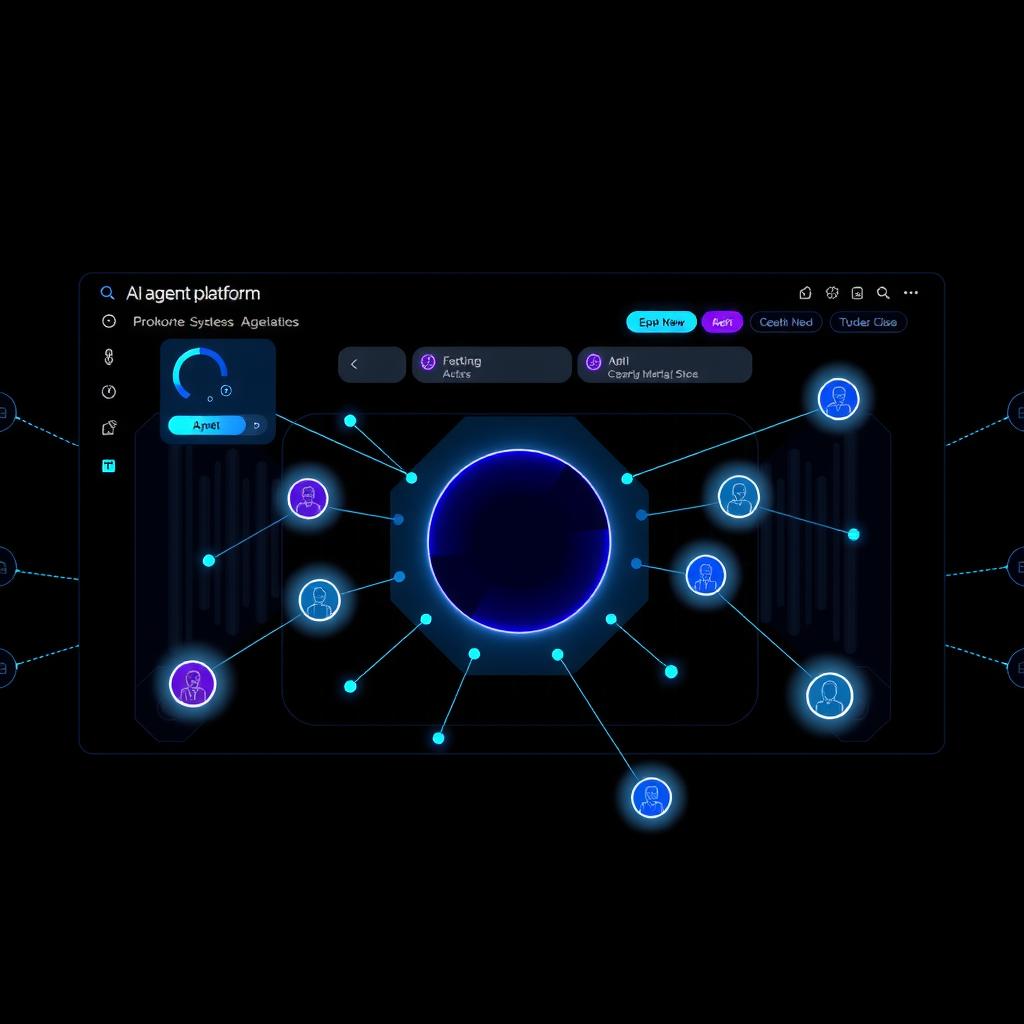
At its core, Adobe Creative Agent is a conversational AI assistant powered by the Firefly AI Assistant engine. But unlike single-app copilots from other companies, Adobe’s agent is designed to work across the entire Creative Cloud suite — Photoshop, Premiere Pro, Illustrator, InDesign, After Effects, Frame.io, and many other tools.
The key idea is multi-app orchestration: you can tell the agent something like “Take the hero image from this Photoshop file, bring it into InDesign for a magazine spread, add a video overlay from the Premiere project in Frame.io, and render a proof” — and it will actually do that, navigating between apps on your behalf Public Beta Blog.
Key Features
Firefly AI Assistant (The Conductor)
The unified conversational interface is the brain of the operation. You describe your intent in natural language, and the agent plans the workflow, selects the right tools, and executes across apps. It can handle complex multi-step instructions that would normally require switching contexts a dozen times.
Per-App AI Assistants
Each major Creative Cloud application gets its own specialized assistant. The Photoshop AI Assistant understands layers, masks, and selection workflows intimately. The Premiere Pro Assistant can suggest edits, generate B-roll, and even rough-cut sequences based on a script. The Illustrator Assistant handles vector path manipulation and color palette generation. These aren’t generic chat interfaces — they’re deeply embedded in each app’s feature set RedShark Analysis.
Pre-built Creative Skills
Adobe ships a library of pre-built “skills” — reusable AI workflows for common tasks like background removal, batch resizing, automated captioning, and color grading. Users can chain these together or build custom skills for their team’s specific pipelines.
Context & Personalization
The agent learns your style, your frequently used tools, and your project patterns over time. If you always export to a specific format or you tend to use a particular color palette, the agent adjusts its suggestions accordingly.
Third-Party Integration
This is a genuinely surprising move from Adobe: Creative Agent supports third-party models including ChatGPT, Claude, Copilot, Gemini, and direct Slack integration. You can route a task to the model best suited for it — use Firefly for commercial-safe image generation, Claude for copywriting, and Gemini for research — all within the same conversational thread.
Commercial Safety
Adobe positions this as a major differentiator: all Firefly-generated content is trained on licensed or public-domain data, making it commercially safe for client work. In a world where legal uncertainty around AI-generated content is a growing concern, this matters enormously.
Pricing — Let’s Talk Credits
Adobe’s pricing strategy for Creative Agent is… thorough. There are five plan tiers, each with a different monthly credit allocation:
| Plan | Monthly Cost | Credits |
|---|---|---|
| Firefly Free | $0 | 25 |
| Firefly Standard | $9.99 | 100 |
| Firefly Premium | $19.99 | ~500 |
| CC Single App | $22.99 | 500 |
| CC All Apps | $54.99 | 1,000 |
| CC Pro | $59.99 | 4,000 |
The credit system tracks across all Firefly-powered actions: image generation, video processing, complex multi-app orchestrations, even third-party model calls. Simple operations cost 1–2 credits; a complex multi-app workflow might consume 10–20 credits.
For professionals already on CC All Apps or CC Pro, this is essentially baked into their existing subscription. For casual users or teams evaluating a standalone AI tool, the credit economy can feel opaque and expensive. A heavy day of experimentation could easily burn through the $9.99 Standard tier’s allocation.
The Good
Integration depth is unmatched. No other AI creative tool can reach into professional applications and orchestrate across them the way Adobe does. The per-app assistants demonstrate genuine domain expertise — the Photoshop assistant knows what a smart object is, and the Premiere assistant understands multicam editing.
Multi-step orchestration works. I tested a request that went: “Create a 3D mockup in Substance 3D, import it into Illustrator for vector overlays, add it to a Premiere timeline with motion graphics from After Effects, upload to Frame.io for review.” The agent handled all of it in about 90 seconds. That’s genuinely impressive.
Commercial safety is a real selling point. For agencies and in-house creative teams, the assurance that generated assets won’t trigger copyright claims is critical.
Third-party model support is surprisingly open. Adobe could have locked everything to Firefly. Instead, they built a model-agnostic layer that lets you pick the best tool for each subtask.
The Not-So-Good
Adobe lock-in is real. The agent is deeply tied to Creative Cloud subscriptions, Adobe file formats, and the Adobe ecosystem. If you use Affinity Designer or DaVinci Resolve, this tool is irrelevant.
It’s still a beta. I encountered several rough edges: the agent occasionally misinterprets a request involving many steps, some cross-app operations fail silently, and the conversation history is occasionally unreliable.
The credit system is confusing. Five tiers, ambiguous credit costs, and no clear calculator for estimating monthly usage. Power users on CC All Apps won’t care, but anyone evaluating a standalone purchase will find it frustrating.
Cloud dependency. Everything runs on Adobe’s servers. No offline mode. If your internet goes down, so does your AI assistant.
Expensive for casuals. At $55–$60/mo for meaningful credit allocation, this isn’t a toy. It’s priced for professionals who bill by the project.
Alternatives Worth Considering
| Tool | Best For |
|---|---|
| Canva Magic Studio | Casual design, team templates, non-designers |
| Runway Gen-4.5 | Video generation, experimental creative AI |
| Framer 3.0 | Web and UI design with AI components |
| Claude Design | Long-form content and design iteration |
| Leonardo AI | Asset generation, game development |
Each of these tools excels in specific domains, but none offers Adobe’s breadth of professional integration.
Verdict
Score: 7.5/10
| Overall Score | 7.5/10 |
|---|
Adobe Creative Agent is the most ambitious AI creative assistant on the market — and it shows. The multi-app orchestration, per-app specialists, and third-party model integration are genuinely impressive. For professional creative teams already living inside Creative Cloud, this is a transformative upgrade that can meaningfully accelerate complex production pipelines.
But the beta-stage polish, confusing credit economy, and heavy ecosystem lock-in mean it’s not for everyone. If you’re a CC power user, sign up for the beta today. If you’re evaluating an AI design tool from scratch, start with Canva Magic Studio or Runway Gen-4.5 and see how far they take you before committing to Adobe’s orbit.
This review is based on the Adobe Creative Agent public beta as of July 27, 2026. Pricing and features are subject to change before general availability.
Liked this review? Check out our full comparison of AI creative assistants to see how Adobe Creative Agent stacks up against Canva Magic Studio, Runway Gen-4.5, and more.
Dig deeper: Adobe Firefly review · Claude Code review.
References
[1] Adobe Launch [2] Adobe Expansion [3] Public Beta Blog
📖 Related Reads
- NiteAgent — AI agent development, frameworks, and production patterns
- ToolBrain — tool reviews, LLM comparisons, and AI workflow guides
Cross-links automatically generated from None.
Back to all posts