|
📖 What Is Browser-Use?
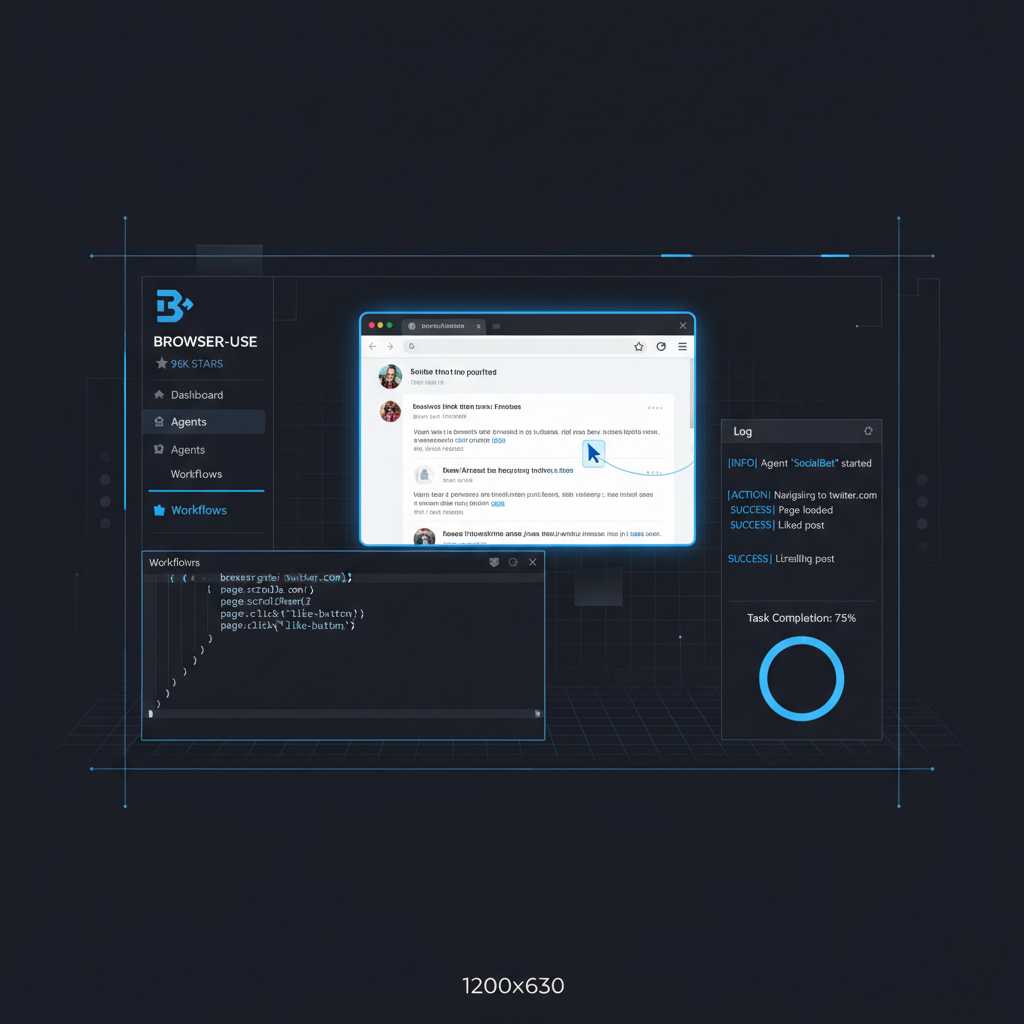
Browser-Use is an open-source Python library that makes websites accessible for AI agents. At 96,200+ GitHub stars, it's the most popular browser automation library built specifically for AI agents.
For context on where Browser-Use sits in the wider landscape, our comparison database benchmarks it side by side with every major Web Scraping & Anti-Detection tool.
Unlike general-purpose automation tools like Playwright or Puppeteer, Browser-Use is designed from the ground up for agentic use cases: an agent describes what it wants to do in natural language, and Browser-Use handles the browser control — navigating, clicking, typing, extracting data.
The project offers two deployment models:
- Open-source library (MIT, free) — self-host with your own LLM and browser
- Cloud agent — hosted solution with proxy rotation, captcha solving, and 1000+ integrations
📊 At a Glance & ✅ Pros & Cons
| Specification | Browser-Use | Firecrawl | Crawl4AI |
|---|---|---|---|
| Category | Browser Automation for AI Agents | Web Scraping API | Open-Source Web Crawler |
| Pricing | Free (MIT) + Cloud tier | Freemium ($0–$500/mo) | Free (MIT) |
| License | MIT | Proprietary | MIT |
| GitHub Stars | 96,200+ | 68,000+ | 49,000+ |
| Key Differentiator | AI agent-native browser control with ChatBrowserUse() LLM | Anti-bot bypass with JS rendering | Bulk crawling with LLM-ready extraction |
| Best For | Interactive browser agent tasks | Structured data extraction at scale | Large-scale web crawling with AI parsing |
✅ What It Does Best
- ChatBrowserUse() model. 3-5x faster than general LLMs for browser tasks with SOTA accuracy.
- 96K★ open-source. MIT license — free to self-host, modify, and integrate.
- Dual architecture. Self-host open-source or use the cloud agent for stealth/scaling.
- Built-in CLI. Persistent browser sessions without writing code.
- Custom tool system. Extend agent capabilities with Python decorators.
❌ Where It Falls Short
- Manual proxy config. Open-source agent requires manual proxy setup for stealth browsing.
- Cloud vs open-source gap. Cloud tier has features (captcha solving, integrations) not in open-source.
- Python 3.11+ requirement. May need environment updates for older projects.
- Heavy dependencies. Playwright, Chromium, and async Python — not lightweight.
Web scraping API with anti-bot bypass and JS rendering. Best for structured extraction at scale.
CloakBrowserStealth Chromium browser with reCAPTCHA v3 score 0.9. Best for anti-detection browsing.
PlaywrightMicrosoft's browser automation framework. More flexible but requires manual step definitions.
✨ Capabilities & Agentic Deep Dive
ChatBrowserUse() — Optimized LLM for Browser Tasks
Browser-Use’s key innovation is ChatBrowserUse(), a fine-tuned model that’s optimized specifically for browser automation. It completes tasks 3-5x faster than general-purpose models like GPT-4 or Claude while maintaining state-of-the-art accuracy. Pricing is competitive: $0.20/M input tokens, $2.00/M output tokens.
The open-source preview model browser-use/bu-30b-a3b-preview is available for self-hosting, giving users a free option that still outperforms general models on browser tasks.
Persistent Browser CLI
The CLI is a standout feature for developers who want to automate browsers without writing Python:
browser-use open https://example.com    # Navigate to URL
browser-use state                       # See clickable elements with indices
browser-use click 5                     # Click element by index
browser-use type "Hello"                # Type text into focused field
browser-use screenshot page.png         # Capture screenshot
browser-use close                       # Close browser session
The browser stays alive between CLI commands, enabling iterative debugging and rapid prototyping.
Custom Tools System
Agents can be extended with custom Python functions using the @tools.action decorator:
from browser_use import Tools

tools = Tools()

@tools.action(description='Description of what this tool does.')
def custom_tool(param: str) -> str:
    return f"Result: {param}"

agent = Agent(
    task="Your task",
    llm=llm,
    browser=browser,
    tools=tools,
)
This makes Browser-Use extensible for domain-specific automation — anything from database lookups to API calls during browser sessions.
Claude Code Integration
A dedicated Claude Code skill is available, making Browser-Use a first-class tool for Claude-powered development workflows:
mkdir -p ~/.claude/skills/browser-use
curl -o ~/.claude/skills/browser-use/SKILL.md \
  https://raw.githubusercontent.com/browser-use/browser-use/main/skills/browser-use/SKILL.md
🔬 AI Performance Analysis
🦾 Ease of Use
Installation is straightforward: pip install browser-use or uv add browser-use. The quickstart runs in 5 lines of Python, and the CLI eliminates the need for code entirely for simple tasks. Template quickstart (uvx browser-use init --template default) generates a ready-to-run agent. The main friction is Python 3.11+ requirement and Chromium installation.
⚙️ Features
Exceptional breadth: dedicated LLM, cloud + open-source, CLI, custom tools, Claude Code skill, template generation, persistent browser sessions, form filling, grocery ordering, PC part picking — plus 1000+ cloud integrations. The dual architecture (open-source for customization, cloud for scale) is a smart approach. The only gap is the feature disparity between open-source and cloud tiers.
🚀 Performance
ChatBrowserUse() achieves 3-5x speedup over general LLMs on browser tasks. The cloud agent scores 78% on BU Bench V1 (100 real-world tasks). Open-source performance depends on your chosen LLM and hardware. The persistent CLI browser reduces startup overhead for iterative workflows.
📚 Documentation
Comprehensive docs at docs.browser-use.com covering open-source library, cloud service, examples, supported models, and FAQs. The Agents.md file is a clever touch — it's designed to be fed directly to coding agents. PyPI page is well-maintained with version history. GitHub README includes quickstart, demos, and benchmark data.
🎯 Support
Large community: 319 contributors, 2,600+ dependents, active GitHub issues and PRs. The cloud tier comes with dedicated support. Open-source support is community-driven via GitHub issues. 65 open issues and 177 open PRs suggest a healthy but busy project.
🎯 Ideal Use Cases
✅ Best For
|
❌ Not Ideal For
|
Browser-Use is free and open-source (MIT). Install with pip or uv, and you're ready to go. The cloud agent (usage-based pricing) adds proxy rotation, captcha solving, and 1000+ integrations for production workloads.
Quick start: uv add browser-use, set your API key, and run your first agent in 5 lines of Python. The CLI is available immediately for quick browser automation tasks without writing code.
| ❓ FAQ | |
|---|---|
| What is Browser-Use? | Browser-Use is an open-source Python library (MIT, 96K★) that enables AI agents to control web browsers programmatically — filling forms, clicking buttons, extracting data, and navigating multi-step workflows. |
| Is Browser-Use free? | Yes. The open-source library is MIT-licensed and completely free. They also offer a cloud-hosted agent with proxy rotation, captcha solving, and 1000+ integrations. |
| What's the best model to use? | ChatBrowserUse() is their optimized model — 3-5x faster than general LLMs for browser automation. Pricing: $0.20/M input, $2.00/M output. The open-source preview model browser-use/bu-30b-a3b-preview is also available. |
| Does Browser-Use have a CLI? | Yes. Commands like browser-use open, click, type, screenshot, and state let you automate browsers from the terminal without writing Python code. |
| Can I add custom tools? | Yes. The @tools.action decorator system lets you create custom actions that the agent can call during browser automation tasks. |
| What Python version is required? | Python 3.11 or higher. Install via pip (pip install browser-use) or uv (uv add browser-use). |
| Does it work with Claude Code or Cursor? | Yes. They provide an Agents.md file that coding agents can reference. There's also a dedicated Claude Code skill. |
| 📖 Related Reads | |
|---|---|
| CloakBrowser Review 2026 | 7.6/10 | Stealth Chromium browser with reCAPTCHA v3 score 0.9. Best for anti-detection browsing. |
| 📊 Web Scraping Comparison → | Compare all web scraping and browser automation tools side by side. |
| 📚 Verification & Citations | |
|---|---|
| Browser-Use GitHub Repository | 96.2K★, MIT license. Accessed May 2026. |
| Browser-Use on PyPI | v0.12.9. Python package. Accessed May 2026. |
| Browser-Use Documentation | Official docs. Accessed May 2026. |
| Browser-Use Cloud | Cloud agent with proxy rotation and captcha solving. Accessed May 2026. |
| BU Bench V1 | Benchmark dataset: 100 real-world browser tasks. Accessed May 2026. |
Latest version with CLI improvements, template quickstart, and Claude Code skill integration. Reaches 96K★ on GitHub.
- v0.12.9 — May 25, 2026: CLI improvements, template quickstart, Claude Code skill
- v0.12.0 — May 2026: ChatBrowserUse() model launch, cloud agent GA
- v0.10.0 — April 2026: Custom tools system, persistent browser CLI
- v0.8.0 — March 2026: Initial open-source release, basic agent + browser control
Dig deeper: CloakBrowser review · Firecrawl review.
What is Browser-Use?
Browser-Use is an open-source Python library (MIT, 96K★) that enables AI agents to control web browsers programmatically — filling forms, clicking buttons, extracting data, and navigating multi-step workflows.
Is Browser-Use free?
Yes. The open-source library is MIT-licensed and completely free. They also offer a cloud-hosted agent with proxy rotation, captcha solving, and 1000+ integrations.
What's the best model to use?
ChatBrowserUse() is their optimized model — 3-5x faster than general LLMs for browser automation. Pricing: $0.20/M input, $2.00/M output. The open-source preview model browser-use/bu-30b-a3b-preview is also available.
Does Browser-Use have a CLI?
Yes. Commands like browser-use open, click, type, screenshot, and state let you automate browsers from the terminal without writing Python code.
Can I add custom tools?
Yes. The @tools.action decorator system lets you create custom actions that the agent can call during browser automation tasks.
What Python version is required?
Python 3.11 or higher. Install via pip (pip install browser-use) or uv (uv add browser-use).
Does it work with Claude Code or Cursor?
Yes. They provide an Agents.md file that coding agents can reference. There's also a dedicated Claude Code skill.