CodeRabbit Review 2026: The AI Code Review Tool That Catches What Humans Miss
What is CodeRabbit?
ToolBrain Verdict: CodeRabbit is the most installed AI code review app on GitHub, with 6M+ repositories connected and 75M+ defects found. Its combination of instant PR walkthroughs, one-click fixes, natural language configuration, and integrated SAST coverage makes it the default choice for teams drowning in PR review backlog. At 8.4/10, CodeRabbit is the top recommendation for teams doing 10+ pull requests per week who want to cut review time in half.
Best for Teams 🚀| Dimension | Score | Notes |
|---|---|---|
| 🦾 Ease of Use | 9/10 | Two-click install, zero config, works in minutes |
| ⚙️ Features | 9/10 | Walkthrough, inline fixes, agentic chat, SAST, 40+ linters |
| 🚀 Performance | 8/10 | 49.2% precision — highest in benchmarks; occasional noise |
| 📚 Documentation | 8/10 | Clear docs, natural language config, active community |
| 🎯 Support | 7/10 | Email support; no live chat; Pro plan for priority |
| Overall Score | 8.4/10 |
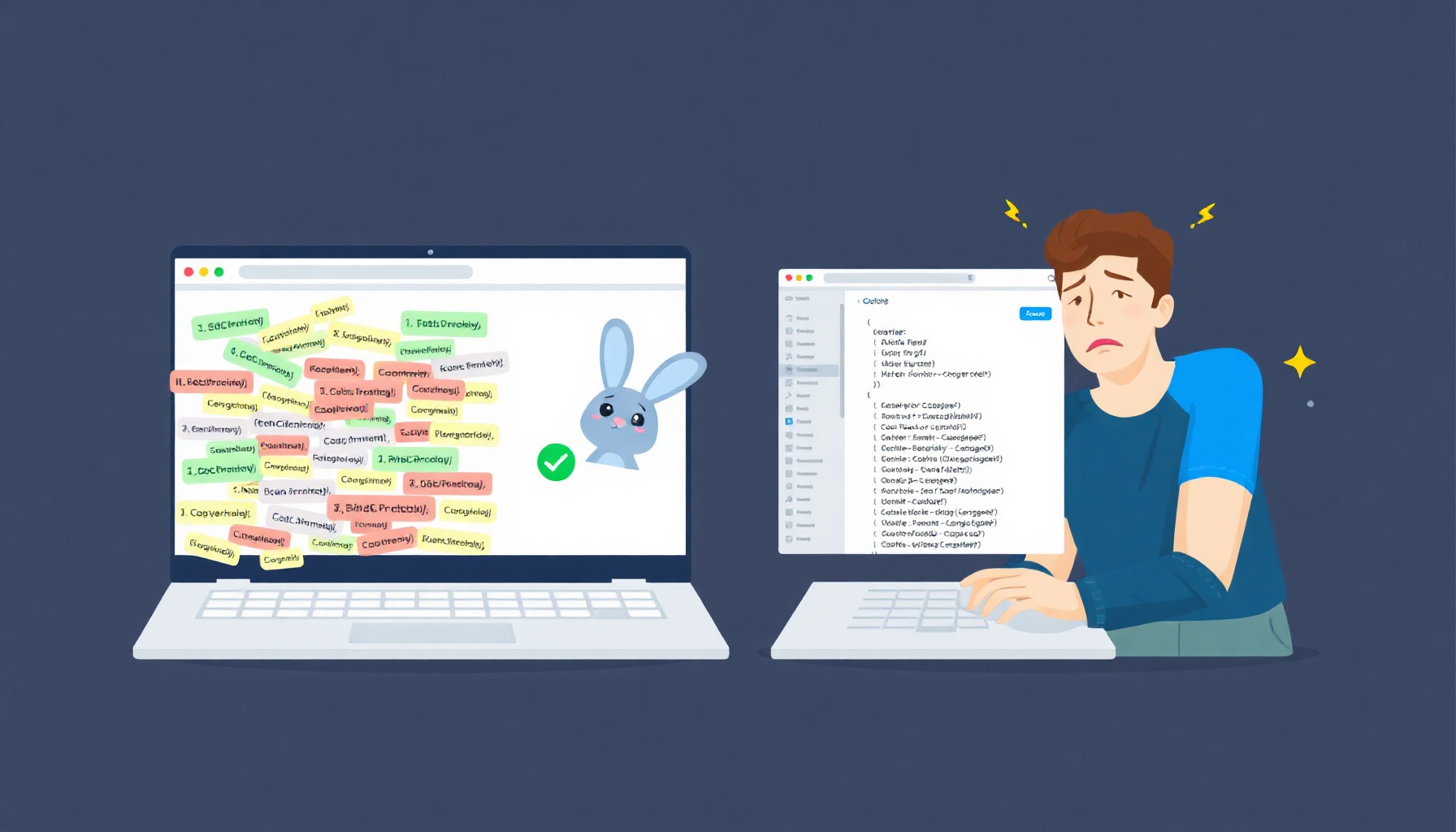
Every developer knows the pain: you push a pull request, then stare at a blank review tab for 24 to 48 hours. Research from Google’s engineering practices shows developers spend 6 to 12 hours per week reviewing code — and much of that time is spent waiting, not thinking. CodeRabbit attacks this bottleneck by reviewing your code the moment a PR opens, posting structured, line-by-line feedback within minutes.
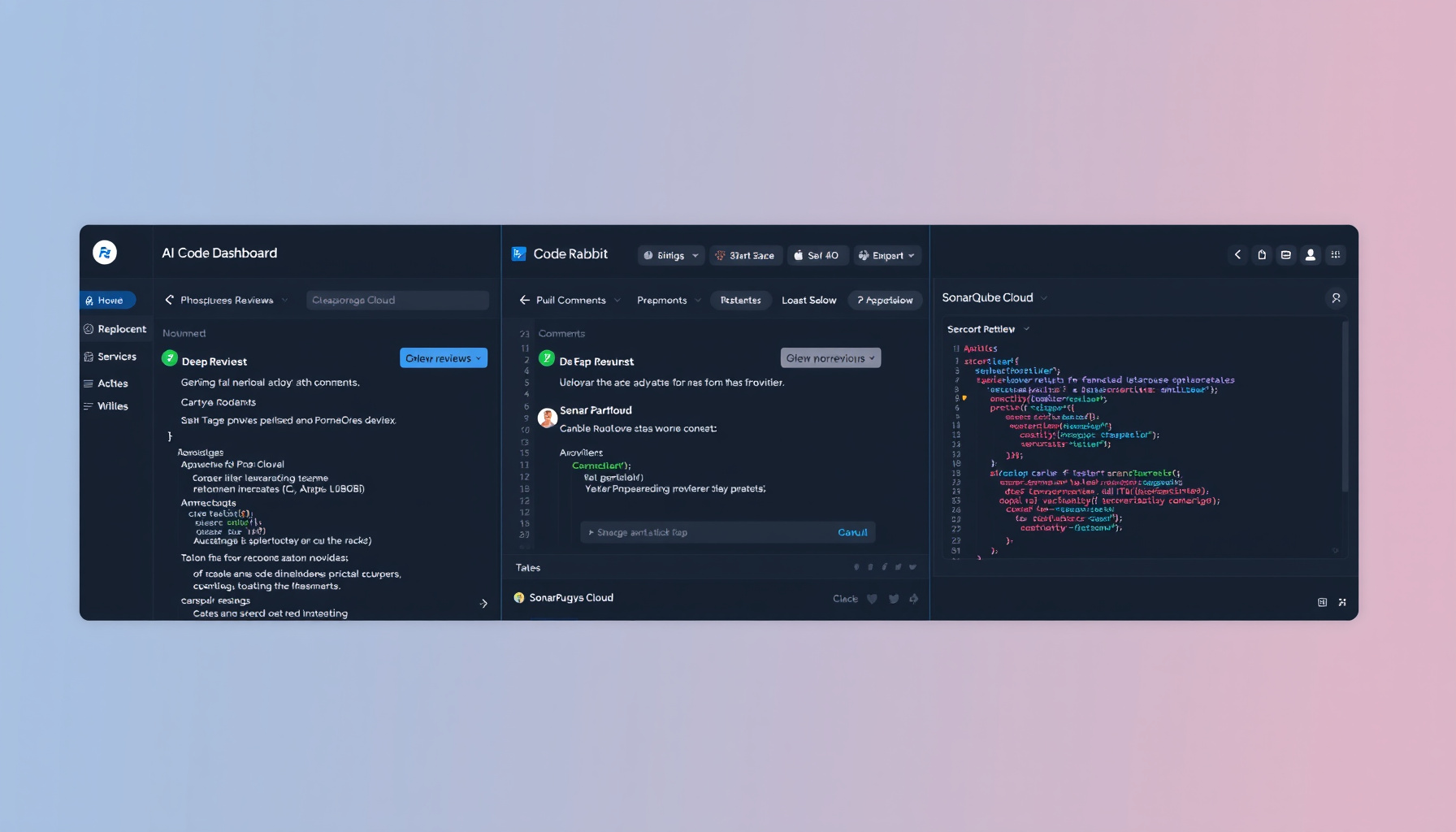
CodeRabbit is an AI-powered code review tool that integrates directly into GitHub, GitLab, Azure DevOps, and Bitbucket. Once installed — a process that takes roughly two clicks — it automatically analyzes every pull request and posts intelligent inline comments explaining potential issues, suggesting fixes, and summarizing what changed and why. It supports over 30 programming languages and works with both cloud-hosted and self-hosted repository instances.
The pitch is simple: let AI handle the first pass of code review so human reviewers can focus on architecture, business logic, and design decisions that machines still struggle with. With 6 million+ repositories connected and 75 million defects found, CodeRabbit has become the most installed AI code review app on GitHub — a claim backed by its presence in the GitHub Marketplace.
How It Works
After installing the CodeRabbit GitHub App (or GitLab/Azure DevOps/Bitbucket equivalent), the workflow is automatic. A developer opens a PR, and CodeRabbit kicks off within seconds. It reads the diff, analyzes surrounding context across the codebase, and generates two outputs: a high-level walkthrough summarizing the PR’s intent and file-by-file changes, and granular inline comments on specific lines where it spots bugs, security issues, or improvements. Developers can respond to these comments directly in the PR conversation, ask follow-up questions via @coderabbit, or accept one-click fix suggestions that auto-commit to the branch. The tool learns from team interactions — if a developer tells it to stop suggesting wildcard imports, it remembers that preference for future reviews.
Key Features Deep Dive
PR Walkthrough Generation Instead of just flagging errors, CodeRabbit produces a structured summary explaining what changed, why it matters, and how each file was modified. Think of it as an automated changelog that gives reviewers context before they read a single line of code. For teams reviewing 20+ PRs per week, this walkthrough alone saves hours of orientation time.
Inline Suggestions with One-Click Apply When CodeRabbit identifies an issue — a potential null pointer, a missing error handler, a security vulnerability — it posts the suggestion directly alongside the relevant code line. The “Apply” button commits the fix to your branch with a single click. This transforms code review from a passive comment-and-wait cycle into an active, executable improvement loop.
Natural Language Configuration
CodeRabbit’s .coderabbit.yaml configuration file accepts plain English instructions. Write rules like “Always check for SQL injection vulnerabilities” or “Be lenient with variable naming” and the AI adapts its review behavior accordingly. No DSL to learn, no complex rule syntax — any team member can customize the tool.
Linters and SAST Integration CodeRabbit doesn’t rely solely on generative AI. It combines LLM reasoning with 40+ built-in linters and integrated Static Application Security Testing (SAST). This hybrid approach catches both stylistic issues (formatting, naming conventions) and security vulnerabilities (injection attacks, insecure dependencies) in a single pass — a combination that pure-AI or pure-linter tools can’t match.
Agentic Chat
Within any PR, you can @coderabbit and ask questions in natural language: “Are there edge cases this change doesn’t handle?” or “What are the security implications of this new endpoint?” CodeRabbit analyzes the full PR context and responds with specific, actionable answers. This turns code review from a one-directional audit into a collaborative dialogue.
Cross-Platform Support CodeRabbit works on GitHub, GitLab, Azure DevOps, and Bitbucket. Beyond the web interface, it offers a CLI tool for terminal workflows and IDE extensions for VS Code. Teams using multiple platforms — common in organizations that acquired companies with different git providers — can deploy a single review tool across all of them.
Pricing
| Plan | Price | What You Get |
|---|---|---|
| Free | $0 | Unlimited public repos, full Pro features for open source |
| Pro | $24/user/mo (annual) | Private repos, SAST, Jira/Linear integration, agentic chat, pre-merge checks, docstring generation |
| Pro Plus | $48/user/mo (annual) | Custom pre-merge checks, issue planner, unit test generation, merge conflict resolution, higher limits |
| Enterprise | Custom | SSO, RBAC, audit logging, API access, self-hosting, SLA |
The free tier is remarkably generous — open-source projects get the full Pro feature set at no cost. For private repos, the $24/user/month Pro plan is competitive against alternatives like Qodo ($19/user/mo) and Greptile ($30/developer/mo), though CodeRabbit’s feature breadth (walkthrough + SAST + linters) justifies the premium for most teams.
Pros
- Instant feedback eliminates review lag — no more 24-48 hour idle time between PR submission and first review
- 49.2% precision rate — highest in independent benchmarks (WeavAI), meaning fewer false positives wasting reviewer time
- Generous free tier for open source — full Pro features on unlimited public repositories, a rare offering in this space
- Two-click setup — installs as a GitHub/GitLab app with zero configuration required to start reviewing
- 6M+ repos and 75M+ defects — proven at scale across millions of real-world codebases (CodeRabbit homepage)
- One-click apply — suggestions become commits instantly, reducing the friction between finding and fixing issues
- Natural language config —
.coderabbit.yamllets any developer customize review rules without learning a DSL
Cons
- No code coverage tracking — CodeRabbit doesn’t measure test coverage or enforce quality gates (comparison page); teams needing these features must pair it with SonarQube or Codacy
- No technical debt metrics — the tool focuses on new code in PRs and doesn’t track or report on accumulated technical debt across a codebase
- $24/user adds up fast — a 50-developer team pays $14,400/year; larger organizations may find the per-seat model prohibitively expensive compared to flat-rate alternatives
- Platform feature parity unclear — agentic chat and advanced features may be more polished on GitHub than on GitLab or Azure DevOps, based on community reports
- Occasional AI noise — CodeRabbit sometimes generates overly opinionated suggestions that don’t match a team’s specific context, requiring developers to dismiss or ignore comments
Who Should Use CodeRabbit?
Teams processing 10+ pull requests per week will see the fastest ROI. CodeRabbit handles the mechanical first pass — catching null pointers, missing error handlers, style violations, and security issues — so human reviewers spend their time on architecture and logic instead. Open-source maintainers should install it immediately; the free tier provides enterprise-grade review at zero cost. Teams wanting fast setup — the two-click install and zero-configuration default make it the lowest-friction option in the market.
Who Should Look Elsewhere?
Enterprises with strict compliance requirements need quality gates, coverage tracking, and audit trails that CodeRabbit doesn’t provide. Use it alongside Codacy or SonarQube for the full picture. Solo developers will find the collaborative features underutilized — CodeRabbit’s value scales with team size and PR volume. Teams heavily invested in GitLab or Azure DevOps should verify feature parity before committing; the tool’s primary development focus appears to be GitHub-first.
The Verdict
CodeRabbit is the most polished AI code review tool available in 2026. Its combination of instant PR walkthroughs, one-click fixes, natural language configuration, and integrated SAST coverage makes it the default choice for teams that want to reduce review bottleneck without overhauling their workflow. The free tier for open source is unmatched. The $24/user monthly cost is justified by the feature set, though large teams should budget carefully. For teams doing 10+ PRs per week, CodeRabbit delivers measurable time savings from day one. For teams needing coverage metrics or quality gates, pair it with a complementary tool like Codacy or SonarQube.
📊 See how CodeRabbit compares → comparisons page
📖 Related Reads
- ToolBrain — tool reviews, LLM comparisons, and AI workflow guides
- CodeIntel Log — code quality, debugging, and software engineering benchmarks
- NoCode Insider — AI workflow automation with no-code tools, agents, and APIs
Cross-links automatically generated from None.
Back to all posts