Dify Review 2026: The Open-Source AI Platform for Building LLM Apps Visually
📖 What Is Dify?
Dify is an open-source LLM application development platform that lets you build, deploy, and manage AI-powered workflows, chatbots, RAG pipelines, and autonomous agents through a visual drag-and-drop interface. Created by LangGenius, it has grown to over 146,000 GitHub stars and powered more than 1 million deployed applications as of mid-2026 [source].
Unlike coding frameworks like LangChain or LlamaIndex that require Python expertise, Dify gives you a visual canvas where every AI capability — prompt engineering, knowledge retrieval, multi-step reasoning, and tool integration — is a node you connect with your mouse. It supports every major LLM provider out of the box (OpenAI, Anthropic, Google, open-source models via Ollama or API endpoints) and can be deployed on your own infrastructure under the permissive Apache 2.0 license.
📊 At a Glance & ✅ Pros & Cons
| Feature | Dify | n8n | ToolJet |
|---|---|---|---|
| Category | AI Workflow Automation | AI Workflow Automation | Internal Tool Builder |
| Pricing | Free / $59/mo [source] | Free / $20/mo | Free / $39/mo |
| Self-Hostable | ✅ Apache 2.0 | ✅ Sustainable Use License | ✅ MIT / AGPL |
| Visual Workflow | ✅ Drag-and-drop nodes | ✅ Node-based automation | ✅ Drag-and-drop UI |
| Built-in RAG | ✅ Native knowledge base | ❌ External only | ❌ External only |
| Agent Framework | ✅ Built-in agents | ✅ AI nodes | ❌ No native agents |
| Multi-Model | ✅ 10+ providers | ✅ 5+ providers | ✅ OpenAI, others via plugin |
✅ What It Does Best
- True visual builder — Drag-and-drop workflow editor that requires zero coding to build complex AI applications
- Built-in RAG pipeline — Upload documents, PDFs, and web pages to create knowledge bases with semantic search out of the box
- Multi-model support — Switch between OpenAI, Claude, Gemini, open-source models, and custom endpoints from a single interface
- Self-hostable — Full Apache 2.0 license, deploy on your own infrastructure with all features included
- Agent framework — Built-in agent capabilities with tool use, memory, and multi-step reasoning without extra frameworks
❌ Where It Falls Short
- Observability gap — Monitoring and debugging tools are less mature than dedicated platforms like Langfuse or Braintrust
- Enterprise limitations — RBAC, SSO, and audit logs are limited in the open-source version compared to cloud
- Performance variability — Workflow execution speed depends heavily on the underlying model API, not the platform
- Recent CVEs — Four security vulnerabilities disclosed in June 2026 raise concerns for production deployments
- Limited template library — Fewer pre-built templates than established competitors like n8n or Zapier AI
Broader workflow automation with 400+ integrations. Better for general business process automation than pure AI app building.
ToolJetInternal tool builder with drag-and-drop UI. Stronger for admin panels and CRUD apps than AI workflows.
Open-source visual LangChain builder. More flexible for custom LangChain workflows but less polished than Dify's UI.
✨ Capabilities & Agentic Deep Dive
Visual Workflow Builder
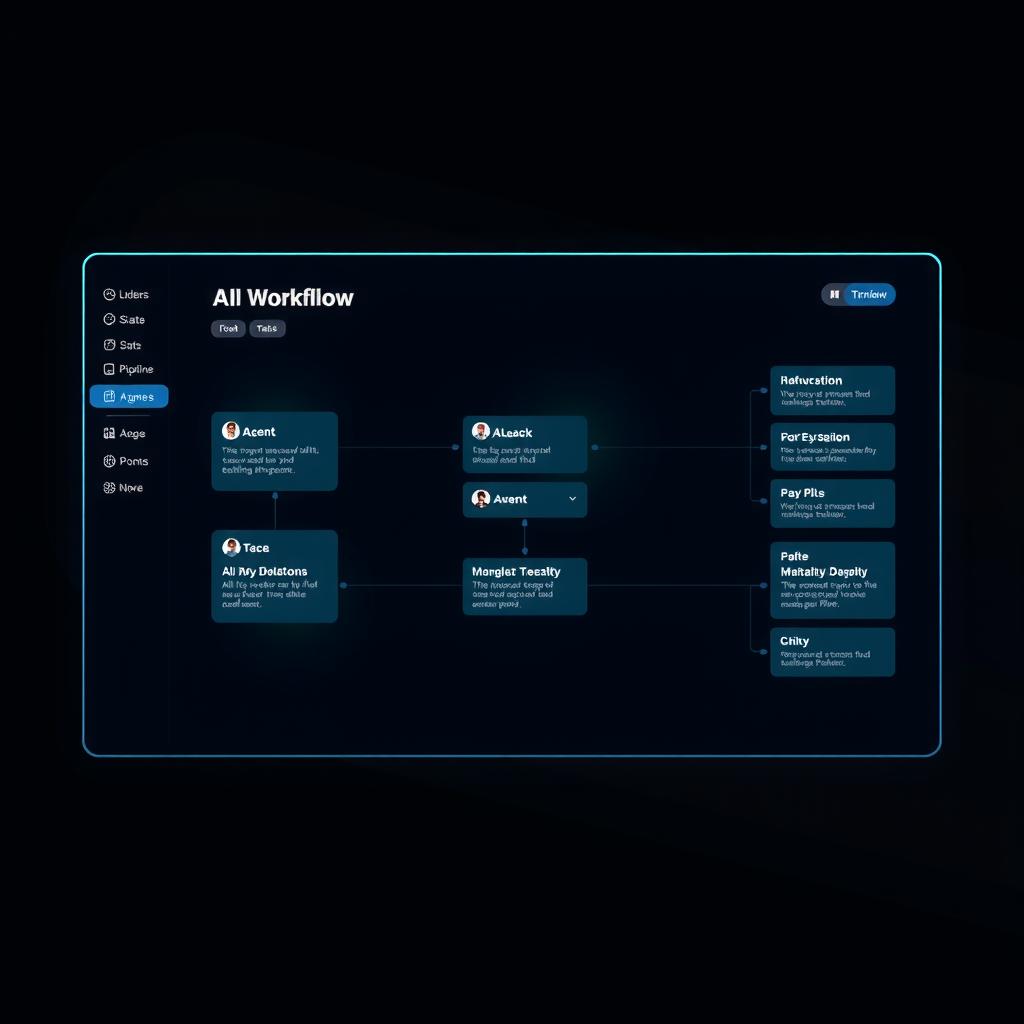
Dify's workflow builder is the heart of the platform. You create AI applications by connecting nodes on a visual canvas — each node represents a step: LLM call, knowledge retrieval, code execution, HTTP request, or conditional logic. The node-based approach makes complex multi-step workflows understandable at a glance, which is a significant advantage over code-only frameworks. You can start with a simple chatbot and progressively add RAG, web search, and tool integration by dragging new nodes into the flow.
Built-in RAG with Multimodal Knowledge Base
Dify includes a production-ready RAG pipeline that handles document ingestion, chunking, embedding, and retrieval without external tools. You upload PDFs, text files, or web pages and Dify automatically processes them into a searchable knowledge base. The multimodal retrieval update in early 2026 unified text and images into a single semantic space [source], enabling vision-enhanced queries alongside text retrieval.
Agent Framework with Tool Integration
Dify's built-in agent framework supports ReAct and function-calling patterns with configurable system prompts, memory, and tool bindings. Agents can use web search, image generation, code execution, and custom API tools you define. The agent mode lets you set up multi-step reasoning where the agent plans, executes tools, evaluates results, and iterates — all visible in the workflow canvas.
Multi-Provider Model Management
Dify supports over 10 LLM providers including OpenAI, Anthropic, Google, AWS Bedrock, Azure OpenAI, and local models via Ollama. You can mix providers within a single workflow — use GPT-4 for complex reasoning nodes and a faster model for simpler tasks. The unified billing dashboard tracks usage across providers, and you can set rate limits per model to control costs.
🔬 AI Performance Analysis
🦾 Ease of Use
Dify is exceptionally beginner-friendly. The visual workflow builder means you can build a functional AI chatbot or RAG application without writing a single line of code. The onboarding guides you through creating your first app in under 10 minutes, and the documentation covers every node type with examples. The self-hosted setup requires Docker Compose, which is the steepest part for non-technical users, but the cloud version sidesteps that entirely.
⚙️ Features
Dify packs an impressive feature set into a single platform: visual workflows, RAG pipelines with multimodal support, an agent framework with tool integration, multi-provider model management, conversation logging, API publishing, and a plugin system. The knowledge base alone — with automatic chunking, embedding, and hybrid search — replaces tools like Pinecone or Chroma for many use cases. The main gap is observability, which is less mature than dedicated tools.
🚀 Performance
Dify's platform performance is solid — the UI is responsive, workflow execution is reliable, and the self-hosted version runs efficiently on modest hardware (4GB RAM is enough for moderate workloads). The real bottleneck is the underlying model APIs you connect; Dify itself adds minimal overhead. Complex multi-step workflows with multiple LLM calls can take 10-30 seconds depending on the models used, which is typical for this category of tool.
📚 Documentation
Dify's documentation is well-organized with getting-started guides, API references, and deployment instructions. The docs cover both the cloud and self-hosted versions, with Docker Compose setup guides for various environments. Video tutorials and community-contributed guides supplement the official documentation. The documentation is comprehensive but occasionally lags behind the rapid release cycle, with some newer features having sparse coverage on release.
🎯 Support
Dify has an active open-source community with 146,000+ GitHub stars, a busy Discord server, and responsive maintainers who address issues within days. The cloud version includes email support for Professional plans. However, there is no phone support, SLAs are available only for enterprise plans, and the self-hosted version relies entirely on community support. The recently disclosed CVEs (source) also highlight that security response varies for open-source users.
🎯 Ideal Use Cases
✅ Best For
|
❌ Not Ideal For
|
Sandbox free with 200 one-time message credits. Professional ($59/workspace/month) for production use. Self-hosted is free under Apache 2.0 — you provide the server and API keys.
Quick start: Try the cloud Sandbox at dify.ai → create an app → connect a model → build your first workflow in minutes.
| Overall Score | 8.2/10 |
|---|
| ❓ FAQ | |
|---|---|
| Is Dify completely free? | Dify is open-source under Apache 2.0, so self-hosting is free. The cloud Sandbox plan is also free with 200 one-time message credits. Professional costs $59/workspace/month for 5,000 messages. Self-hosted gives you all features for the cost of your server infrastructure. |
| How does Dify compare to n8n? | Dify is focused on building LLM-powered applications with built-in RAG, agent capabilities, and model management. n8n is broader workflow automation with 400+ integrations for general business processes. Dify wins for AI-specific apps; n8n wins for cross-platform automation. |
| Can Dify be self-hosted? | Yes. Dify is fully self-hostable under Apache 2.0 license. You deploy via Docker Compose and connect your own LLM API keys. All cloud features are available in the self-hosted version, making it a strong choice for organizations with data privacy requirements. |
| Does Dify support custom tools and APIs? | Yes. Dify lets you define custom API tools, connect to external services via HTTP requests, and use built-in capabilities like web search, image generation, and code execution. The plugin system extends functionality further. |
| What models does Dify support? | Dify supports OpenAI (GPT-4, GPT-4o), Anthropic (Claude), Google (Gemini), open-source models (Llama, DeepSeek, Qwen), and any OpenAI-compatible API endpoint. You can use multiple models in a single workflow and switch between them at any node. |
| 📖 Related Reads | |
|---|---|
| n8n Review 2026 | Open-source workflow automation with 400+ integrations. The strongest competitor for general automation workflows. |
| ToolJet Review 2026 | Open-source internal tool builder with drag-and-drop UI. Better for admin panels and CRUD apps than AI workflows. |
| 🧙 Build AI Apps with Dify (NiteAgent) | Step-by-step guide to building production AI applications using Dify's visual workflow builder. |
| 📚 Verification & Citations | |
|---|---|
| https://dify.ai | Dify Official Website — product features, pricing, and documentation. Accessed June 2026. |
| https://github.com/langgenius/dify | Dify GitHub Repository — source code, releases, and issue tracker. Accessed June 2026. |
| https://dify.ai/pricing | Dify Pricing Page — plan comparison and feature breakdown. Accessed June 2026. |
| https://dify.ai/blog/multimodal-retrieval-is-now-available-in-the-knowledge-base | Dify Blog — multimodal knowledge base announcement. Accessed June 2026. |
| https://aiweekly.co/alerts/dify-ai-platform-hit-by-four-cves-worst-one-still-unpatched | AI Weekly — CVE disclosure report for Dify. Accessed June 2026. |
Zafran Security disclosed four cross-tenant data exfiltration vulnerabilities in Dify, affecting both cloud and self-hosted deployments. The most severe CVE remained unpatched at time of disclosure, prompting the Dify team to recommend urgent upgrades to affected versions [source].
Dify surpassed 146,000 GitHub stars, cementing its position as one of the fastest-growing open-source AI platforms. The project has powered over 1 million deployed applications since its launch [source].
Dify's v0.6.11 release integrated Firecrawl as a web data source for the knowledge base, enabling automated web crawling and data extraction for RAG pipelines [source].
Dify shipped multimodal retrieval, unifying text and images into a single semantic space for vision-enabled RAG queries. The update allowed knowledge bases to include and search across both text content and images [source].
- June 25, 2026: Initial v4 canonical review published with full 14-section structure.
Is Dify completely free?
Dify is open-source under Apache 2.0, so self-hosting is free. The cloud Sandbox plan is also free with 200 one-time message credits. Professional costs $59/workspace/month for 5,000 messages. Self-hosted gives you all features for the cost of your server infrastructure.
How does Dify compare to n8n?
Dify is focused on building LLM-powered applications with built-in RAG, agent capabilities, and model management. n8n is broader workflow automation with 400+ integrations for general business processes. Dify wins for AI-specific apps; n8n wins for cross-platform automation.
Can Dify be self-hosted?
Yes. Dify is fully self-hostable under Apache 2.0 license. You deploy via Docker Compose and connect your own LLM API keys. All cloud features are available in the self-hosted version, making it a strong choice for organizations with data privacy requirements.
Does Dify support custom tools and APIs?
Yes. Dify lets you define custom API tools, connect to external services via HTTP requests, and use built-in capabilities like web search, image generation, and code execution. The plugin system extends functionality further.
What models does Dify support?
Dify supports OpenAI (GPT-4, GPT-4o), Anthropic (Claude), Google (Gemini), open-source models (Llama, DeepSeek, Qwen), and any OpenAI-compatible API endpoint. You can use multiple models in a single workflow and switch between them at any node.