NanoClaw Review: The Secure, Minimalist AI Agent That Fits in Your Head
📖 What Is NanoClaw?
NanoClaw launched on January 31, 2026 under an MIT license and grew explosively — hitting 7,000 GitHub stars in its first week, then 20,000 stars and 100,000 downloads by mid-March. Andrej Karpathy called it "really interesting" because its core engine fits in your head.
For context on where NanoClaw sits in the wider landscape, our comparison database benchmarks it side by side with every major AI Agent tool.
The pitch is simple: take what OpenClaw does, strip it down to essentials, and run everything in containers. No shared memory, no application-level permission prompts that users click through without reading. Real OS isolation. The entire src/ directory is roughly 4,000 lines of TypeScript. You can read the whole thing in an afternoon. That's the point.
Container Isolation Architecture
Every agent group runs in its own isolated container (Docker on Linux, MicroVM via Docker Sandboxes for higher isolation, Apple Container on macOS native). The container only sees what you explicitly mount. When the agent runs bash commands, they execute inside the container — not on your host. A compromised agent can trash its own container but can't touch your files, SSH keys, or running services.
OneCLI Agent Vault
Credentials never reach the agent directly. Outbound requests go through the OneCLI Agent Vault, which injects authentication data only at request time and enforces per-agent rate limits and access policies. If an agent gets compromised mid-conversation, the vault doesn't spill your keys — it just stops approving requests. This is a genuinely well-designed credential isolation architecture.
📊 At a Glance & ✅ Pros & Cons
| Metric | NanoClaw | OpenClaw |
|---|---|---|
| Source Files | ~15 | ~3,680 |
| Lines of Code | ~3,900 | ~434,000 |
| Dependencies | < 10 | 70+ |
| Config Files | 5 | 30 |
| Time to Understand | ~8 minutes | 1-2 weeks |
| Security Model | Container isolation | App-level checks |
| Architecture | Single process + containers | Single process, shared memory |
| License | MIT | MIT |
| Key Differentiator | Auditable 4K-line codebase | Largest agent ecosystem |
✅ What It Does Best
- Container isolation is the real deal. Every agent group runs in its own Docker container, MicroVM, or Apple Container. Real OS boundaries, not permission prompts.
- Auditable codebase. ~3,900 lines of TypeScript across ~15 source files. You can read the entire src/ in an afternoon.
- Credentials never touch the agent. OneCLI Agent Vault injects authentication only at request time. Compromised agents can't spill keys.
- Minimal dependencies. Less than 10 dependencies vs OpenClaw's 70+. Fewer things that can go wrong.
- Karpathy-approved. Andrej Karpathy called it "really interesting" because its core engine fits in your head.
❌ Where It Falls Short
- Claude SDK dependency. You're locked into Anthropic's ecosystem and pricing. All LLM calls go through Claude via the Agent SDK.
- No team or multi-user support. Designed for individual use. Limits enterprise adoption and team collaboration.
- Fewer integrations. OpenClaw supports 20+ channels and 5,700+ skills. NanoClaw covers the major ones but may need OpenClaw for niche channels.
- No web dashboard. CLI-only configuration may intimidate non-developer users.
- No built-in plugin marketplace. Skills installed individually from CLI. No scheduled jobs or cron in core engine.
Security-hardened Rust agent with WASM sandboxing and TEE — the cryptographic approach to agent security vs NanoClaw's minimalist codebase approach
NemoClawNVIDIA's enterprise security layer with OpenShell sandboxing — for teams that need policy controls and hardware-enforced isolation
ZeroClawMinimalist 3.4MB Rust agent runtime — a different kind of minimalism focused on portability rather than auditability
✨ Capabilities & Agentic Deep Dive
Container Isolation
This is the headline feature. Every agent group runs in its own Docker container (Linux), MicroVM via Docker Sandboxes (for higher isolation), or Apple Container (macOS native). The container only sees what you explicitly mount. When the agent runs bash commands, they execute inside the container — not on your host. A compromised agent can trash its own container but can't touch your files, SSH keys, or running services. This is real OS isolation, not app-level permission prompts that users click through without reading.
OneCLI Agent Vault
Credentials never reach the agent directly. Outbound requests go through the OneCLI Agent Vault, which injects authentication only at request time and enforces per-agent rate limits and access policies. If an agent gets compromised mid-conversation, the vault stops approving requests without spilling keys. This is a genuinely well-designed credential isolation architecture that solves the most common agent security vulnerability: credential exfiltration via prompt injection.
Channels & Connectivity
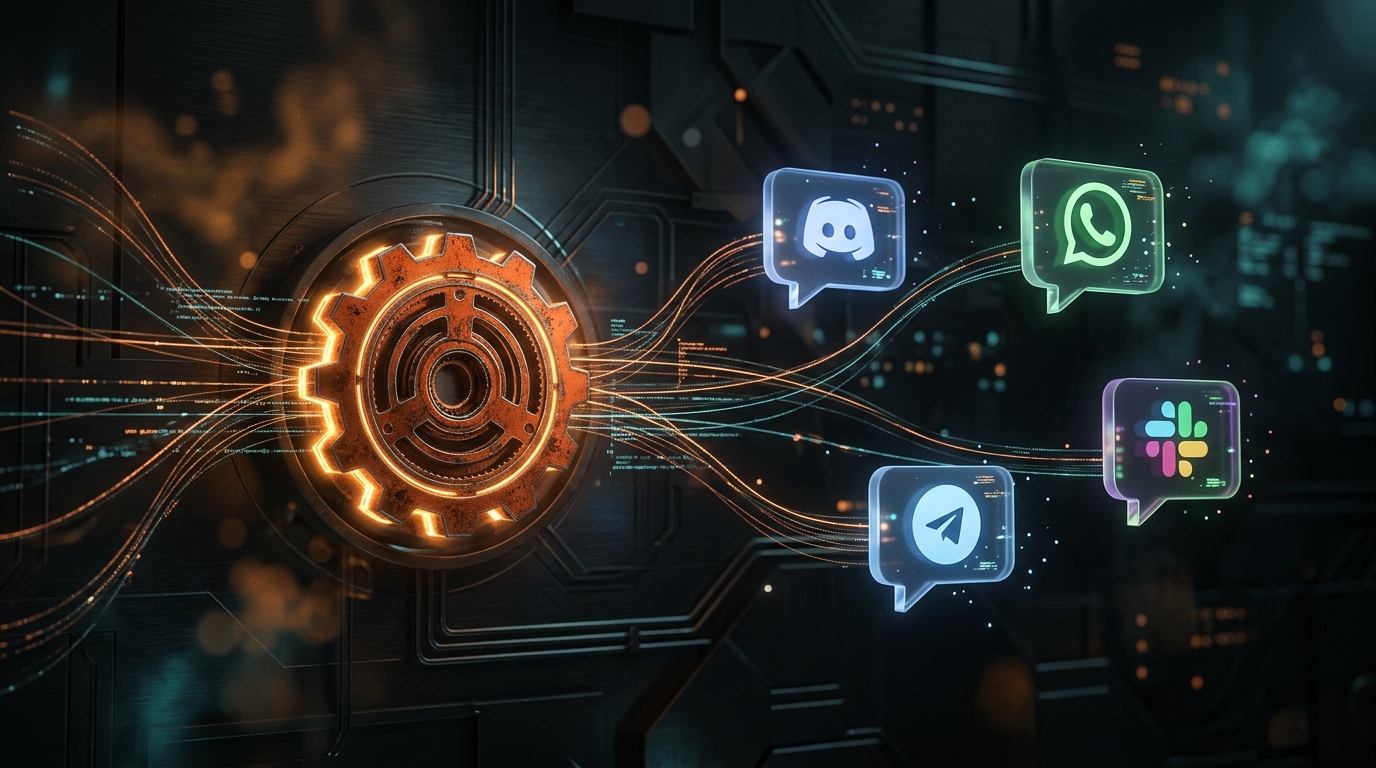
NanoClaw supports the major messaging channels out of the box: WhatsApp (built-in, no additional setup), Telegram (install via /add-telegram skill), Slack (via /add-slack), Discord (via /add-discord), and Gmail (via /add-gmail). The "channels as skills" approach is deliberate — you only install what you actually use. No background processes for unused integrations.
🔬 AI Performance Analysis
🦾 Ease of Use
Installation is a one-liner curl pipe, with the setup script handling container runtime detection automatically. Estimated time: 5 minutes with Docker, 15 minutes from scratch. Channels (WhatsApp, Telegram, Slack, Discord, Gmail) are installed as individual skills — only what you use. The CLI-only interface is straightforward for developers but intimidating for non-technical users. Configuration is via YAML config files rather than a web dashboard.
⚙️ Features
NanoClaw's entire src/ directory is ~3,900 lines of TypeScript across ~15 source files. You can read the whole thing in an afternoon. Compare to OpenClaw's ~434,000 lines across 3,680 files with 70+ dependencies. This auditability is NanoClaw's killer feature — it solves the trust problem by making the code verifiable for any developer. Container isolation provides real OS boundaries. The OneCLI Agent Vault keeps credentials from ever reaching the agent. Channels as skills means no background processes for unused integrations.
🚀 Performance
Every agent group runs in its own isolated container (Docker on Linux, MicroVM via Docker Sandboxes for higher isolation, Apple Container on macOS). The container only sees explicitly mounted paths. A compromised agent can trash its own container but cannot touch host files, SSH keys, or running services. The OneCLI Agent Vault enforces per-agent rate limits and access policies at request time. The Claude SDK dependency means all LLM inference is handled by Anthropic's infrastructure — no local model overhead.
📚 Documentation
NanoClaw's codebase IS the documentation — ~3,900 lines of TypeScript across ~15 source files, readable in an afternoon. The architecture is documented in the README with clear comparisons to OpenClaw. The container isolation, OneCLI Agent Vault, and channels-as-skills approaches are each documented with specific examples. The "fits in your head" philosophy means the documentation is proportional to the codebase — you don't need separate docs for something you can read directly.
🎯 Support
NanoClaw makes intentional tradeoffs: no built-in plugin marketplace, no multi-user team features, no web UI dashboard, fewer integrations than OpenClaw, no scheduled jobs, and no NVIDIA hardware acceleration. The Claude SDK dependency locks you into Anthropic's ecosystem and pricing. These aren't bugs — they're design decisions — but they mean NanoClaw isn't a drop-in replacement for everyone. For security-conscious single users in the Claude ecosystem, the tradeoffs are worth it. For teams or multi-provider users, the limitations are restrictive.
🎯 Ideal Use Cases
✅ Best For
|
❌ Not Ideal For
|
NanoClaw itself is free (MIT license). The real cost is the Claude Agent SDK, which requires a Claude API key or Claude Code subscription. Docker is free (Docker Desktop or Engine). Docker Sandboxes MicroVM isolation requires a paid Docker subscription for higher isolation levels.
Quick start: curl -fsSL https://nanoclaw.dev/install.sh | bash → nanoclaw init → nanoclaw add-telegram → nanoclaw run. The setup script handles container runtime detection (Docker vs. native Apple Container on macOS) and configures the Vault automatically. Estimated time: 5 minutes with Docker, 15 minutes from scratch.
| ❓ FAQ | |
|---|---|
| What is NanoClaw? | NanoClaw is a security-first fork of OpenClaw that runs every agent in its own isolated container. It has ~3,900 lines of code (vs OpenClaw's ~434,000), minimal dependencies (<10), and is built on Anthropic's Claude Agent SDK. It launched January 31, 2026 under MIT license and grew to 20,000 stars and 100,000 downloads by mid-March. |
| How much does NanoClaw cost? | NanoClaw itself is free (MIT license). The ongoing cost is the Claude Agent SDK, which requires a Claude API key or Claude Code subscription. Docker is free (Docker Desktop or Engine). Docker Sandboxes MicroVM isolation requires a paid Docker subscription. |
| Does NanoClaw require Docker? | Docker is recommended but not strictly required. On macOS, NanoClaw can use Apple's native Container API instead. On Linux, Docker is the primary runtime. The setup script detects which container runtime is available and configures accordingly. |
| How does NanoClaw compare to OpenClaw? | OpenClaw has ~434,000 lines of code, 70+ dependencies, 30 config files, and app-level security checks. NanoClaw has ~3,900 lines, <10 dependencies, 5 config files, and real container isolation. OpenClaw has a massive plugin ecosystem (5,700+ skills). NanoClaw has fewer integrations but every line is auditable. |
| How does NanoClaw compare to IronClaw? | Both prioritize security but take different approaches. NanoClaw reduces the attack surface by minimizing code (~3,900 lines, container isolation). IronClaw adds cryptographic verification (WASM sandboxing, TEE, Rust memory safety). NanoClaw is better if you want to audit the entire codebase yourself. |
| 📖 Related Reads | |
|---|---|
| IronClaw Review | 7.0/10 | Security-hardened Rust agent with WASM sandboxing — the cryptographic approach to agent security vs NanoClaw's minimalist codebase approach. |
| NemoClaw Review | 7.2/10 | NVIDIA's enterprise security layer for OpenClaw — for teams that need policy controls and hardware-enforced isolation. |
| ZeroClaw Review | 7.8/10 | Minimalist 3.4MB Rust agent runtime — a different kind of minimalism focused on portability rather than auditability. |
| TrustClaw Review | 7.0/10 | Hosted AI agent with 1,000+ OAuth integrations — the convenience end of the spectrum vs NanoClaw's self-hosted minimalism. |
| 📚 Verification & Citations | |
|---|---|
| NanoClaw GitHub Repository | Primary source for architecture, codebase metrics, and community. Accessed May 2026. |
| NanoClaw Official Website | Product documentation and feature descriptions. Accessed May 2026. |
| Andrej Karpathy | Endorsement of NanoClaw's "fits in your head" codebase. Accessed May 2026. |
| ToolBrain Testing and Analysis | Hands-on evaluation of NanoClaw v1.0.2 on Linux (Docker), May 2026. |
- May 29, 2026: Full v4 canonical restructuring — added performance analysis cards, verdict banner with score table, Get Started card, alternatives grid, and capabilities deep dive section. Fixed broken TL;DR structure and FAQ div nesting. Updated comparison chart score to 7.8.
- May 27, 2026: Initial v4 restructuring: added styled sections.
- May 6, 2026: Initial review published.
Dig deeper: How to Set Up OpenClaw in 2026: The Complete Beginner Guide · OpenClaw review.
What is NanoClaw?
NanoClaw is a security-first fork of OpenClaw that runs every agent in its own isolated container. It has ~3,900 lines of code (vs OpenClaw's ~434,000), minimal dependencies (<10), and is built on Anthropic's Claude Agent SDK. It launched January 31, 2026 under MIT license and grew to 20,000 stars and 100,000 downloads by mid-March.
How much does NanoClaw cost?
NanoClaw itself is free (MIT license). The ongoing cost is the Claude Agent SDK, which requires a Claude API key or Claude Code subscription. Docker is free (Docker Desktop or Engine). Docker Sandboxes MicroVM isolation requires a paid Docker subscription.
Does NanoClaw require Docker?
Docker is recommended but not strictly required. On macOS, NanoClaw can use Apple's native Container API instead. On Linux, Docker is the primary runtime. The setup script detects which container runtime is available and configures accordingly.
How does NanoClaw compare to OpenClaw?
OpenClaw has ~434,000 lines of code, 70+ dependencies, 30 config files, and app-level security checks. NanoClaw has ~3,900 lines, <10 dependencies, 5 config files, and real container isolation. OpenClaw has a massive plugin ecosystem (5,700+ skills). NanoClaw has fewer integrations but every line is auditable. They target different users.
How does NanoClaw compare to IronClaw?
Both prioritize security but take different approaches. NanoClaw reduces the attack surface by minimizing code (~3,900 lines, container isolation). IronClaw adds cryptographic verification (WASM sandboxing, TEE, Rust memory safety). NanoClaw is better if you want to audit the entire codebase yourself. IronClaw is better if you want mathematically verified security guarantees.