The Great GPU Debate: Running LLMs Locally in 2026
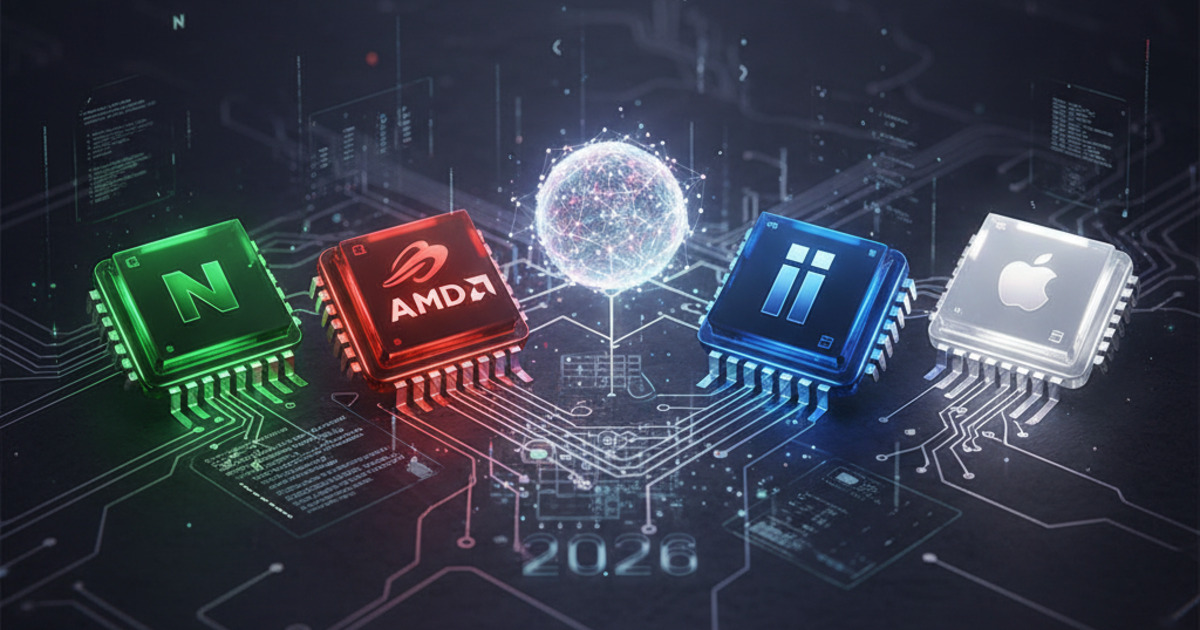
If you've spent any time on r/LocalLLaMA recently, you've seen the heated debates: is NVIDIA still the undisputed king for local LLMs, or have AMD, Intel, and Apple Silicon finally caught up? A recent thread with 355 points and 232 comments laid out the state of play, and the answer is more nuanced than ever.
For a side-by-side view of where these tools land, our comparison database benchmarks the leading AI tools across every category.
Running large language models locally isn't just a hobby anymore — it's a critical workflow for developers, researchers, and privacy-conscious users. The hardware you choose determines not just how fast your models run, but what models you can run at all.
Let's break down the four contenders across the dimensions that actually matter: cost, memory bandwidth, ease of setup, and real-world inference performance.
NVIDIA: The 800-Pound Gorilla (CUDA Ecosystem)
NVIDIA remains the default choice for local LLMs, and for good reason. The CUDA ecosystem is mature, well-documented, and supported by virtually every inference engine — llama.cpp, Ollama, vLLM, ExLlamaV2, and LM Studio all run flawlessly on NVIDIA hardware.
What you get:
- CUDA cores + Tensor Cores for FP16/INT4/INT8 inference acceleration
- Widest model support — GGUF, AWQ, GPTQ, EXL2, all formats work
- Flash Attention, PagedAttention, and every optimization technique lands on CUDA first
- NVLink on RTX 6000 Ada / A-series for multi-GPU setups
The pain points:
- VRAM pricing is brutal — an RTX 4090 with 24 GB costs $1,600+
- Consumer cards cap VRAM at 24 GB (RTX 5090 has 32 GB, but at $2,000+)
- You're locked into NVIDIA's upgrade cycle and proprietary drivers
Memory bandwidth: The RTX 4090 delivers 1,008 GB/s. The RTX 5090 pushes ~1,600 GB/s. These are the highest bandwidths available in consumer hardware, which directly translates to faster prompt processing and token generation.
Inference performance: For 7B-13B parameter models quantized to 4-bit, an RTX 4090 achieves 80-120 tokens/second. For 70B models (4-bit, ~35 GB), you need two RTX 4090s or a single RTX 6000 Ada (48 GB). Prompt processing is 2-5x faster than any competitor thanks to Flash Attention + Tensor Cores.
Ease of setup: 10/10. Install Ollama, download a model, run it. CUDA toolkit is a one-time install on Linux. Everything just works.
AMD: The ROCm Redemption Arc
AMD's ROCm stack has made massive strides in the past year. The RX 7900 XTX (24 GB, ~$900) is the most compelling NVIDIA alternative for local LLMs on paper, offering competitive compute at a significantly lower price.
What you get:
- Excellent price-to-performance ratio — 24 GB for $900 vs $1,600+ for equivalent NVIDIA
- ROCm 6.x significantly improved compatibility with PyTorch and popular inference engines
- HIP — AMD's CUDA compatibility layer — works for most common operations
The pain points:
- ROCm Linux-only (no official Windows support for LLM workloads)
- llama.cpp + ROCm works well now, but vLLM and ExLlamaV2 support is still catching up
- Flash Attention support on AMD is experimental — you lose the 2-5x prompt processing speedup
- Multi-GPU setups are fragile; NVLink has no AMD equivalent
Memory bandwidth: RX 7900 XTX delivers ~960 GB/s — competitive with the RTX 4090. The upcoming RX 9070 XTX is rumored to push 1,100+ GB/s.
Inference performance: In llama.cpp with ROCm, the 7900 XTX achieves ~70-100 tokens/second for 7B models — within 10-15% of the RTX 4090. For 70B models, the gap widens to 20-30% due to the lack of optimized attention kernels.
Ease of setup: 6/10. Linux users will find the experience tolerable after following a setup guide. Windows users should look elsewhere — the HIP SDK for Windows lags behind, and most tools assume you're on Linux.
Intel Arc: The Dark Horse
Intel's Arc Alchemist (A770 16 GB, ~$350) and the upcoming Battlemage series offer surprising value for local LLMs — if you're willing to tinker.
What you get:
- Unbeatable price — 16 GB of VRAM for $350 (A770)
- Intel Extension for PyTorch (IPEX) provides decent PyTorch performance
- Battlemage (B770) expected late 2026 with 24 GB and improved XMX (Xe Matrix eXtension) engines
The pain points:
- llama.cpp SYCL backend is functional but 30-50% slower than CUDA
- Limited model format support — mostly GGUF via llama.cpp
- Driver issues persist, especially on older Linux kernels
- Community tooling is sparse — fewer guides, fewer workarounds
- 16 GB VRAM on current hardware limits you to 13B-30B models (4-bit)
Memory bandwidth: A770 delivers ~560 GB/s — about half the RTX 4090. This is the primary bottleneck for inference speed.
Inference performance: For 7B models on an A770 via llama.cpp, expect 40-55 tokens/second — usable but unremarkable. For 13B models, it drops to 20-30 tokens/second. Intel is not competitive for larger models until Battlemage arrives.
Ease of setup: 4/10. Requires patience. The SYCL backend needs specific driver versions, and you'll likely spend an afternoon getting everything working. Community guides on r/LocalLLaMA are your best resource.
Apple Silicon: The Efficiency Champion
Apple's M-series chips (M2 Ultra, M3 Max, M4 Ultra) offer a unique value proposition: unified memory architecture that pools system RAM as GPU memory. An M2 Ultra with 192 GB of unified memory can run a 70B model at 8-bit quantization entirely in memory — something no consumer NVIDIA card can do.
What you get:
- Unified memory — buy more RAM, get more "VRAM"
- Up to 192 GB on M2 Ultra, 512 GB on M4 Ultra (projected)
- Metal Performance Shaders (MPS) backend is well-optimized in llama.cpp and MLX
- Excellent energy efficiency — an M3 Max draws ~40W under load vs 450W for an RTX 4090
- Apple's MLX framework provides native Apple Silicon optimization for LLM inference
The pain points:
- Memory bandwidth is the bottleneck — M2 Ultra caps at 800 GB/s (vs 1,000+ GB/s for high-end GPUs)
- Price premium — a maxed-out Mac Studio with 192 GB costs $8,000+
- No Flash Attention support — you lose 2-5x prompt processing speedup
- CUDA-dependent tools (vLLM, ExLlamaV2) simply don't work
Memory bandwidth: M2 Ultra: 800 GB/s. M3 Max: 400 GB/s. M4 Ultra (projected): 1,200+ GB/s. The bandwidth bottleneck means prompt processing is slower than NVIDIA, but token generation is competitive for smaller models.
Inference performance: For 7B models on an M3 Max, expect 50-70 tokens/second. For 70B models on an M2 Ultra with 192 GB, you get 10-15 tokens/second — usable, not fast. The killer feature is the ability to run models that simply won't fit on consumer NVIDIA cards.
Ease of setup: 8/10. Ollama works flawlessly. MLX is Apple-native and well-documented. llama.cpp + Metal backend is one command. If you're in the Apple ecosystem, it's the smoothest experience outside of NVIDIA.
Cost Comparison
Here's how the options stack up for running a 70B parameter model at 4-bit quantization (~35 GB required):
- NVIDIA RTX 4090 (24 GB): Can't run it on a single card. Two 4090s: $3,200+. Or RTX 6000 Ada (48 GB): $6,800.
- AMD 7900 XTX (24 GB): Also needs two cards: $1,800. Or wait for 32 GB+ cards expected late 2026.
- Intel Arc A770 (16 GB): Can't run 70B. Need 3-4 cards: ~$1,050-$1,400 (if multi-GPU works with your motherboard).
- Apple M2 Ultra (192 GB): $8,000 Mac Studio — runs everything up to 120B models. One machine, no multi-GPU complexity.
For smaller 7B-13B models (8-16 GB required):
- NVIDIA RTX 4060 Ti 16 GB: $500 — excellent value
- AMD RX 7600 XT 16 GB: $330 — great budget option
- Intel Arc A770 16 GB: $350 — usable if you have patience
- Apple M4 Pro (24 GB unified): $2,000+ Mac Mini/Pro — efficient but expensive
Verdict: Who Should Buy What?
Stick with NVIDIA if: You want zero friction, maximum performance, and are willing to pay the premium. CUDA's ecosystem advantage still matters — Flash Attention alone gives you 2-5x faster prompt processing than any competitor. For production workloads or serious research, NVIDIA remains the pragmatic choice.
Switch to AMD if: You're on Linux, price-sensitive, and comfortable with some tinkering. The 7900 XTX at $900 with 24 GB is the best value for mid-range LLM work. ROCm is finally good enough for daily use.
Consider Intel if: You're on a strict budget, only need 7B-13B models, and enjoy debugging. Battlemage could change the equation if Intel delivers on its 24 GB + competitive bandwidth promises.
Go Apple if: You need to run large models (30B-120B) without spending $6,000+ on multi-GPU NVIDIA setups. The unified memory is a game-changer for capacity, even if bandwidth limits raw speed. If your workflow prioritizes "can I run this model at all" over "how fast can I run it," Apple Silicon is unbeatable.
The LLM hardware landscape is more competitive than it's ever been. NVIDIA's stranglehold is loosening — not because competitors are faster, but because they offer different trade-offs that matter for different users. In 2026, the best hardware for local LLMs depends on what you're running, how much you want to spend, and how much tinkering you're willing to tolerate.
For the latest community benchmarks, visit r/LocalLLaMA on Reddit and the llama.cpp GitHub repository. Performance data sourced from MLX community benchmarks and the GPU comparison wiki.
📖 Related Reads
- ToolBrain — tool reviews, LLM comparisons, and AI workflow guides
- CodeIntel Log — code quality, debugging, and software engineering benchmarks
Cross-links automatically generated from ToolBrain.
Dig deeper: Llama 4 Maverick review · Ollama review.
Back to all posts