Otter.ai Review 2026 — The AI Meeting Assistant That Transcribes, Summarizes, and Remembers
Overview
Meetings are where decisions happen — and where details go to die. Whether you’re a product manager juggling three standups a day, a sales rep running back-to-back discovery calls, or a researcher conducting interviews, the challenge is the same: how do you stay present in the conversation while also capturing everything that matters?
For context on where Otter.ai sits in the wider landscape, our comparison database benchmarks it side by side with every major AI Meeting Assistant tool.
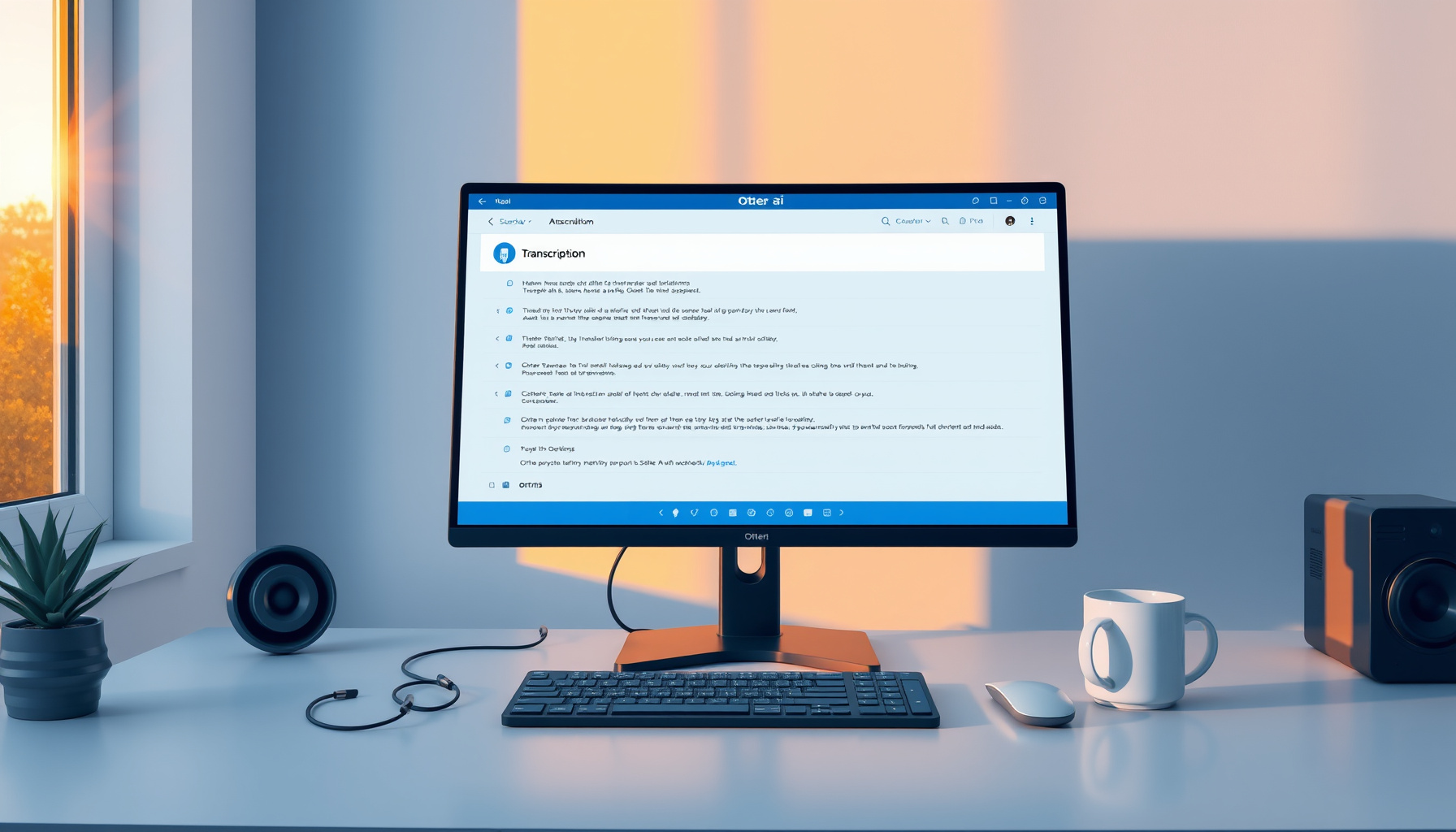
Otter.ai is an AI-powered meeting assistant designed to solve exactly that problem. It records, transcribes, and summarizes meetings in real time, then generates searchable notes complete with speaker identification, action items, and shareable highlights. The platform works across major conferencing tools — Zoom, Google Meet, and Microsoft Teams — through dedicated meeting bots that join your calls automatically and begin transcribing without any manual setup.
Otter.ai is best suited for professionals and teams who spend a significant portion of their week in meetings and need reliable, searchable records of those conversations. Sales teams use it to log call notes directly into CRMs. Product teams rely on it to extract action items from sprint planning. Students and journalists use it to transcribe lectures and interviews. If your work involves spoken English and you need a written record, Otter.ai is built for you.
The tool is particularly valuable when you want to stop taking frantic notes and start actually listening. Its real-time transcription means you can follow along on-screen during a call, and its post-meeting summaries mean you never have to replay a recording to find that one thing someone said twenty minutes in. For hybrid and remote teams, Otter.ai functions as a shared memory layer — a place where anyone who attended (or didn’t attend) a meeting can catch up quickly.
🚀 Try Otter.ai Free 💰 View Pricing
Key Features
Real-Time Transcription
Otter.ai’s core capability is live transcription. As participants speak, Otter renders text on-screen with minimal latency, assigning each statement to a labeled speaker. This is useful not just for note-taking but for accessibility — participants who are deaf or hard of hearing can follow along in real time. You can also highlight text during the transcription to mark important moments, and those highlights are preserved in the post-meeting notes.
Automated Summaries and Action Items
After a meeting concludes, Otter generates an AI-powered summary that distills the conversation into a digestible overview. This includes key topics discussed, decisions made, and — crucially — automatically extracted action items assigned to specific participants. For busy professionals, this eliminates the post-meeting scramble of “who’s doing what?” The action items can be reviewed, edited, and shared, making post-meeting follow-up significantly more efficient.
Meeting Bots (OtterPilot)
Otter’s meeting bot, branded as OtterPilot, automatically joins scheduled meetings on Zoom, Google Meet, and Microsoft Teams. Once connected to your calendar, OtterPilot detects upcoming meetings, enters the call, and begins transcribing — no manual intervention required. This “set it and forget it” approach is one of Otter.ai’s strongest differentiators. You can configure which calendars Otter monitors, and you can disable auto-join for specific meetings if needed. The bot appears as a participant in the call, which some users appreciate for transparency and others find slightly awkward.
AI Chat with Meeting Notes
One of Otter’s more recent additions is an AI chat interface that lets you ask questions about your meeting transcripts conversationally. You can ask things like “What did the client say about the pricing proposal?” or “Summarize the action items from last Tuesday’s standup,” and Otter will pull relevant excerpts and synthesize answers. This transforms a static transcript into an interactive knowledge base, and it’s especially powerful for teams with deep meeting archives.
Speaker Identification
Otter identifies and labels individual speakers throughout the transcript. Over time, it learns to recognize recurring participants, improving labeling accuracy with repeated use. You can also manually assign speakers post-meeting. This feature is essential for any transcript where attribution matters — sales calls, interviews, and multi-stakeholder discussions all benefit from knowing exactly who said what.
Search
Otter’s search functionality lets you query across all transcripts using keywords, phrases, or speaker names. Results are returned with timestamps and context, so you can jump directly to the relevant moment in the conversation. For teams that accumulate hundreds of meeting transcripts, this search capability transforms Otter from a note-taking tool into a lightweight knowledge management system.
Integrations
Otter.ai connects with a growing ecosystem of workplace tools. The Slack integration posts meeting summaries directly to channels, keeping remote teams in the loop. Sales-focused integrations with Salesforce and HubSpot allow call notes and action items to flow automatically into CRM records, reducing manual data entry and ensuring that conversation insights are captured where deals are managed. Otter also integrates with calendar apps and supports sharing via direct links, PDF exports, and copy-to-clipboard functionality.
Pricing
Otter.ai offers four pricing tiers:
- Basic — Free: 300 min/mo, 30-min conversation limit, 3 lifetime file imports
- Pro — $16.99/mo monthly / $8.33/mo annual: 1,200 min/mo, unlimited imports, advanced search, export
- Business — $30/user/mo monthly / $19.99/user/mo annual: 6,000 min/user/mo, OtterPilot auto-join, admin controls
- Enterprise — Custom pricing: SSO, compliance, dedicated support, API access
An important note: Otter.ai reduced the Pro tier from 6,000 minutes to 1,200 minutes in 2026 — a significant downgrade that has frustrated many existing users, pushing heavier users toward the more expensive Business plan.
Performance and Accuracy
Otter.ai consistently delivers around 95% transcription accuracy on clear, single-speaker English audio. In controlled conditions, the output is remarkably clean. However, Otter.ai transcribes English only — no multilingual support. Accent handling is another area where performance degrades — heavy regional accents and background noise can drop accuracy below 90%.
Alternatives
The AI meeting assistant space is crowded. Fathom offers unlimited transcription for free with strong AI summaries. Fireflies.ai differentiates with multilingual transcription and conversation intelligence metrics. Granola is a desktop-native app that transcribes locally without a meeting bot.
Verdict
Otter.ai remains one of the most polished meeting assistants, but its position is no longer unassailable. The Pro plan minute reduction is troubling, the English-only limitation feels increasingly out of step, and competitors are closing the gap.
Score: 7.5/10
| Overall Score | 7.5/10 |
|---|
📊 See how Otter.ai compares → AI Meeting Assistant Comparisons
Sources
- Otter.ai Official Website — Product features and sign-up. Accessed July 2026.
- Otter.ai Pricing — Plan details and billing. Accessed July 2026.
- Otter.ai Help Center — Documentation and guides. Accessed July 2026.
Dig deeper: Fireflies.ai review · Granola Review 2026: The Bot.
References
[1] Fathom [2] Fireflies.ai [3] Granola
📖 Related Reads
- ToolBrain — tool reviews, LLM comparisons, and AI workflow guides
Cross-links automatically generated from None.
Back to all posts