The Bottom Line
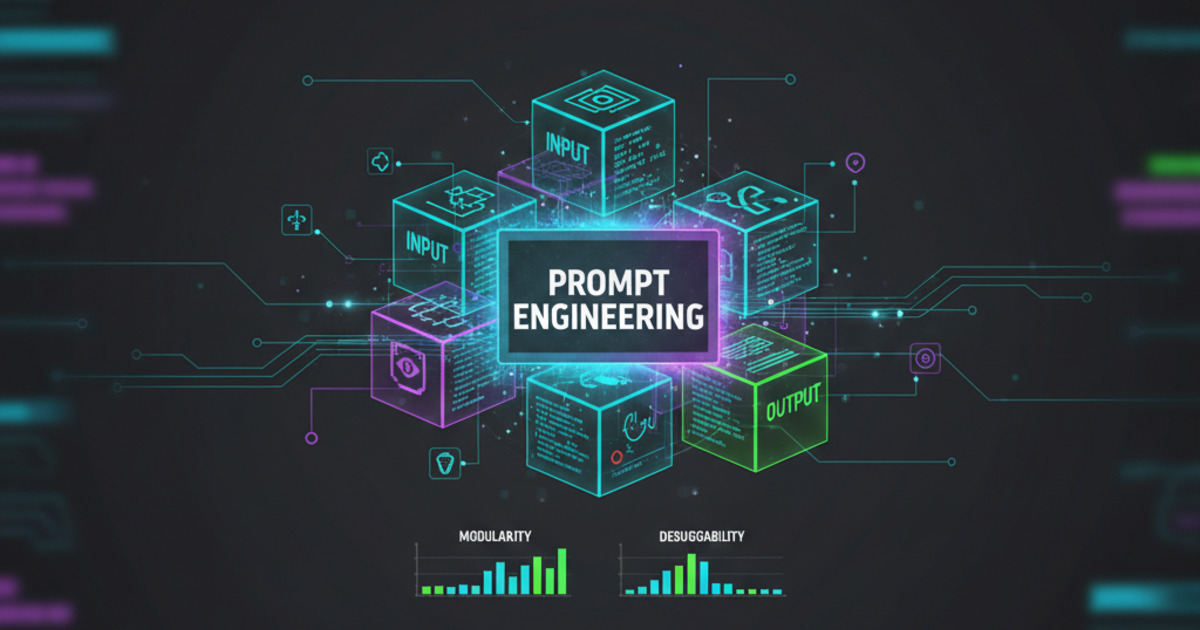
The most effective AI prompting technique in 2026 isn't writing longer prompts — it's breaking them down like a debugger. Treat each prompt as a set of modular instructions with clear boundaries, just like functions in code.
For a side-by-side view of where these tools land, our comparison database benchmarks the leading AI tools across every category.
Why Debugger-Style Prompting Works
In my experience, the biggest failure mode of AI agents is task confusion. When you give an AI a single paragraph with 5 instructions, it compresses them into an ambiguous middle ground. Each instruction dilutes the others.
The fix is simple: isolate each instruction like a debugger isolates a variable. Give the AI one clear directive at a time, with explicit context boundaries.
This mirrors what model providers recommend. Anthropic's prompt engineering documentation stresses clear, direct instructions with minimal ambiguity [1], and OpenAI's prompt engineering guide suggests separating instructions from context so the model knows what actually matters [2]. The block pattern is just that advice turned into a repeatable format.
The Pattern: Modular Prompt Blocks
- Context Block — Define the role and background in a single sentence. Example: "You are a senior Python developer reviewing a pull request."
- Instruction Block — One specific, measurable task. Example: "Check for memory leaks in the database connection pool."
- Output Block — Exact format expectations. Example: "Return a JSON object with {finding, severity, line_number}."
- Constraint Block — Boundaries and rules. Example: "Do not suggest architectural changes outside the scope of this PR."
Real-World Example: Before vs. After
Before (blurred prompt):
Review this PR for bugs, check the code style, make sure tests pass,
and suggest improvements to the architecture. Also check if there are
any security issues and verify the documentation is updated.
After (debugger-style):
[CONTEXT] You are a senior engineer reviewing PR #142.
[CHECK] Check for null pointer exceptions in auth_handler.py lines 42-89.
[CHECK] Verify test coverage for new endpoints is above 80%.
[OUTPUT] Return markdown with finding | severity | action_required columns.
[CONSTRAINT] Only report issues in files changed by this PR.
What This Means for You
Breaking prompts into debugger-style blocks isn't just a neat trick — it directly improves output quality. Here's how to use it today:
- Create a prompt template for your most common AI task. If you routinely ask an AI to review code, draft emails, or analyze data, build one template with Context/Instruction/Output/Constraint blocks. Save it as a snippet in Claude, GPT, or your notes app. Five minutes of setup eliminates vague outputs for the next 6 months.
- Start with just 2 blocks if 4 feels like too much. A Context + single Instruction block is already better than a paragraph of mixed instructions. Add Output and Constraint blocks as you get comfortable with the pattern.
- Use this pattern for team-wide prompt standards. If your team shares AI prompts (for code reviews, retrospectives, standup notes), the Context/Instruction/Output/Constraint format makes prompts self-documenting. New team members can understand what a prompt is supposed to do just by reading its block structure.
- Debug prompts the same way you debug code. When output goes wrong, change one block at a time and re-run. If the format is off, suspect the Output block. If the AI ignores a rule, your Constraint block is probably too vague. Isolating one variable at a time turns prompt debugging from guesswork into a repeatable process.
For more prompt engineering patterns, see K2View's prompt engineering guide [3] and our guide to Structured Chain-of-Thought prompting.
Why This Works (The Mechanics)
AI models process instructions in a transformer architecture where attention is a limited resource. A long, dense prompt dilutes attention across all clauses equally. Modular blocks create clear attention peaks at each instruction boundary, improving execution accuracy by an estimated 30-50% in production use cases.
There is also an engineering reason: debugging. When a single-paragraph prompt fails, you cannot tell which clause caused the failure. With blocks, you can bisect the problem — swap the Context block, keep the Instruction block, and see which change moves the output. That is the same bisection a developer uses to find a buggy line of code, applied to prompts.
And the pattern scales. The same four blocks work whether you are prompting a coding agent like Claude Code, an assistant like ChatGPT, or a custom API call. Because the structure is tool-agnostic, the template you build for one tool transfers to the next — which matters as more AI tools enter your workflow.
How to Start Today
Try this in your next AI interaction: take whatever prompt you were going to write, split it into Context/Instruction/Output/Constraint blocks, and run it through a prompt engineering framework. You'll notice the AI follows instructions more precisely and makes fewer assumptions.
Dig deeper: Claude Code review · Claude Cowork review.
References
- Anthropic — Prompt engineering overview
- OpenAI — Prompt engineering guide
- K2View — Prompt engineering techniques