Warp Review 2026
TL;DR
- Warp has evolved from a smart terminal emulator into a full Agentic Development Environment (ADE) — open-source Rust client, GPU-accelerated rendering, block-based UI, and deeply integrated AI agents including Agent Mode with codebase indexing, MCP server support, and Oz cloud orchestration.
- Fast, gorgeous, and genuinely intelligent. Agent Mode with parallel multi-agent tabs, codebase-aware planning, and diff review is unmatched. Available on macOS, Linux, and Windows.
- Free tier is limited (60 AI credits/month after trial). Real agentic work needs the $20/month Build plan. Cloud dependency and code-transmission privacy are concerns for offline/regulated environments.
What Is Warp? (2026 Edition)
Warp started life as a "modern terminal" — a Rust-based, GPU-accelerated terminal emulator that promised faster rendering, smarter UX, and AI-assisted command writing. In 2026, it has transformed into something far more ambitious: an Agentic Development Environment (ADE) that sits at the intersection of terminal, IDE, and AI agent orchestration platform.
For context on where Warp sits in the wider landscape, our comparison database benchmarks it side by side with every major Terminal tool.
The terminal is still there, and it's excellent. But the center of gravity has shifted to Warp's agentic capabilities: natural language command generation, multi-step Agent Mode with planning and diff review, cloud-based Oz agents that react to webhooks and CI events, and deep codebase indexing that gives AI real project context. Warp now orchestrates Claude Code, OpenAI Codex, and its own Warp Agent side by side, in parallel tabs, with shared context.
📊 Quick Specs
Key Features
🤖 Agent Mode (The Flagship Feature)
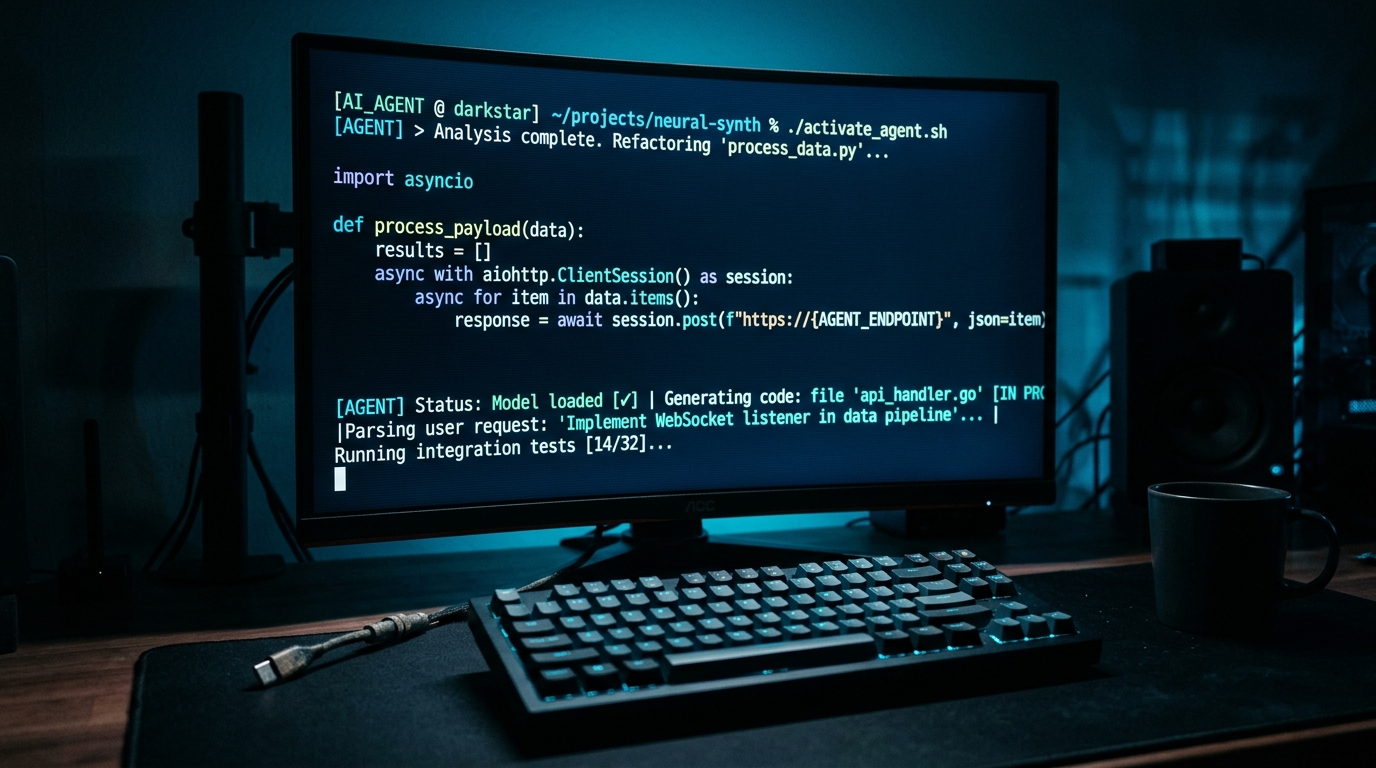
Agent Mode is what elevates Warp above every other terminal. Toggle from Terminal mode to Agent mode and you enter a workspace where an LLM-powered agent plans and executes multi-step tasks. It breaks complex prompts into structured, editable plans with checkpoints. You can approve or reject each step, leave inline comments on proposed diffs, and iterate. The agent has full PTY-level access — it can interact with database shells, debuggers, long-running servers, and respond to prompts within the same session.
Multiple agents can run simultaneously in separate tabs. One agent builds a feature while another debugs a production issue. Warp handles the orchestration.
🧠 Smart Autocomplete (Active AI)
Warp's AI suggests commands as you type, but it goes beyond simple history matching. It learns from your shell history, exit codes, current branch, and project context. If a command fails, Warp can suggest a fix automatically. It's proactive without being intrusive — more "copilot for the terminal" than "clippy."
🗣️ Natural Language → Commands
Type "find all large log files in /var and compress them" and Warp translates your intent into the appropriate shell pipeline. This works with grep, sed, awk, Docker, kubectl, git — essentially anything you'd do in a terminal. You can also ask Warp to explain complex commands you've run or encountered, breaking down flags, pipes, and arguments.
☁️ Warp Drive & Notebooks
Warp Drive is a shared knowledge repository for your team. Save commands, workflows, notebooks (executable documents that mix markdown and shell commands), and AI prompts that the whole team can search and reuse. Warp's AI has semantic access to Drive, so it can find the right deployment script or debugging workflow without you remembering where it's stored. Notebooks are particularly powerful for onboarding, runbooks, and repeatable investigations.
🔗 IDE Integration & VS Code Themes
Warp supports VS Code themes natively — import your favorite color schemes for a consistent visual experience. While Warp isn't an IDE, it integrates with your editor workflow: open files in VS Code from Warp, use the built-in lightweight code editor for quick tweaks, and view diffs inline. The agent can read your codebase, propose changes, and present them as editable diffs you can accept or reject.
⚡ GPU-Accelerated Rendering
Warp's custom Rust engine renders at 60fps even when tailing 10,000 lines/second of build logs or Docker output. It uses Vulkan (preferred) or OpenGL 3.3+ on Linux, Metal on macOS, and DirectX on Windows. Terminal lag is gone — scrolling through gigabytes of logs feels instant.
🧩 MCP Server Support & Extensibility
Warp supports the Model Context Protocol (MCP), allowing agents to connect to external tools: Linear for issues, Sentry for errors, Postgres for queries, internal documentation. This transforms Warp from a terminal into a hub where AI can act across your entire development stack.
🌐 Oz Cloud Agents
Oz is Warp's cloud orchestrator. Launch agents that run in the cloud, triggered by webhooks, schedules, Slack messages, or CI events. An agent can automatically triage a failed CI build, investigate logs, and open a PR with a fix — all without anyone at a keyboard.
✅ What It Does Best
- Terminal performance: GPU-accelerated Rust engine is silky smooth, even with massive log output. Beats iTerm2, Alacritty, and Kitty on raw rendering.
- AI that understands context: Warp's agents have codebase-level awareness via embeddings indexing. They know your project structure, dependencies, and history.
- Parallel agents: Running multiple agents side-by-side in tabs is genuinely useful for complex workflows. No other terminal or IDE does this well.
- Natural language interface: The NL-to-command translation is accurate and handles complex pipelines. Best "just type what you want" terminal experience available.
- Block-based UI: Commands and outputs grouped into blocks with stable IDs, permalinks, and one-click copy is vastly better than infinite scroll.
- Cross-platform (finally): As of late 2024/early 2025, Warp supports Windows with native ARM64. The macOS-only limitation is history.
❌ Where It Falls Short
- Pricing friction: Free tier (60 credits/month after trial) is essentially a demo. Build at $20/month is reasonable but adds up for teams.
- Cloud dependency: Agent Mode, AI suggestions, codebase indexing, and Oz all require Warp's cloud backend. Terminal works offline, but the intelligence doesn't.
- Privacy concerns: Codebase indexing sends source code to Warp's servers for embedding generation. Organizations with strict data sovereignty should review carefully.
- Less customizable: iTerm2, Alacritty, Kitty offer finer control. Warp trades some customization for integrated AI.
- Learning curve for agents: Terminal is familiar, but Agent Mode, MCP, Workflows, and Oz take time to master.
- Linux/Windows polish: macOS remains the most polished experience. Linux and Windows occasionally lag in edge-case polish.
💰 Pricing & Cost Analysis
- ✅ 1,500 AI credits/month
- ✅ Full Agent Mode access
- ✅ Codebase indexing & MCP servers
- ✅ Oz cloud orchestration
Free tier: 150 credits/mo for 2 months, then 60/mo. BYOK available to bypass credits. Max plan at $180/mo (18,000 credits).
🎯 Who Should Use Warp
✅ Ideal for: Full-stack and backend developers who live in the terminal and want AI that understands their codebase. DevOps engineers and SREs managing complex infrastructure with kubectl, Docker, Terraform, and CI pipelines. Teams that want shared, AI-searchable command knowledge (Warp Drive + Notebooks). Anyone running AI CLI tools (Claude Code, Codex, Gemini CLI) who wants parallel agent orchestration. Developers who value 60fps rendering and a beautiful, modern terminal experience.
❌ Not ideal for: Users who need a purely offline terminal with no cloud features. Minimalists who want a stripped-down terminal (try Alacritty or Kitty instead). Organizations with strict policies against code being processed on external servers. Casual terminal users who only run a few commands a day.
📋 Score Breakdown
| Overall Score | 8.3/10 |Verdict
Warp is the most innovative terminal-adjacent tool of 2026. It has successfully evolved from a "better terminal" into an agentic development platform that genuinely changes how you work. The GPU-accelerated rendering alone is a compelling upgrade over any CPU-bound terminal, and the AI layer — specifically Agent Mode with codebase-aware planning and diff review — is a legitimate productivity multiplier. The open-sourcing of the client in April 2026 was a major positive signal for transparency and community trust.
However, the cloud dependency and credit-based pricing mean Warp is not for everyone. If you need an offline terminal, want full customization control, or balk at another subscription, Warp's tradeoffs won't work for you. And the free tier is frustratingly limited — it's a taste, not a diet.
But for the developer who lives in the terminal, manages complex infrastructure, and wants AI that understands their entire project context — not just the last command they typed — Warp is unmatched. It's expensive for what a terminal "should" cost, but the value it delivers across performance, intelligence, and workflow integration justifies the price for its target audience.
ToolBrain Verdict: Buy / Deploy (for terminal-intensive developers).
❓ FAQ
Is Warp still only for macOS?
No. Warp launched macOS-only in 2020 but expanded to Linux in 2024 and Windows (native x64 & ARM64) in early 2025. All three platforms are fully supported in 2026.
Is Warp open source?
The Warp client was open-sourced in April 2026 under dual MIT/AGPL v3 license. The AI backend services, Oz cloud agent platform, and Warp Drive remain proprietary.
Can I use Warp without an account?
A free Warp account is required on first launch. The terminal works offline for basic use, but AI features, Warp Drive, and cloud agents require authentication and internet access.
How do Warp AI credits work?
Each AI interaction consumes credits. Free tier: 150 credits/month for first 2 months, then 60/month. Build plan: 1,500 credits/month. You can purchase Reload Credits or bring your own API key (BYOK) for OpenAI, Anthropic, or Google to bypass the credit system.
Can Warp replace VS Code / Cursor?
Not entirely. Warp includes a lightweight code editor and diff viewer, but it's not a full IDE. Think of it as a terminal-first ADE that complements your editor. Many developers use both.
Does Warp support tmux/screen multiplexing?
Warp has built-in tab, split pane, and window management. It doesn't use tmux internally, but you can run tmux inside Warp if needed.
What models power Warp's AI?
Warp supports OpenAI (GPT-4o, GPT-5), Anthropic (Claude 4.5, Claude 3.5 Sonnet), Google (Gemini 2.5 Pro), and open models (Kimi, MiniMax, Qwen). With BYOK, you use your own API keys.
Is my code safe with Warp?
For Agent Mode and codebase indexing, source code is transmitted to Warp's servers to generate embeddings. Warp states raw source code is not stored — only embeddings are retained. Business and Enterprise plans include mandatory Zero Data Retention (ZDR).
📖 Related Reads
🔗 Bolt.new Review — 8.3/10 — AI full-stack coding
🔗 v0 by Vercel Review — 8.0/10 — AI UI generation
🔗 Replit Agent Review — 8.1/10 — AI coding agents
🔗 GitHub Copilot Review — Industry standard AI coding assistant
| Review | Summary |
|---|
📚 Citations
- Warp Official Website — Product features, pricing, and documentation
- Warp GitHub Repository — Open-source client code
- Warp Documentation — Agent Mode, MCP, Oz, and Workflows guides
- Warp Blog — Product updates, open-source announcement, and feature deep-dives
- ToolBrain — Bolt.new Review — Competitive analysis comparison
📝 Change Log
- May 28, 2026 — v4 template upgrade: Added TL;DR, Quick Specs (tb-quick-specs), Pricing card (tb-pricing-recommended), 8-dimension Score Breakdown with emoji labels, Related Reads, Citations, and Change Log. Wrapped Pros/Cons in tb-pros-cons, Verdict in tb-verdict. Converted FAQ to collapsible format. Removed duplicate Quick Links section.
- Original — Initial published review with feature deep-dive, specs table, and competitive comparison.
Dig deeper: DeepSeek-TUI review · RTK review.
Back to all posts