If you’re a beginner looking for a way to run several AI coding tasks at once, Claude Code Agent View is not for you yet — here’s why.
Anthropic’s Agent View turns Claude Code into a full-screen terminal dashboard where you can launch, watch, and reply to many parallel Claude Code sessions from one screen. It sounds great. And for experienced users juggling multiple projects, it genuinely is. But for beginners, it’s a quota trap wrapped in a power tool. Let me explain what it does, who it actually helps, and why you might want to wait.
How We Tested
This review is based on official documentation, pricing pages, and published third-party reports — we did not run the tool hands-on. We reviewed the official Agent View announcement, the Agent View documentation, and the Claude Code cost documentation to understand setup, the claude agents workflow, session states, quota behavior, and worktree isolation. We did not verify response quality, real-world quota consumption rates, or terminal performance under load hands-on.
| Overall Score | 7.0/10 | | Ease of Use | 7/10 | | Features | 8/10 | | Performance | 6/10 | | Documentation | 8/10 | | Support | 6/10 |
What It Is
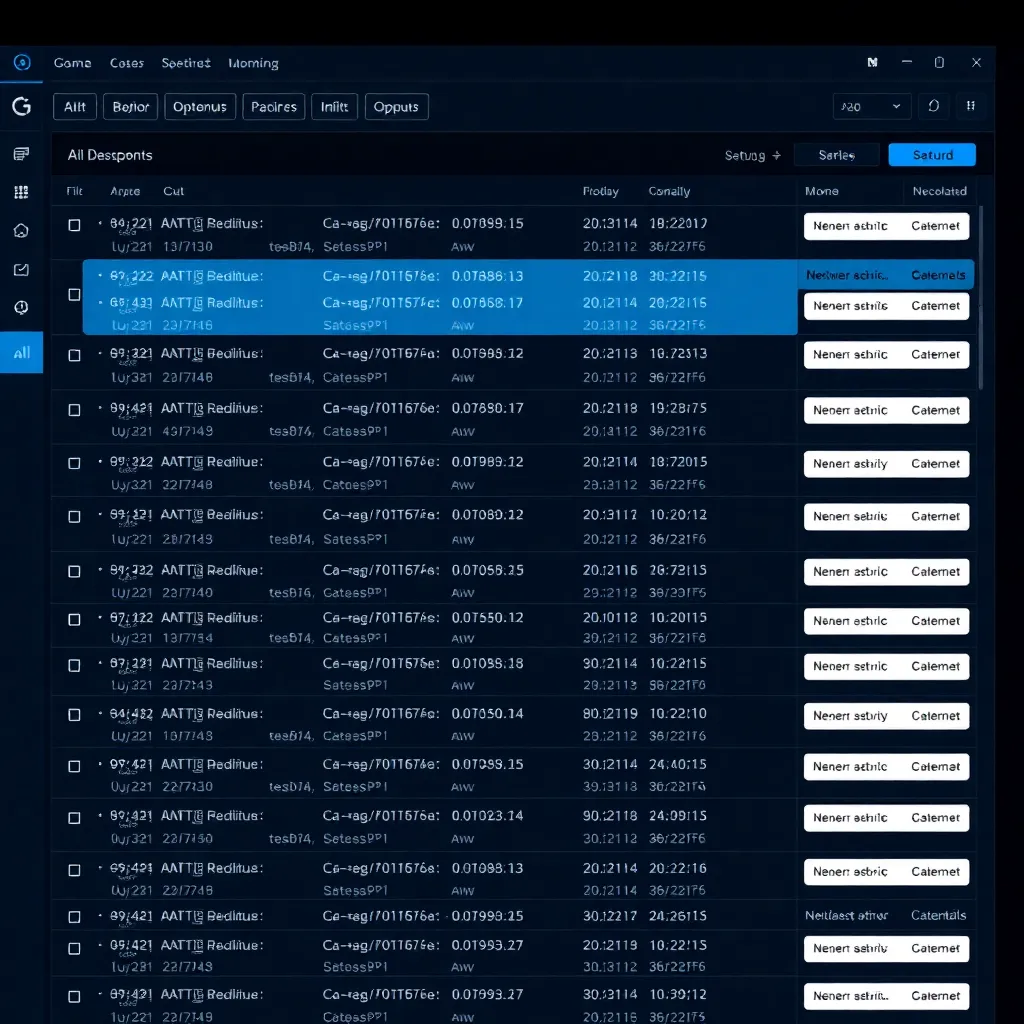
Agent View is a research preview feature inside Claude Code — Anthropic’s terminal-based AI coding agent. It adds a new command, claude agents, that opens a full-screen dashboard in your terminal. From there, you can see every background Claude Code session at once, grouped by state: Needs input, Ready for review, Working, or Completed. You can start new sessions, peek at what’s happening, reply inline, or jump into a full conversation — all without leaving the dashboard.
How It Works
Here’s the workflow in plain terms:
You type claude agents in your terminal. A full-screen dashboard appears. At the bottom is an input box. You type a prompt — say, “Refactor the login component to use TypeScript” — and hit Enter. That starts a brand-new parallel session. While it runs, you can launch another one with a different prompt. Both run side by side.
The dashboard groups sessions by state. “Needs input” means Claude is asking you a question. “Ready for review” means it finished and is waiting for your feedback. “Working” means it’s still going. “Completed” means it’s done.
You can press Space to peek at a session’s latest output — a quick preview without leaving the dashboard. If Claude asks a question, you can reply right there in the peek panel (including by voice dictation, as of recent builds). Or press Enter or the right arrow to attach to that session and take over the full conversation.
You can also background an existing session from anywhere in your terminal with /bg or claude --bg "your prompt". Those sessions keep running even if you close the terminal — a per-user supervisor process manages them behind the scenes.
One important detail: sessions that write files are automatically isolated into separate git worktrees under .claude/worktrees/. This means parallel sessions working on the same project won’t overwrite each other’s files. That’s a real safety feature, not just a convenience.
But here’s the catch — and this is the one that trips up beginners — each background session consumes subscription quota independently, as documented in Anthropic’s cost guide. Running 10 parallel agents burns through your monthly quota roughly 10 times faster than running one interactive session. There’s no discount for parallelism. If you’re on a Pro or Max plan with limited monthly credits, launching a dozen agents and walking away is a fast way to hit your limit.
Agent View is available on Pro, Max, Team, Enterprise, and Claude API plans. Team and Enterprise admins can disable it org-wide via the disableAgentView managed setting, per the official docs.
Who This Is For
This feature is built for developers who already use Claude Code regularly and need to coordinate multiple tasks. Think: a senior engineer running tests on one branch while refactoring on another, or someone iterating on several bug fixes simultaneously. If you’re comfortable in a terminal, manage your own git worktrees, and track your usage closely, Agent View can save you real time.
It’s also useful if you’re building something multi-modal — like a web app and a CLI tool that share code — and you want both agents working in parallel without file conflicts. The worktree isolation handles the messy part for you.
Who This Is Not For
If you’re new to AI coding assistants, this is not your starting point. The dashboard assumes you know how to read terminal output, interpret Claude’s questions, and decide when to step in. The quota math is unforgiving and not well-signaled — you won’t see a warning before you burn through half your monthly credits.
If you’re on a tight budget or a limited plan, and you’re just getting comfortable with basic Claude Code usage, Agent View will cost you more than it saves.
The Quota Caveat (Explained for Beginners)
Let’s spell this out: “quota” is the amount of AI usage your subscription gives you each month. Every time Claude Code runs — whether you’re chatting interactively or it’s running in the background — it counts against that quota. Agent View doesn’t change this. Each parallel session is a separate Claude Code process, so each one burns its own slice of your quota.
Run one agent for 10 minutes? That’s one unit of usage. Run ten agents for 10 minutes? That’s ten units. The speed doesn’t matter — the number of agents does. If you’re on the $20/month Pro plan (billed monthly, per Anthropic’s pricing page) and normally use 20% of your quota per month, launching five agents at once could blow through your entire allocation in a single day.
Anthropic hasn’t published clear upfront warnings about this in the interface. You find out when your next session refuses to start because you’ve hit your limit. That’s a design problem, not a feature problem.
Comparison: How Agent View Stacks Up
This is our Friday rotation review — here’s how Agent View compares to the alternatives you might also be considering.
OpenAI Codex CLI — Codex runs as a single session but supports a --parallel flag for running multiple tasks within one agent. Tokens are billed at standard API rates, so you pay for what you use rather than a flat monthly quota. Cheaper if you run a few agents occasionally; less powerful if you need true parallel isolation. See our Codex CLI review and the AI Coding Assistant comparison for the full breakdown.
Cursor — Cursor is an IDE-based assistant, not a terminal tool. Its multi-agent support comes through background agents that run in the editor context. If you prefer a GUI over a terminal, and you’re already in Cursor, the workflow is more intuitive. But you lose the git worktree isolation that Agent View provides out of the box. Read our full Claude Code review for how it compares on terminal-native workflows.
Kilo Code — Kilo Code is a free, open-source VS Code extension that brings Claude-like agentic capabilities into the editor, and it’s in our comparison database as a no-cost entry point. It’s the closest thing to a free start if you want multi-step coding tasks without the terminal learning curve. No quota burn, no subscription — but also no official support and a smaller feature set.
Who Should Use This / Who Shouldn’t
Use it if: You’re already a daily Claude Code user, you work in a terminal, and you regularly need to run multiple coding tasks in parallel. The worktree isolation alone is worth it if you’ve ever had agents clobber each other’s files.
Don’t use it if: You’re new to AI coding assistants, you’re on a limited plan, or you don’t track your usage closely. The quota burn is real and the warnings are minimal. Start with basic Claude Code sessions first, learn how much quota one task typically costs, then graduate to Agent View when you have headroom.
Beginner Takeaway
If you’re new to AI coding assistants, start with basic Claude Code (or Cursor if you prefer a GUI) because the learning curve is gentler, the quota math is straightforward, and you won’t accidentally spend your entire month’s budget in an afternoon. Once you’re comfortable launching single sessions, tracking output, and understanding how much each task costs you — then consider Agent View for the days when you genuinely need to run five things at once.
What’s Next
This review is part of our AI Coding Assistant category expansion — we’re adding tools weekly. Track progress at /roadmap/. See what’s next in our review pipeline at /cron-pipeline/.
For more context, read our Claude Code vs Codex CLI comparison and our full Claude Code review. And if you’re weighing options across the category, browse our AI Coding Assistant comparison.
Agent View launched May 11, 2026 as a research preview requiring Claude Code v2.1.139 or later, per the Anthropic announcement. Current Claude Code is v2.1.195, with Agent View having evolved to include --cwd scoping, --agent, --permission-mode, --model, and --effort flags, plus voice dictation in the peek panel, per the Agent View docs.
References
[1] Anthropic — “Agent View in Claude Code” launch announcement. https://claude.com/blog/agent-view-in-claude-code [2] Anthropic — Claude Code pricing. https://claude.com/pricing [3] Anthropic — Agent View documentation. https://code.claude.com/docs/en/agent-view [4] Anthropic — Claude Code cost documentation. https://code.claude.com/docs/en/costs
Back to all posts