OpenCut is a promising MIT-licensed, local-first, browser-based video editor that lets you cut, trim, and caption videos with zero watermark and zero account. It’s built for privacy and runs right in your web browser. However, it’s clearly early-stage software. The current usable version comes from an archived codebase, and a major rewrite is underway but not finished. The headline features that would make it an “AI agent” tool — like a dedicated MCP server or headless rendering mode — are designed but not yet shipped.
For beginners asking “which tool should I use?”, the honest answer is: bookmark OpenCut, but don’t migrate your workflow just yet. If your main need is basic, free video editing without a cloud account, it’s worth trying. If you need polished effects, mobile editing, or today’s AI video generation, you’re better off with other tools. Browse the full lineup in our AI Video Generator comparison table.
How We Tested
This review is based on official documentation, the GitHub repository, release notes, community reports, and the OpenCut-AI fork project — we did not run OpenCut hands-on or conduct performance benchmarks. We reviewed the OpenCut GitHub repository, the live site at opencut.app, the v0.3.0 release notes, the MIT LICENSE, the OpenCut-AI community fork, and community reviews like themenonlab’s analysis.
Score Table
OpenCut scores 6.5/10 overall: easy to pick up but limited in features, with no published performance benchmarks and documentation that lives only inside the repository. The overall score reflects those trade-offs; here is the full breakdown across our five scoring dimensions.
| Overall Score | 6.5/10 |
|---|---|
| Ease of Use | 7.5/10 |
| Features | 6.0/10 |
| Performance | 5.5/10 |
| Documentation | 4.5/10 |
| Support | 6.0/10 |
What Is OpenCut?
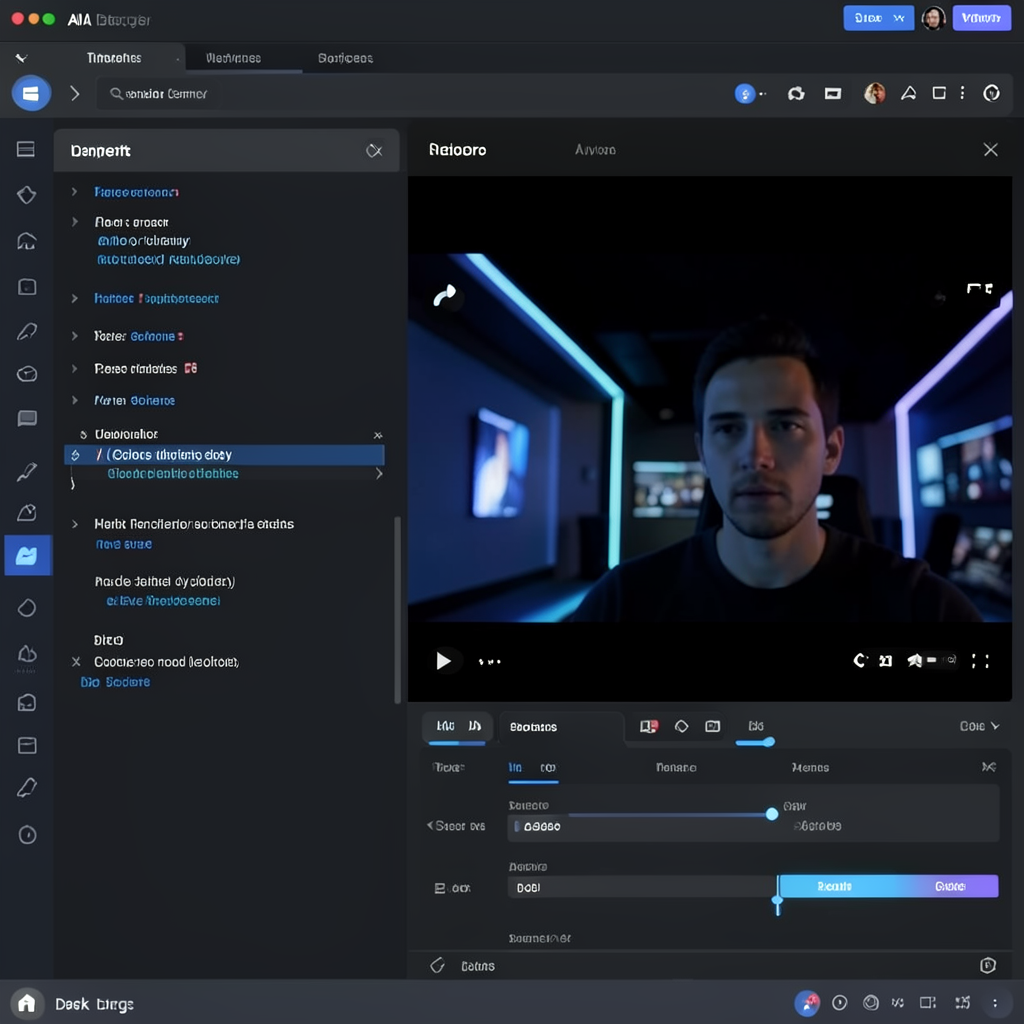
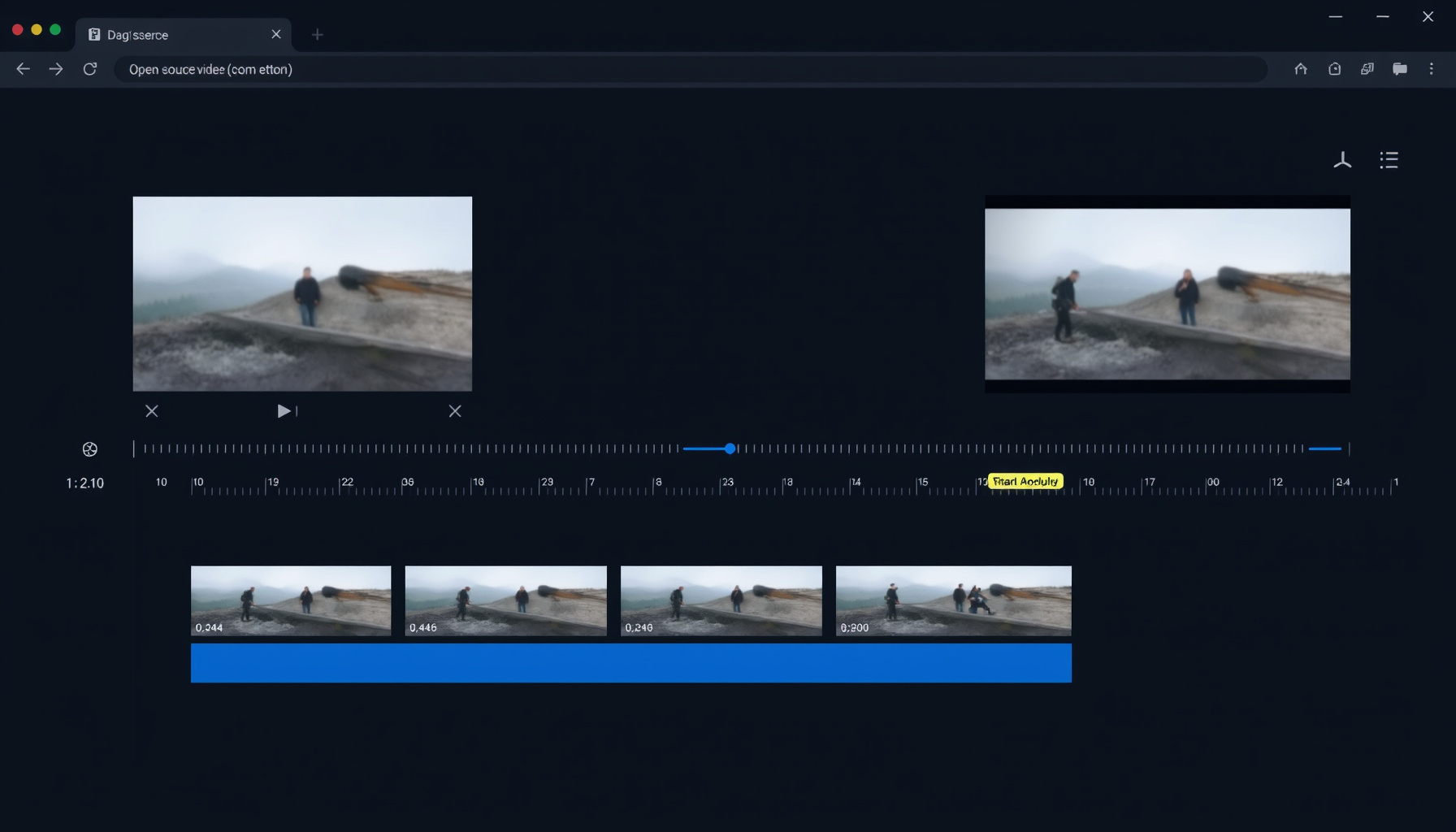
OpenCut is a free, open-source, browser-based timeline video editor created in June 2025 under the permissive MIT license. It provides core editing features without requiring a download or an account, which makes it unusually accessible for beginners. You can cut, trim, use multi-track timelines, apply masks, set keyframes, and add auto-transcription captions.
It includes audio waveforms, speed and volume controls, a custom canvas, stickers, and exports to MP4. All file processing happens locally in your browser using a Rust/WASM compositor, so your files are never uploaded to a server.
The current live version at opencut.app runs on the archived “classic” codebase. The project’s latest release is v0.3.0 from April 15, 2026, and it is sponsored by fal.ai and Vercel. The main GitHub repository has gathered over 83,000 stars and more than 8,200 forks, which shows unusually strong community interest for a project this young.
What OpenCut Is NOT (Yet)
OpenCut is not a drop-in CapCut replacement, and it is not an AI video generator, so beginners should adjust their expectations before trying it. CapCut is a polished, proprietary, mobile-first app with a massive library of effects and templates, while OpenCut is an early-stage, web-first editor with a much smaller feature set.
The advanced AI-agent infrastructure — including an MCP server for AI agents, headless mode for batch rendering, a scripting tab, and a plugin-first Editor API — is in development and has not shipped. The classic codebase is archived, which means the version you can use today is frozen.
It is also not an SDK yet. If you are looking for a tool you can plug an AI agent into right now, OpenCut will not work for that. The project’s ambition is clear, but the present reality is a basic editor with a promising roadmap.
How a Beginner Uses OpenCut Today
Using OpenCut today is straightforward: you go to opencut.app, no signup is required, and the editor loads directly in your browser. You drag files onto the timeline, cut, trim, and arrange clips, add auto-transcription captions, adjust speed and volume, and export as MP4. For basic edits, it covers the essentials, and local processing keeps your files on your machine.
The honest limitation is that the feature set is basic. There is no large effects library, no template gallery, no mobile app, and no advanced color tools. If you need a quick cut with captions, OpenCut handles it. If you expect CapCut-level polish, you will be disappointed. The archived classic codebase also means no new features are being added to the version you use today.
The OpenCut-AI Community Fork
The OpenCut-AI fork by developer Ekaanth is a community project adding local AI features on top of OpenCut, but it is not an official part of the main project. It has 186 stars, sits at v0.4.0, and adds Whisper transcription, pyannote speaker diarization, Coqui XTTS v2 voice cloning, MediaPipe auto-reframe, and 7B LLM support on 8GB of RAM.
You can find it on GitHub and at opencutai.video. This fork is worth watching if you want local AI transcription or voice cloning, but treat it as an experimental community effort, not a stable product. It is not maintained by the OpenCut core team and has no official support channel. Note that image generation in this fork requires a GPU.
OpenCut vs Alternatives: Which Should You Use?
OpenCut competes with a mix of traditional editors and AI generation tools, and the right choice depends on whether you need to edit existing footage or create new footage from text. Here is a quick breakdown of three alternatives, judged with the same criteria.
CapCut is the most direct comparison. It is a polished, proprietary app from ByteDance with a huge effects library and a mobile-first design. However, its free tier has eroded with paywalled features and watermarks, it relies on cloud processing, and there are community allegations of AI training on user content. CapCut wins on features today, but OpenCut wins on privacy and freedom.
Runway is a cloud-based AI video generator, and we rate it 8.0/10 in our full review. It is focused on generating new footage from prompts, not on traditional timeline editing. If you need AI to create clips, Runway is the tool; if you need to edit existing footage locally, it is not a direct alternative.
Kling 3.0 and Pika are also AI generation tools, rated 7.2/10 and 7.8/10 respectively. They create footage from text or images, which OpenCut cannot do. For a full side-by-side of all these tools, see our AI video generator comparison.
The short version: if you need AI to create footage, use Runway, Kling, or Pika. If you need to edit freely and locally with no watermark, OpenCut is the only free and open-source option in this group.
The Beginner Takeaway
In plain language: if you want a free, no-watermark tool to cut clips and add captions today, OpenCut works for basic edits. If you want CapCut-level polish, effects, templates, or a mobile app, it is not there yet. And if you are excited about the AI-agent future — MCP servers, headless rendering, scripting — bookmark the project.
Check back later, because none of that has shipped yet. OpenCut is a promising project with a clear vision, but today it is a basic editor with an ambitious roadmap.
Who Should Use OpenCut / Who Shouldn’t
The split is simple: OpenCut fits people who value privacy, freedom, and low cost over polish, and it disappoints anyone who needs a mature, feature-complete editor today. Here are the two lists, based on the actual capabilities covered in this review.
Who should use OpenCut: privacy-conscious editors who do not want their footage uploaded to a cloud server; contributors who want to support an MIT-licensed, open-source video editor; beginners who need free, no-watermark basic cuts and captions; and developers or enthusiasts tracking the future of AI-agent video infrastructure.
Who shouldn’t use OpenCut: users who need polished effects, templates, or a large asset library today; mobile-first editors who expect a phone app; anyone expecting CapCut parity in features or stability; and production-grade projects that need reliable rendering and official support.
What’s Next: The AI Video Agent Roadmap
The core team has announced a ground-up rewrite with a new Rust core, a plugin-first Editor API, an MCP server for AI agents, headless mode for batch rendering, a scripting tab, and a single unified codebase for desktop, mobile, and browser.
This is why OpenCut is listed in the AI Video Generator category: it is building infrastructure for AI agents, not replacing AI generation tools. The vision is that an AI agent can eventually drive the editor programmatically, which is a different goal from generating footage.
There is no ETA for any of this, and the classic codebase is archived, meaning the team is focused on the new codebase. The MIT license guarantees the project remains open source, so even if the rewrite takes time, the community can fork and continue. For a broader look at where this fits among other tools, see our roadmap. This review is part of our AI Video Generator category expansion — we track progress on that category at /roadmap/.
Closing
OpenCut is a fascinating project with a clear vision for the future of AI-assisted video editing, but that future is not here yet. For now, its value is as a free, private, basic editor that you can use in any browser without an account. Bookmark it and watch its development.
For the most current feature comparisons across AI video tools, visit our AI Video Generator comparison page. Our automated review pipeline keeps these comparisons up to date as tools like OpenCut evolve.
📖 Related Reads
- NiteAgent — AI agent development, frameworks, and production patterns
- ToolBrain — tool reviews, LLM comparisons, and AI workflow guides
- Hermes Tutorials — Hermes Agent setup, configuration, and advanced workflows
- CodeIntel Log — code quality, debugging, and software engineering benchmarks
Cross-links automatically generated from None.
Back to all posts