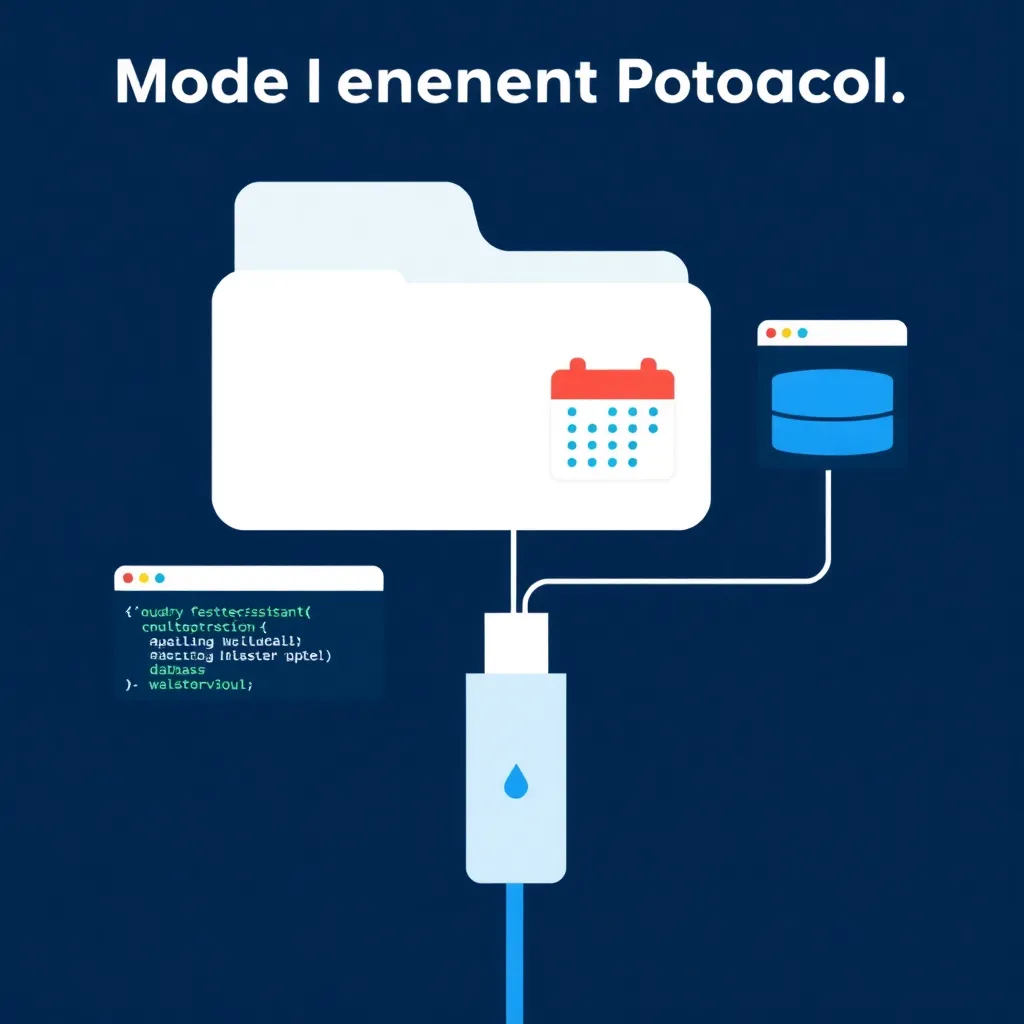
You’ve pasted a PDF into an AI chat, asked a question, and gotten an answer that had nothing to do with your file. That happens because the AI answered from memory, not from your document. By the end of this post, you’ll know the answer to “what is RAG for beginners,” why it fixes exactly that problem, and which of three tools — Gemini Notebook, ChatGPT with file upload, or Perplexity — you should try first. If you’re already sold, jump straight to the /comparisons/ table. This guide is part of our beginner series — check the roadmap at /roadmap/ for what’s coming next.
What Is RAG?
RAG — short for retrieval-augmented generation — is a technique where an AI answers your questions using documents you give it, instead of guessing from its training memory AWS. Think of it as an open-book exam for AI. You supply the book, and the model quotes it.
Here’s the metaphor worth memorizing: RAG is like handing a librarian a specific textbook and saying, “Answer my question using THIS book, not your memory.” The AI opens the right page and quotes from your document instead of inventing something. The term was coined in a 2020 research paper arXiv 2005.11401. Searching “what is RAG for beginners” mostly returns developer tutorials — this isn’t one. The idea is proven, and you can use it today with zero code.
Why Does RAG Matter for Beginners?
RAG matters because it’s how everyday users — not just engineers — get AI answers grounded in real sources; Menlo Ventures found RAG was used in 51% of production AI deployments in 2024, up from 31% in 2023, while fine-tuning sat at 9% Menlo Ventures. Translation: companies picked look-it-up over retraining. You can do the same today without training anything.
For you, that means three things: answers based on your files rather than stale training data, fewer made-up facts because the model quotes your documents, and no machine learning skills required. If banks and hospitals run on RAG, you can run it on your class notes.
How RAG Works in 4 Simple Steps
RAG works in four steps: you upload documents, the system embeds them (turns text into meaning-numbers), it retrieves the relevant chunks from a vector store, and the AI generates an answer using those chunks — ideally with citations IBM. Databricks reports vector databases supporting RAG grew 377% year over year Databricks. The plumbing is invisible to you.
- Upload — you give the tool your PDFs, notes, or docs.
- Embed — the tool converts your text into long lists of numbers that capture meaning, so “refund policy” and “money-back rules” land close together.
- Retrieve — when you ask a question, the tool searches those numbers (a “vector store”) and pulls the most relevant passages. Like the librarian flipping straight to page 212.
- Generate — the AI writes an answer using only those passages, ideally citing them IBM.
Tool 1 — Gemini Notebook (Formerly NotebookLM)
Gemini Notebook (formerly NotebookLM) is Google’s RAG-first tool: you upload sources and it answers strictly from them, with the rebrand meaning older NotebookLM guides still apply Gemini Notebook help. The free tier allows 50 sources per notebook, up to 500,000 words or 200 MB per source Gemini Notebook help. Google AI Pro costs $19.99/month Gemini Notebook help.
This is the closest thing to the librarian metaphor as an actual product. Upload a textbook chapter, lecture notes, and a syllabus, then ask “compare the three main arguments” — it answers from those sources only. The 50-source free tier means one notebook can hold an entire course.
Tool 2 — ChatGPT with File Upload
ChatGPT supports RAG-style document Q&A through simple file uploads: the free tier accepts files up to 512 MB per file, and Custom GPTs can hold up to 10 files OpenAI file uploads FAQ. ChatGPT Plus costs $20/month OpenAI file uploads FAQ. You already know the interface; uploading a file is one click.
Use it when you have a handful of documents and a quick question — a contract clause, a long email thread, meeting notes. It’s less structured than Gemini Notebook (no notebooks, no source libraries), but it’s the lowest-friction option if ChatGPT is already part of your day. Prompt it to “answer only from the attached file” to keep it grounded.
Tool 3 — Perplexity
Perplexity is a search engine built on RAG: it retrieves live web pages, generates answers, and attaches citations, with basic file uploads included on the free tier Perplexity help center. Its Pro plan adds more of everything Perplexity help center. It’s the only one of these three tools that pulls fresh web information alongside your own files.
Use Perplexity when your question mixes “my document” with “right now” — “summarize this report and compare it to this week’s news.” The numbered citations make fact-checking easy: click, verify, move on.
Quick Comparison: Which Tool Should You Start With?
In plain terms: Gemini Notebook is best for deep work across many of your own documents (50 free sources per notebook Gemini Notebook help), ChatGPT file upload is best for fast questions over a few files (512 MB free limit OpenAI file uploads FAQ), and Perplexity is best when you need live web answers with citations Perplexity help center.
One honesty note: this review is based on official documentation and pricing pages — we did not run the tools hands-on.
| Gemini Notebook | ChatGPT File Upload | Perplexity | |
|---|---|---|---|
| Free Tier | 50 sources/notebook; up to 500,000 words or 200 MB per source (Gemini Notebook help) | Uploads up to 512 MB/file; 10 files per Custom GPT (OpenAI FAQ) | Web Q&A with citations + basic file uploads (Perplexity help center) |
| Paid Tier | Google AI Pro, $19.99/mo (Gemini Notebook help) | ChatGPT Plus, $20/mo (OpenAI FAQ) | Perplexity Pro (Perplexity help center) |
| Best For | Deep study of your own documents | Quick questions on a few files | Current-events answers with sources |
| Citations | Answers tied to your uploaded sources | Answers drawn from your file | Numbered citations, click to verify |
| Web Retrieval | No — your sources only | No — your files only | Yes — live web by default |
One-line recommendation: start with Gemini Notebook — the free tier is the purest, most forgiving introduction to RAG. The full side-by-side lives in our /comparisons/ table.
Common Beginner Mistakes with RAG
RAG is simple to use and easy to misuse, and the failure modes are almost always the same: scanning, stale answers, and privacy slips. Avoid these six mistakes and you’ll already be ahead of most first-timers who picked up the tool this week.
- Uploading scanned or image-only PDFs. RAG tools need selectable text; a photo of a page gives the system nothing to read. Convert image-only scans to searchable text first.
- Expecting real-time answers from your uploads. Your files are frozen at upload time; of these three tools, only Perplexity adds live web retrieval Perplexity help center.
- Confusing RAG with fine-tuning. RAG looks things up at answer time; fine-tuning retrains the model. Different problems, different tools IBM.
- Believing RAG eliminates all hallucinations. It reduces risk by grounding answers in your documents, but IBM notes it cannot make a model error-proof IBM. Spot-check the citations.
- Ignoring privacy. Uploads are stored on the vendor’s servers, so read the data policy before feeding in anything sensitive — contracts, medical records, client files.
- Not knowing the limits. Gemini Notebook caps free notebooks at 50 sources Gemini Notebook help; ChatGPT caps files at 512 MB per file and 10 files per Custom GPT OpenAI file uploads FAQ. Plan around both.
RAG vs. Fine-Tuning: What’s the Difference?
RAG vs. fine-tuning: RAG looks information up at answer time; fine-tuning retrains the model’s brain with new data. Enterprises chose lookup over retraining — RAG appeared in 51% of production deployments versus 9% for fine-tuning Menlo Ventures. For beginners, RAG is the smarter start: cheaper, faster, and updated just by uploading a file.
Back to the librarian: RAG hands the librarian the exact textbook you name and asks for the answer. Fine-tuning sends the librarian back to school for a year to memorize a new subject. One afternoon versus one year of school — that’s why the enterprise vote went 51% to 9% Menlo Ventures.
FAQ
Here are quick, plain-language answers to the three questions beginners ask most: whether RAG is just another name for PDF chat, whether you need to write code to use these tools, and which file formats they actually accept before you upload.
Is RAG the same as “chatting with a PDF”?
Mostly, yes — that’s the everyday version of it. “Chat with a PDF” products use RAG under the hood: your file gets embedded, relevant passages get retrieved, and the answer is generated from them AWS. The difference is scope. RAG also powers search engines like Perplexity and enterprise systems, not just single-PDF chatbots.
Do I need to know how to code to use RAG?
No. Every tool in this guide is point-and-click: upload a file, type a question, read the answer with its sources. Developers can build custom RAG pipelines with code, but that’s a separate job for a separate audience. If you can attach a file to an email, you can use RAG today.
Can RAG tools read any file format?
No — and this trips up beginners constantly. These tools work on text: PDFs with selectable text, word-processor documents, plain text, and web pages. Scanned pages that are just images usually fail or return garbage, because the system can’t extract text to embed. Check each tool’s supported formats before uploading, and convert image-only scans first.
What to Do Next
You now know what RAG is, how it works, and which tool fits your style. The fastest next step is opening Gemini Notebook and uploading a few real documents — then compare the experience with the other two tools and decide for yourself.
- Try Gemini Notebook now: upload 3-5 documents and ask one real question (Gemini Notebook help).
- Compare all three tools side by side in our /comparisons/ table.
- Going deeper on Tool 1? Read our Google NotebookLM review.
- Prefer web answers with citations? Read our Perplexity AI review.
- Follow the ToolBrain AI Roadmap and see what’s scheduled next at /cron-pipeline/.
📖 Related Reads
- ToolBrain — tool reviews, LLM comparisons, and AI workflow guides
Cross-links automatically generated from None.
Back to all posts