One-sentence verdict: Perplexity Comet is a free, Chromium-based AI browser that’s excellent for research and everyday web tasks, but its agent fails multi-step tasks often enough — and its prompt-injection exposure is serious enough — that beginners should let it shop and summarize, not book, buy, or pay.
What Is Perplexity Comet?
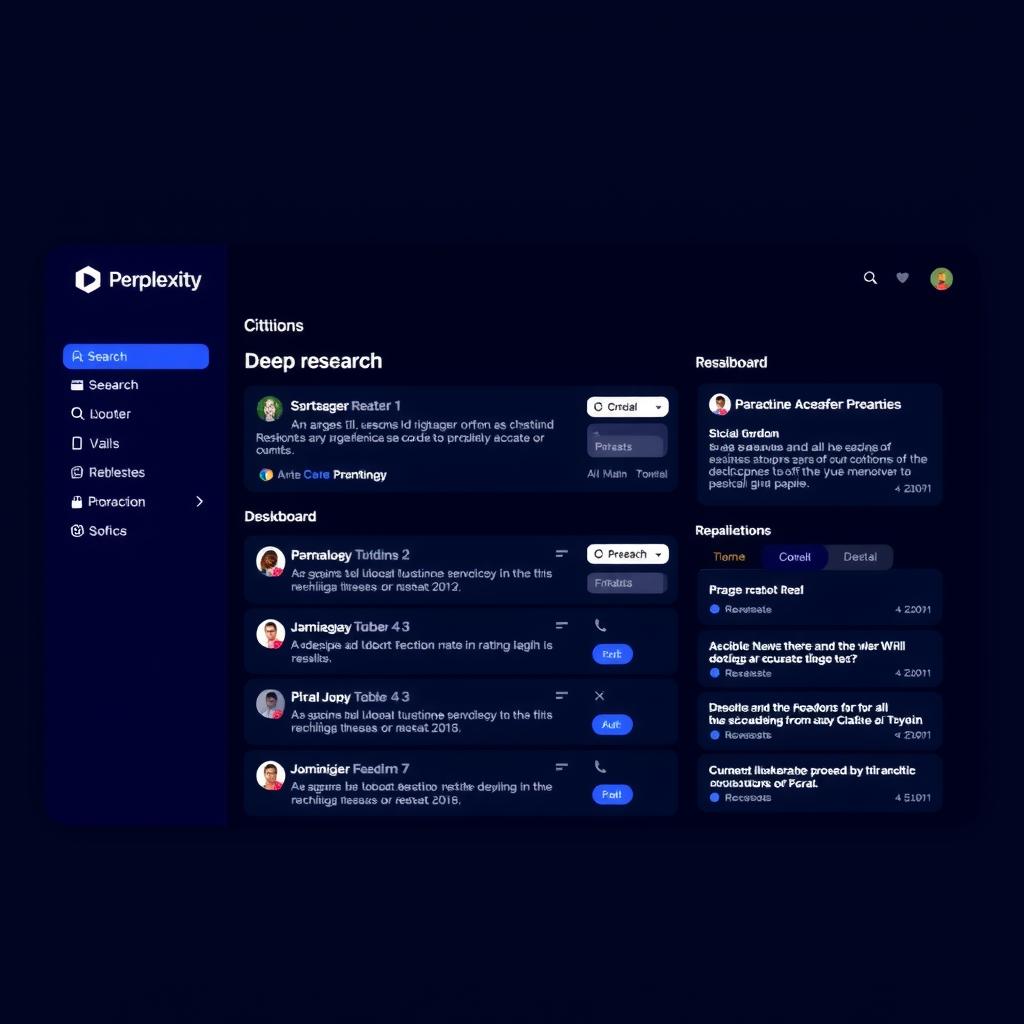
Perplexity Comet is an AI browser built by the team behind Perplexity’s answer engine. Under the hood it is Chromium-based and ships with its own Assistant built in, which means you can talk to it in plain English about what’s on your screen. Perplexity positions it as something you can “understand / build / email / create / shop” with.
The launch history matters. Comet first arrived in July 2025 behind a roughly $200/month Max tier, and then Perplexity dropped the paywall on the core browser on October 2, 2025. It is now available across Mac, Windows, iOS, and Android, with iPhone support arriving in March 2026 according to Convly’s coverage. A Benchquill directory entry updated July 2026 confirms the free, cross-platform rollout.
The big idea is simple: instead of opening a chatbot in a separate tab, the AI lives in a sidebar and can see (and act on) the page you have open.
Who It’s For
Comet is a good fit if you:
- Do a lot of web research and want to compare pages without copy-pasting between tabs.
- Already live inside Google services and want an assistant that can dig through Gmail for you.
- Are a Perplexity Pro subscriber and want the browser to come along with the rest of the subscription.
If your main goal is delegating real-world tasks — booking flights, paying invoices, ordering groceries — the Benchquill directory notes that “Agent capabilities less mature than some rivals”, and third-party reviewers echo that. More on that below.
Ease of Use
You don’t need a Perplexity account to use the basics. The Perplexity AI Magazine review describes a tiered setup: no sign-in gets you basic browsing and the AI; signing in unlocks saved history, stronger AI, higher limits, and cross-device sync. In practice, the natural-language commands work the way you’d expect — you click the assistant, type something like “summarize this article” or “find the cheapest option across these four tabs,” and it goes.
For a beginner, the entry cost is low. There is no new interface to learn because it looks and behaves like Chrome, with an AI sidebar bolted on.
Features
The feature set comes from two clear places: Perplexity’s own product page and the independent 2026 review in Perplexity AI Magazine. Taken together, you get:
- Personal assistant delegation for tasks across inbox, groceries, finances, and vacation planning, per Perplexity’s product page.
- Gmail integration so the assistant can read and draft against your real inbox (Perplexity AI Magazine).
- Contextual page Q&A and summarization for whatever tab you have open.
- Built-in ad blocking and voice support, both available even on the free tier.
- Most Chrome extensions continue to work because the engine is Chromium (Perplexity AI Magazine).
The headline feature, though, is the agent — the ability for the assistant to actually go do things on a website for you rather than just summarize it.
Performance
This is where the picture gets mixed.
Where Comet shines: research, multi-tab comparison, and reversible tasks like filling forms or organizing information across pages. Both the Perplexity AI Magazine review and Convly’s coverage describe these as strong suits.
Where it struggles: multi-step agent tasks. According to Convly, reviewers said the agent botched multi-step tasks often enough that they would not trust it with money. The Benchquill directory reaches the same conclusion about agent maturity relative to competitors.
Under heavy load: the Convly review notes that with 30+ tabs Comet was noticeably slower than Chrome and used more memory. That is a reviewer observation, not a published benchmark, and we have no independent hands-on numbers of our own to add to it.
Pricing & Tiers
Comet’s pricing story is unusual because the browser is free, but the agent is metered.
Pulling from Convly’s 2026 pricing breakdown:
- Comet core browser — free across platforms since the paywall dropped.
- Comet Plus — roughly $5/month standalone, included with Pro and Max.
- Perplexity Pro — roughly $20/month (cheaper on annual billing).
- Perplexity Max — roughly $200/month (cheaper on annual billing).
- Enterprise Pro — roughly $40/seat/month, with SOC 2 Type II, HIPAA support, and MDM.
The one thing we will not publish here is a consumer agent credit count. According to Perplexity AI Magazine, the limit descriptions for consumer Pro and Max are described in non-numeric language, so any specific cap you see floating around is speculation.
A separate note on platform requirements: Perplexity’s own install documentation disagrees with itself on minimum macOS version and disk space, so we are intentionally not quoting a specific version.
Privacy & Trust: The Prompt-Injection Problem
This is the single most important section of this review.
Security researchers at Brave (Artem Chaikin and Shivan Kaul Sahib) published a write-up describing an indirect prompt injection flaw in Comet. Their finding, summarized plainly: when a user asks the assistant to “summarize this webpage,” Comet fed the page content into its underlying model without cleanly separating the user’s instructions from untrusted text on the page. That means hidden instructions on a webpage — white-on-white text, hidden HTML comments, even ordinary social posts — could steer the agent into doing things the user never asked for, such as reading emails from another open tab.
Brave reported the issue to Perplexity. Brave’s disclosure timeline says Perplexity implemented an initial fix on July 27, 2025, and Brave’s testing on August 13, 2025 found the vulnerability appeared patched. Brave’s update, added after its August 20 public disclosure, says Perplexity still had not fully mitigated the kind of attack described. To Perplexity’s credit, their own BrowseSafe research reports a roughly 0.91 F1 prompt-injection detector, while also acknowledging that no detector is a silver bullet. Benchquill flags “privacy considerations for agentic browsing” in the same vein.
For a beginner, the practical takeaway is: the agent can be tricked by content it reads on the web, so don’t point it at money or anything sensitive without watching what it does.
Comet vs the Competition
There aren’t many independent benchmark numbers we trust, so this table leans on Convly’s 2026 coverage and the Benchquill directory entry for general positioning.
📊 At a Glance
| Category | Comet | Chrome (Auto Browse) |
|---|---|---|
| Category | AI Browser | AI Browser |
| Core browser free | Yes (paywall dropped Oct 2, 2025; all platforms since March 2026) | Yes |
| Agent access | Free tier with limited credits; Comet Plus $5 standalone; included with Pro/Max | Premium only |
| Engine | Chromium-based | Chromium |
Cells marked ”—” are not covered in our sources and we won’t make them up. Sources also disagree on free agent access: Convly lists limited free credits, while Perplexity AI Magazine’s plan table lists no browser-agent queries for its Standard plan.
ChatGPT Atlas is no longer in this table: OpenAI’s Atlas launch page now says the browser “has since been deprecated,” so we dropped it rather than compare against a product that is gone. Brave, a separate browser maker, ships its own assistant, Leo; its help center has articles on multi-tab context, AI browsing, chat history and skills. We did not test any of those features.
FAQ
Is Comet actually free? The core browser is free since October 2025 and the agent runs on metered credits unless you upgrade to a paid tier.
Do I need a Perplexity account? No, but signing in unlocks more — saved history, stronger AI, higher limits, and cross-device sync.
Will it replace Chrome? For research-heavy users, mostly yes, because it is Chromium-based and runs most Chrome extensions. For tab-heavy or privacy-sensitive users, Convly argues that Chrome with a single AI sidebar is still the calmer choice.
Can the agent actually book things for me? Reviewers say don’t trust it with money yet — multi-step tasks break too often.
Is my data safe? Treated with caution. Brave found a prompt-injection issue that lets webpages steer the agent; Perplexity ships a detector that catches some — but not all — of these attacks.
What platforms does it run on? Mac, Windows, iOS, and Android, with iPhone support added in March 2026.
How is this different from just using ChatGPT in a tab? The agent lives in the browser and can act on the page you have open — including Gmail and other tabs — not just chat about it.
The Bottom Line
Perplexity Comet is a strong free AI browser for research and a work-in-progress agent for acting on your behalf. The research, summarization, and multi-tab comparison pieces are good, and the price (free) is right. The agent, on the other hand, trips over multi-step tasks often enough that third-party reviewers won’t trust it with money, and the prompt-injection issue Brave documented is a real concern for anything sensitive.
Beginner recommendation: install it, use it for research and summarizing, let it draft your emails — but don’t let it click “Buy” or “Send” without you watching.
ToolBrain Score
| Dimension | Score | Notes |
|---|---|---|
| Ease | 8/10 | Familiar Chromium feel; natural-language sidebar; no account required for basics. |
| Features | 8/10 | Strong set for research, Gmail, summaries, ad blocking, and extensions; agent capability is still maturing. |
| Performance | 7/10 | Useful for research; agent stumbles on complex flows; reviewers observed a slowdown under very heavy tab loads (not a published benchmark). |
| Docs | 6/10 | Help content exists on the product page, but install requirements are inconsistent in Perplexity’s own docs (Perplexity AI Magazine). |
| Support | 6/10 | Our sources describe no Comet-specific support channel, so this is a cautious default, not a measured rating. |
| Overall Score | 7/10 | A useful free AI browser whose agent isn’t yet ready for money actions. |
How This Guide Was Built
This review is based on desk research of official Perplexity pages and third-party reviews fetched on 2026-10-18: the Perplexity product page, the Perplexity AI Magazine independent review, the Convly.ai 2026 review, the Benchquill directory listing, and the Brave security write-up. We did not run the tool hands-on and we have not run our own benchmarks. Where the dossier leaves a gap — consumer agent credit caps, exact macOS minimums, a published fix date for the prompt-injection finding — we say so rather than guess.
📖 Related Reads
- CodeIntel Log — code quality, debugging, and software engineering benchmarks
- ToolBrain — tool reviews, LLM comparisons, and AI workflow guides
Cross-links automatically generated from None.
Back to all posts