The verdict
A note before we start: this is a documentation-based review. We did not run Dots hands-on, and nothing here is a hands-on test, benchmark, or personal trial. Claims come from OpenAI’s launch materials, its help center, and reported coverage.
Overall score: 7/10 ███████░░░ — a documentation-based verdict on a product introduced Sept 29, 2026 (OpenAI announcement).
| Metric | Score |
|---|---|
| Overall Score | 7/10 |
Our five-dimension breakdown (scores are documentation-derived):
- Ease: 8/10 — Dots is designed to live inside software people already use: ChatGPT on desktop, web, and mobile, plus Slack and Teams (OpenAI announcement).
- Features: 8/10 — OpenAI claims each dot connects to 4,000+ apps through plugins, with proactive background research and user-set rules layered on top.
- Performance: 6/10 — Not measured; scored on documented capability only. No independent reliability or task-success measurement exists. The only performance evidence so far is early-access anecdote, such as Every’s early-access review.
- Docs: 8/10 — OpenAI published a getting-started guide and a dedicated safety, security, and privacy explainer.
- Support: 5/10 — Documentation cannot show how responsive human support is in practice, so we score conservatively.
Our 7/10 reflects the documented design, not proof of delivery. No reliability measurement exists yet (Vellum breakdown).
What Dots is
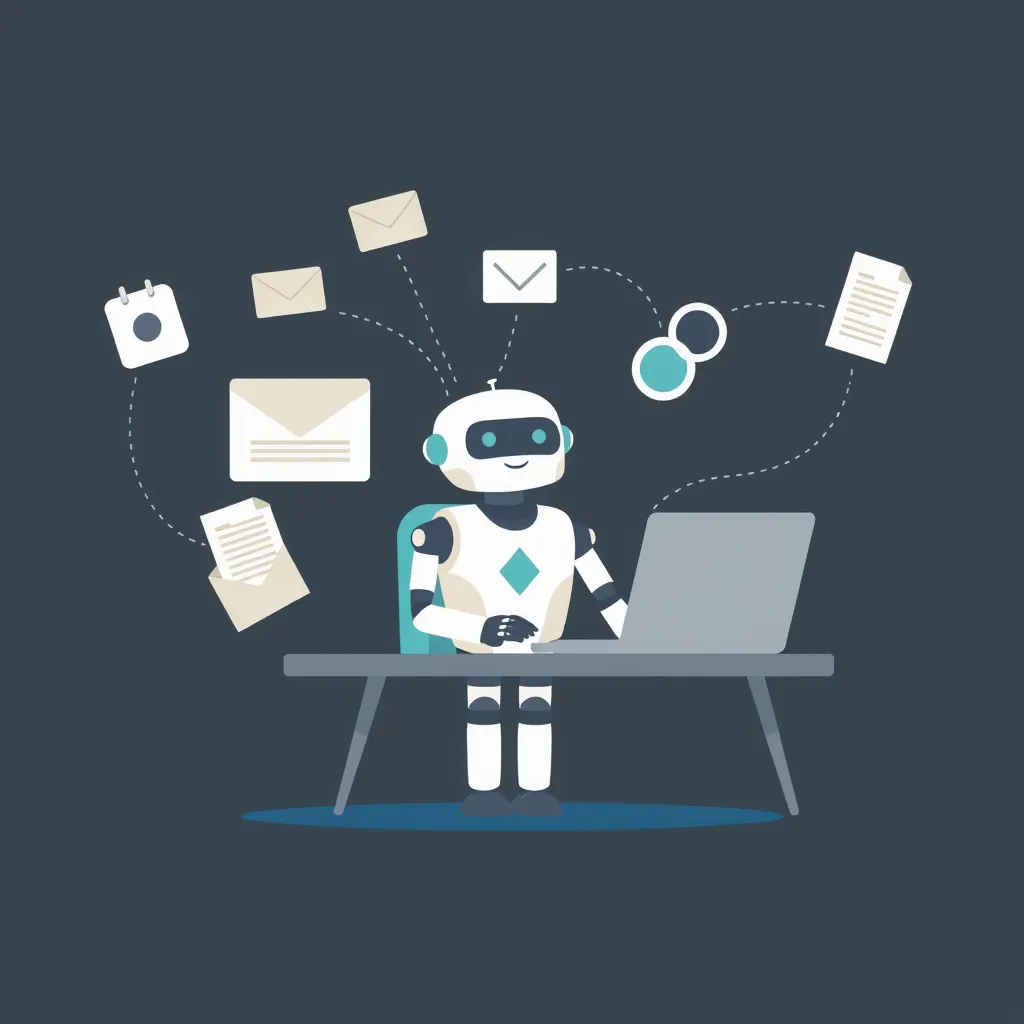
Dots is OpenAI’s new personal AI agent. Instead of waiting inside a chat window for a question, a dot is meant to stick around and help with ongoing work. Each dot gets its own cloud computer and browser, and it learns from feedback over time (OpenAI announcement). It is powered by GPT-6 Astra (OpenAI announcement). It connects to 4,000+ apps through plugins, a figure that is OpenAI’s claim rather than an independent count (OpenAI announcement).
For beginners, the simplest mental model is a junior assistant you keep for recurring chores: it gathers information ahead of time and, depending on the rules you set, asks before acting. Two limits matter. First, its proactive background research is read-only: it can look things up but cannot send messages, change app content, or control the browser (safety explainer). Second, it is not a phone agent. Dots cannot initiate a phone call at launch (Vellum breakdown).
You can start with one dot for one purpose. OpenAI describes starting users with a single primary dot, and says teams of specialist dots remain an enterprise pilot or future plan, not a standard subscription feature (Vellum breakdown).
Who can use it today
Access comes in tiers. Pro and Business Premium subscribers in eligible markets can use Dots, while Enterprise, Education, and Healthcare customers get an admin-enabled beta (OpenAI announcement). At launch, Pro access excludes the EEA, the UK, and Switzerland (OpenAI announcement).
Where you can reach a dot matters too. It is reachable in ChatGPT on desktop, web, and mobile, and in Slack and Teams. Texting is on the way (OpenAI announcement). A limited US Pro texting beta is already noted in coverage (Vellum breakdown). Laptop access is optional and granted separately (OpenAI announcement). Enterprise specialist dots are a pilot, and a Microsoft Agent 365 integration is in progress (OpenAI announcement).
For most readers, the practical question is which plan you already hold. If you are on Pro or Business Premium in a supported market, you can start now. Everyone else should check the eligibility rules before planning around Dots.
What it costs
The first dot is included at no extra cost for Pro and Business Premium plans, with extended limits during the first month (OpenAI announcement). The ongoing allowance is not published. OpenAI has not disclosed what the continuing limit looks like, and we will not speculate about its size, because any figure would be invented.
Conversations with your dot do not count toward ChatGPT usage limits, but tasks started in Codex or ChatGPT Work do count (OpenAI announcement). No subscription price for additional dots appears in the materials we reviewed. A free entry dot with unpublished continuing limits means the long-term cost of heavy use cannot be known from the documentation alone.
What it can do vs what is still unproven
On the can-do side, the documentation describes a dot that performs proactive background research in read-only mode (safety explainer), learns from feedback (OpenAI announcement), and plugs into 4,000+ apps, per OpenAI’s claim (OpenAI announcement).
The most concrete public example is a dinner scenario reported by WIRED and summarized by Vellum. A dot offered two priced options, the user chose the food and the timing, and the dot did not place an order in that demo. The final action stayed with the human.
On the unproven side, no independent reliability or task-success measurement exists. The only performance evidence so far is early-access anecdote, such as Every’s early-access review. Documentation can describe what a system is built to do; it cannot show how consistently it does it. We treat every capability claim above as a design promise, not a measured result.
Privacy and control
OpenAI’s safety explainer outlines several control layers:
- Proactive background research is read-only: it cannot send messages, change app content, or control the browser.
- Custom Rules let you set allow, approval, or block behavior for different actions.
- Auto-review and Activity View show you what happened, and monitoring can pause work.
- Password changes always stay with the user, and saved passwords are kept out of the model’s context.
- Business, Enterprise, and Education content is not used for training by default; personal plans are configurable (OpenAI announcement).
For a beginner, the key idea is that approval rules are the default posture. The documentation frames the dot as something that proposes and shows its work while you approve, block, or set standing rules. That is a design promise we cannot verify in daily use.
One caveat surprises people: disconnecting an app stops future access, but it does not erase what the dot already learned. If you want a clean slate, a reset deletes conversations, memories, and scheduled tasks together (Vellum breakdown).
How it compares with Meta Muse
Meta launched its personal agent, Muse, on Sept 8, 2026 (Meta announcement). Coverage quickly framed Dots as OpenAI’s answer to it (Semafor). The documented differences:
| Dimension | OpenAI Dots | Meta Muse |
|---|---|---|
| Launch date | Sept 29, 2026 (OpenAI) | Sept 8, 2026 (Meta) |
| Launch region | Eligible markets; Pro excludes EEA, UK, Switzerland (OpenAI) | US at launch (Shattered) |
| Where it runs | ChatGPT desktop, web, mobile; Slack; Teams (OpenAI) | iOS, Android, muse.ai, WhatsApp (Shattered) |
| Control model | Custom Rules (allow, approval, block) plus read-only background research (safety explainer) | Per-user VMs with a “Sentinel” permission layer (Shattered) |
Both give the agent its own isolated environment: a cloud computer per dot for Dots, a per-user VM for Muse. The surfaces differ. Dots starts inside ChatGPT and work chat tools, while Muse starts on phones and WhatsApp (Meta announcement; Shattered comparison). We are not picking a winner: no independent head-to-head measurement exists, so these are documented design choices, not tested outcomes.
Frequently asked questions
What exactly is OpenAI Dots?
Dots is OpenAI’s personal AI agent, powered by GPT-6 Astra and introduced on Sept 29, 2026 (OpenAI announcement). Each dot has its own cloud computer and browser, connects to 4,000+ apps through plugins by OpenAI’s claim, and learns from your feedback. It is built to help proactively in the background while you keep control.
How much does Dots cost?
Your first dot is included at no extra cost with Pro or Business Premium plans, and the first month comes with extended limits (OpenAI announcement). The ongoing allowance is not published, and we will not guess its size. Conversations with your dot do not count toward ChatGPT usage limits, though tasks started in Codex or ChatGPT Work do count (OpenAI announcement).
Can a dot message people or buy things for me?
Not on its own. Proactive background research is read-only, so a dot cannot send messages, change app content, or control the browser (safety explainer). It also cannot initiate phone calls at launch (Vellum breakdown). In the dinner demo covered by WIRED, the dot offered two priced options, but the user chose the food and timing, and no order was placed.
What happens to what my dot learns if I disconnect an app?
Disconnecting an app stops future access, but it does not erase what the dot already learned (Vellum breakdown). A reset deletes conversations, memories, and scheduled tasks together. For training, Business, Enterprise, and Education content is not used by default, while personal plans remain configurable (OpenAI announcement).
The bottom line
Based on the documentation, Dots is a serious attempt at an always-on personal agent: a helper with its own cloud computer, broad app connections, and a control system built on rules, review, and visibility. For beginners, the appeal is less clicking and more delegation. This remains a documentation-based review, not a hands-on test. No independent reliability or task-success measurement exists yet. If you are on Pro or Business Premium in an eligible market, the first dot is included at no extra cost to try (OpenAI announcement). Treat it as a delegate for low-stakes tasks, not a replacement for your own judgment on anything consequential, and watch for independent evidence before relying on it for important workflows.
How this guide was built
- This review is based on OpenAI’s launch documentation, its help-center guide, and reported launch-period coverage. We did not run Dots hands-on. The sources include the launch announcement, the getting-started guide, the safety explainer, and reported coverage from TechCrunch, Semafor, WIRED, Vellum, Shattered, Every, and Meta.
Our method was narrow. We read what OpenAI published, cross-checked it against the help center and the safety explainer, and checked reported coverage for consistency. Each sourced figure and date carries an inline link. There are no benchmarks, screenshots, or task-success rates here, and Performance is scored on documented capability only. Where evidence is thin (real-world reliability, the size of the ongoing allowance, and support responsiveness), we say so.
📖 Related Reads
- ToolBrain — tool reviews, LLM comparisons, and AI workflow guides
- NiteAgent — AI agent development, frameworks, and production patterns
- CodeIntel Log — code quality, debugging, and software engineering benchmarks
Cross-links automatically generated from None.
Back to all posts