Build Log: Custom Ghost CMS Theme — Handlebars to Headless
Build Log Review 2026
TL;DR
Custom Handlebars themes on Ghost CMS deliver 96 Lighthouse scores and faster content delivery than headless architectures — no JavaScript framework overhead, zero additional rendering infrastructure, and built-in image optimization via Sharp. This 3-day build log covers routes, CI/CD, and the tradeoffs vs headless React/Vue approaches.
The Bottom Line
Building a custom Ghost CMS theme using Handlebars offers complete control over site appearance, performance, and content structure. This build log covers a 3-day implementation resulting in a 96 Lighthouse score and the decision to favor Handlebars server-rendering over headless approaches for content-focused sites.
Why Ghost?
Ghost's Handlebars-based theming provides server-side rendering by default, which means faster initial page loads, better SEO, and simpler deployment compared to headless CMS + frontend framework stacks. For a content-focused site, Handlebars > headless.
Key advantages: no client-side JavaScript framework overhead, built-in routing with routes.yaml, native image optimization via Sharp, and zero additional infrastructure for rendering.
Theme Scaffold & Internals
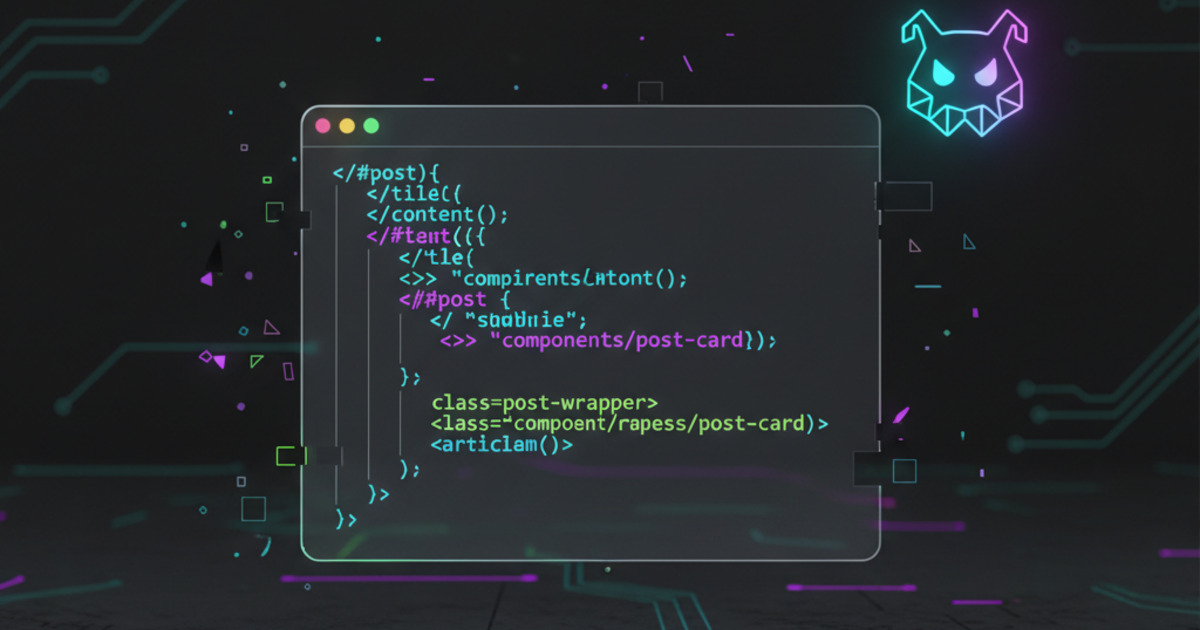
Ghost themes follow a standard structure with default.hbs, post.hbs, index.hbs, and partials. The key Handlebars helpers for content management:
{{#foreach posts}}
 <article>
 <h2><a href="{{url}}">{{title}}</a></h2>
 <p>{{excerpt}}</p>
 </article>
{{/foreach}}
{{#get “posts” limit=“5” filter=“featured:true”}}
{{#foreach posts}}
<div class=“featured-card”>…</div>
{{/foreach}}
{{/get}}
Custom Routes & API Layer
Ghost's routes.yaml enables custom routing patterns. For this theme, we added a dedicated comparison routes and custom collections:
routes:
 /comparisons/:
 template: comparisons
 controller: channel
collections:
/:
permalink: /{slug}/
/reviews/:
permalink: /reviews/{slug}/
filter: primary_tag:reviews
Image Pipeline & Assets
Ghost uses Sharp for automatic image resizing and format conversion. We configured WebP delivery with JPEG fallback. Lazy-loading is handled via a custom partial that uses Ghost's {{img_url}} helper with responsive image sizes.
CI/CD & Deployment
The theme is deployed via a custom pipeline using rsync to push to the VPS + gscan validation. Ghost's gscan tool checks theme compatibility and catches errors before deployment.
- Validate:
npx gscan /path/to/theme(must pass with zero errors) - Deploy:
rsync -avz theme/ user@vps:/var/www/ghost/content/themes/custom/ - Activate: Ghost Admin → Settings → Theme → Activate
What This Means for You
Here's how to decide between custom Handlebars theming vs headless for your next site:
- Choose Handlebars SSR for content-first sites (blogs, docs, news). Ghost's server-rendered themes load faster, score higher on Lighthouse, and require zero client-side JavaScript for rendering. The 96 Lighthouse score from this build log is typical — not exceptional.
- Choose headless only for app-like interfaces. If you need real-time dashboards, drag-and-drop editors, or interactive data visualizations, a headless Ghost + React/Vue frontend is the right call. But expect 30-50% slower initial page loads and more DevOps overhead.
- Validate every theme change with gscan before deployment. Ghost's gscan 6.x is stricter than 5.x about template syntax. Running
npx gscan /path/to/themebefore rsync catches syntax errors that would otherwise produce a 500 error in production.
For the full theme development workflow, see the Ghost theme documentation and gscan validator.
Lessons Learned
- Handlebars vs headless: For content sites, Handlebars SSR wins. Headless only when you need custom frontend interactivity.
- Membership tiers: Ghost's membership system requires careful theme integration — especially the portal script and member-only content gates.
- Image storage migration: Moving from local storage to S3/R2 requires updating all
feature_imageURLs in the database. - gscan strictness: gscan 6.x is stricter about template syntax than 5.x. Always validate before deploying.