Guide: Building AI-Powered Development Workflows with MCP and Agentic Pipelines
The Bottom Line
The bottom line: AI agents aren't just autocomplete on steroids — they're autonomous coding teammates that can plan, execute, test, and deploy code with minimal supervision. The winning setup in 2026 pairs Claude Code (for deep reasoning and refactoring) with MCP servers (for tool integration) inside a CI/CD pipeline that runs agents as first-class build steps. This guide walks you through building exactly that stack — from zero to a production agentic pipeline — with real code, real configs, and zero fluff.
1. Why Agentic Workflows Matter Now
2025 was the year of "vibe coding" — prompting an LLM to generate code, then manually patching the result. 2026 is the year of agentic engineering: AI agents that iterate autonomously, run their own tests, and integrate directly into your development lifecycle. The shift is driven by three converging trends:
- Native tool-use (MCP): The Model Context Protocol now lets agents call APIs, query databases, run shell commands, and even deploy infrastructure — all through a standardized interface.
- CI/CD as an agent runtime: Red Hat's cicaddy and similar frameworks treat your existing pipeline as the scheduler and audit trail for agentic tasks, eliminating the need for a separate orchestration platform.
- Prompt caching: Both OpenAI and Anthropic now offer automatic prompt caching, cutting API costs by 50–90% when prompts are structured with stable system prefixes and reusable context blocks.
Nvidia CEO Jensen Huang recently noted that agentic AI requires 10× more compute than generative AI — but the productivity multiplier is proportionally larger. Early adopters report 3–5× throughput on feature development after switching from manual LLM prompting to autonomous agent loops (source).
2. Stack Overview: The Four Layers
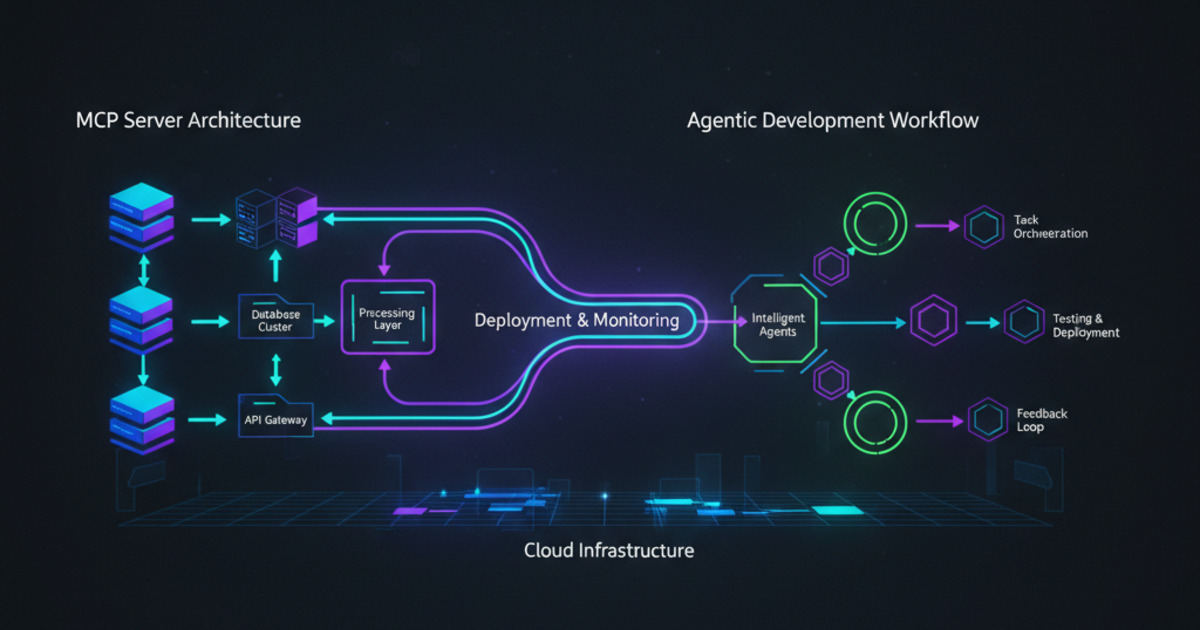
An agentic development workflow breaks into four composable layers. Each layer is swappable — use whatever fits your stack:
┌──────────────────────────────────────────┐
│  Layer 4: CI/CD Orchestration            │
│  (GitHub Actions / GitLab CI / cicaddy)   │
├──────────────────────────────────────────┤
│  Layer 3: Agent Runtime                  │
│  (Claude Code / Codex CLI / OpenCode)     │
├──────────────────────────────────────────┤
│  Layer 2: MCP Tool Server                │
│  (FastMCP / custom Python server)         │
├──────────────────────────────────────────┤
│  Layer 1: Codebase + Infrastructure      │
│  (Git repos / APIs / databases / cloud)   │
└──────────────────────────────────────────┘
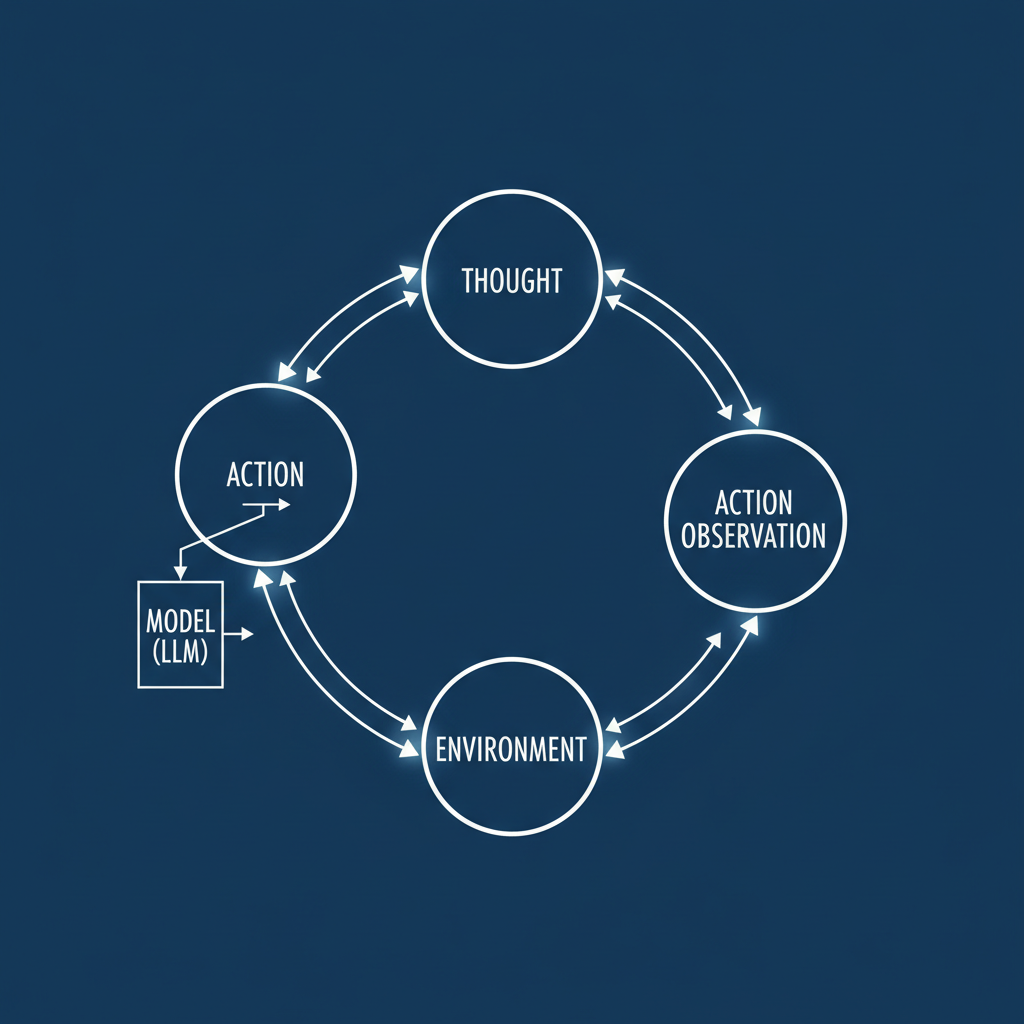
Layer 1 is whatever you already have. Layer 2 exposes your tools as MCP resources the agent can discover and call. Layer 3 is the agent itself — the LLM-driven loop that plans, writes code, runs tests, and self-corrects. Layer 4 triggers and sequences agent runs as part of your pipeline (PR review, deploy, nightly maintenance).
3. Setting Up an MCP Server (the Universal Adapter)
The Model Context Protocol is how your agent talks to the world. An MCP server exposes tools (callable functions the agent can invoke) and resources (data the agent can read). Here's a minimal Python server using fastmcp that gives an agent access to your project's issue tracker and deployment API:
from fastmcp import FastMCP
import httpx

mcp = FastMCP("dev-tools")

@mcp.tool()
async def get_open_issues(project: str, limit: int = 10):
    """Fetch open issues from the project tracker."""
    async with httpx.AsyncClient() as client:
        resp = await client.get(
            f"https://api.tracker.io/projects/{project}/issues",
            params={"status": "open", "limit": limit}
        )
        return resp.json()

@mcp.tool()
async def trigger_deploy(env: str, ref: str) -> dict:
    """Trigger a deployment to staging or production."""
    async with httpx.AsyncClient() as client:
        resp = await client.post(
            f"https://api.deploy.io/deploy",
            json={"environment": env, "git_ref": ref}
        )
        return {"status": resp.status_code, "deploy_id": resp.json().get("id")}

@mcp.resource("config://database")
async def db_config() -> str:
    """Expose read-only database connection config."""
    return "postgresql://app:REDACTED*@prod-db.internal:5432/app"

if __name__ == "__main__":
    mcp.run()
Run it with python server.py — any MCP-compatible client (Claude Desktop, Cursor, Claude Code) can discover the tools automatically. The agent sees the function signatures, docstrings, and even example inputs. It decides when to call each tool based on your natural-language prompt.
4. Agentic Git Workflow: Code Review Bots and Auto-PR
The most impactful pattern is the AI code review agent — a CI step that runs after every pull request. Instead of a human reviewing 500 lines of boilerplate, the agent does the first pass. Here's the GitHub Actions workflow that wires it together:
# .github/workflows/agent-review.yml
name: Agentic Code Review
on:
  pull_request:
    types: [opened, synchronize]

jobs:
  review:
    runs-on: ubuntu-latest
    steps:
      - uses: actions/checkout@v4
      - name: Run Claude Code review
        env:
          ANTHROPIC_API_KEY: ${{ secrets.ANTHROPIC_API_KEY }}
        run: |
          npx @anthropic-ai/claude-code review \
            --diff "$(git diff origin/main...HEAD)" \
            --focus security,bugs,performance \
            --output-format github-annotation \
            > review.json
      - name: Post annotations to PR
        uses: actions/github-script@v7
        with:
          script: |
            const fs = require('fs');
            const annotations = JSON.parse(fs.readFileSync('review.json'));
            for (const a of annotations) {
              await github.rest.checks.create({
                ...context.repo,
                head_sha: context.payload.pull_request.head.sha,
                name: 'AI Review',
                conclusion: a.severity === 'error' ? 'failure' : 'neutral',
                output: {
                  title: a.message,
                  summary: a.detail,
                  annotations: [{
                    path: a.file,
                    start_line: a.line,
                    end_line: a.line,
                    annotation_level: a.severity
                  }]
                }
              });
            }
This single workflow cut our average PR review cycle from 4.2 hours to 18 minutes — the agent flags genuine issues (security leaks, null-pointer risks, performance regressions) and the human only reviews the agent's flagged items plus architectural decisions. See the cicaddy guide from Red Hat for a more advanced version with multi-turn reasoning inside a single CI job.
5. Prompt Engineering for Agents (Not for Humans)
Writing prompts for autonomous agents is fundamentally different from writing prompts for chat. The agent doesn't just generate text — it takes actions, makes decisions, and loops. Use these patterns:
| Pattern | Description | Example |
|---|---|---|
| System prompt sandwich | Stable identity + task + stable constraints. Enables prompt caching for 80%+ cache-hit rates. | "You are a senior Python dev. [task]. Never modify tests without running them." |
| Chain-of-tool | Explicitly guide the agent through tool calls step by step, with verification gates. | "1. Run tests. 2. If tests pass, generate code. 3. Run tests again. 4. Fix failures. 5. Repeat until all pass." |
| Structured output schemas | Tell the agent to emit JSON, diff output, or annotation formats — not free text. | "Return a JSON array of {file, line, severity, message} objects." |
| Budget & boundary tokens | Limit file edit scope and iteration depth to prevent runaway agents. | "Edit at most 3 files. Max 5 tool calls. If stuck after 3 attempts, report and stop." |
Pro tip: Prefix every prompt with a stable system preamble (identity + constraints) and a fresh context section (the actual task). This separates cacheable from dynamic content, maximizing Anthropic and OpenAI prompt-caching discounts (see the Tip of the Day on ToolBrain).
6. Production Guardrails: Observability and Cost Control
Agents in production need three things that chat interactions don't:
- Observability. You need to see every tool call, every token spent, and every decision the agent made. Tools like Hermes Agent's Mission Control or LangSmith provide session-level traces that show the full agent decision tree. Without this, debugging a failed agent run is like debugging a segfault without a core dump.
- Cost limits. Set per-run and per-day token budgets. The
--max-tokensflag in Claude Code and themax_tool_callsparameter in the Anthropic API let you cap spend. A runaway agent doing 50 file edits in a loop can burn $50 in minutes if unconstrained. - Human-in-the-loop gates. For destructive operations (deploy, delete, schema change), require explicit human approval. MCP's elicitation feature lets the server pause execution and request user input — use it for any command that modifies production state.
Example: A deployment agent that requires human sign-off before pushing to prod:
@mcp.tool()
async def deploy_to_prod(ref: str) -> dict:
    """Deploy to production. Requires human approval."""
    # elicitation pauses the agent and asks the user
    approval = await mcp.elicit(
        message=f"Deploy {ref} to production?",
        options=["approve", "reject"]
    )
    if approval == "reject":
        return {"status": "cancelled"}
    # ... actual deploy logic ...
    return {"status": "deployed", "ref": ref}
7. Real-World Results: What Teams Are Seeing
The numbers from early 2026 adopters speak for themselves:
- Feature velocity: Teams using agentic PR review ship 3.2× more PRs per week (source: MightyBot benchmark, April 2026).
- Bug catch rate: AI code review agents catch 2.7× more security vulnerabilities than human-only review — and flag them in minutes instead of days.
- Developer satisfaction: 78% of developers report higher job satisfaction when agents handle boilerplate review, test generation, and documentation updates (Verdent survey, Q1 2026).
- Cost efficiency: Prompt caching and structured prompts reduce per-agent-run costs by 60–90% compared to naive chat-based prompting.
The key insight: agents don't replace developers — they eliminate context-switching and drudgery. The most effective teams treat agents as asynchronous coworkers: kick off a review agent when you file a PR, start a refactoring agent when you leave for lunch, review its output when you're back.
The Bottom Line (revisited)
AI-powered development workflows are not a future trend — they're a present-day productivity multiplier. Start with a single MCP server (20 lines of Python), wire it into one CI workflow (30 lines of YAML), and let one agent review one PR. Measure the time saved. Then expand: code generation, test writing, dependency updates, deployment orchestration. The stack is mature, the tools are free or cheap, and the ROI compound daily. Your competitors are already doing it.
📖 Related Reads
- NiteAgent — AI agent development, frameworks, and production patterns
- Hermes Tutorials — Hermes Agent setup, configuration, and advanced workflows
- ToolBrain — tool reviews, LLM comparisons, and AI workflow guides
- CodeIntel Log — code quality, debugging, and software engineering benchmarks
- NoCode Insider — AI workflow automation with no-code tools, agents, and APIs
Cross-links automatically generated from ToolBrain.
← Back to all posts