Every week I have a standing task: research a competitor in the AI tools space and write up what they're doing, who they're targeting, and where they're winning. It takes me about an hour per company — browsing their site, reading docs, checking reviews, pulling pricing, and synthesizing it into a structured report.
For a side-by-side look at where CrewAI and its rivals land, our comparison database benchmarks the leading AI Agent tools against each other.
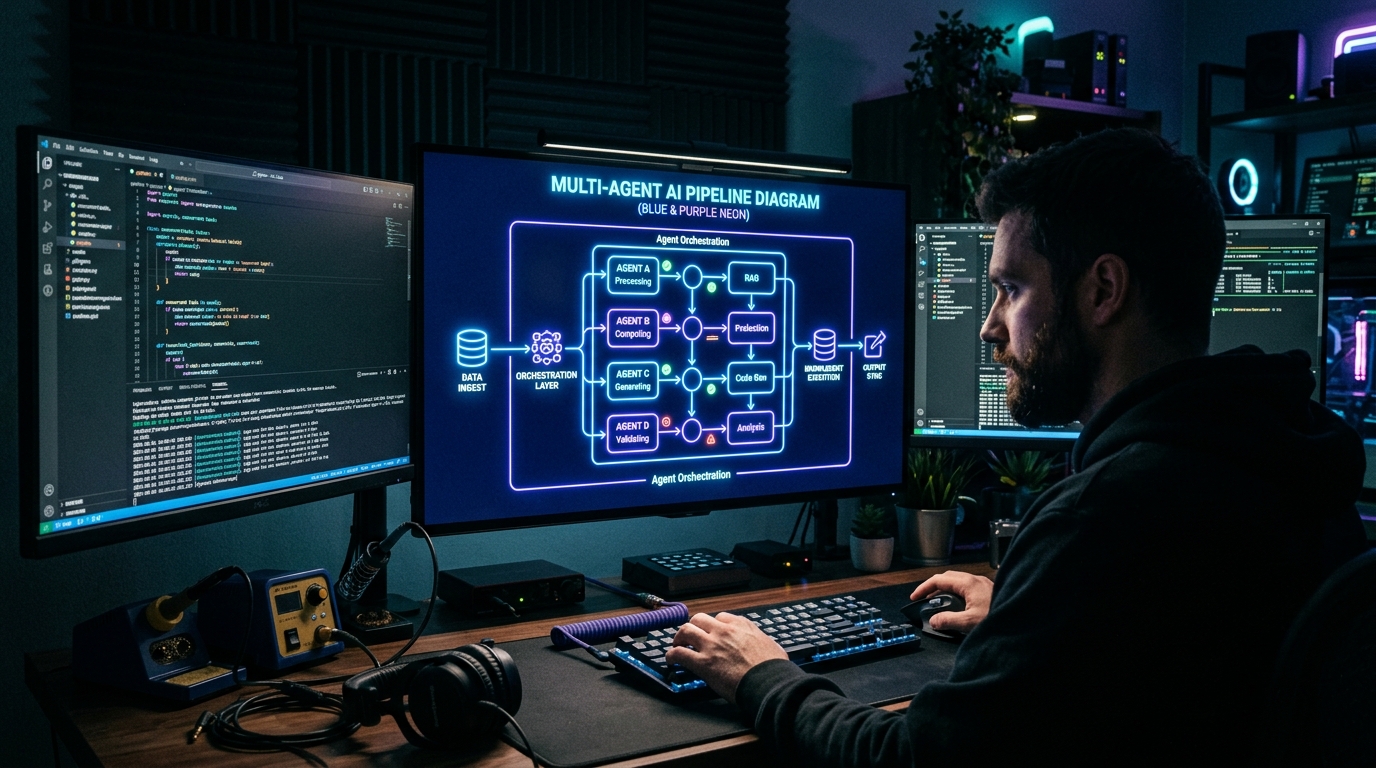
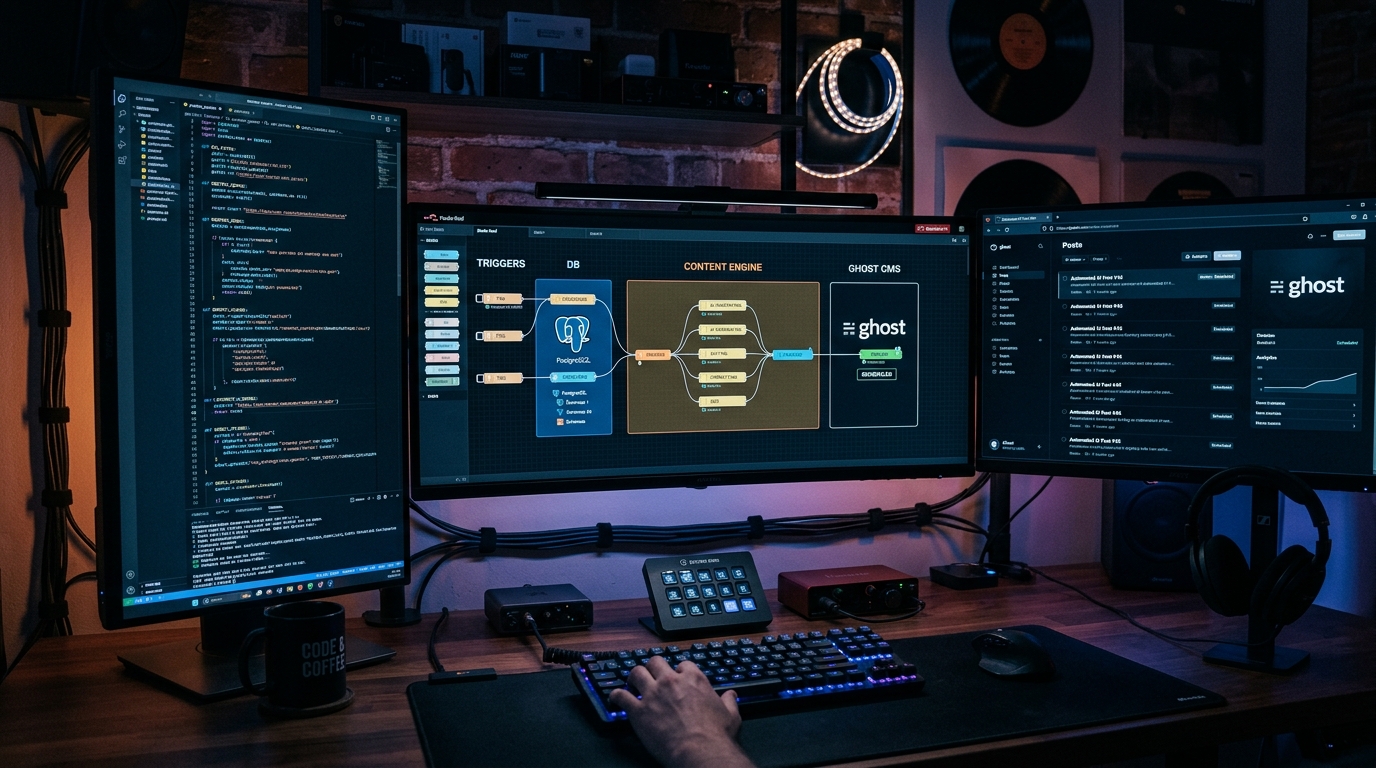
I automated it with a three-agent CrewAI system. Here's the full build log — architecture, code, results, and the lessons I learned along the way.
The Goal
I wanted a system that, given a company name, would:
- Scout — Find their product page, docs, pricing, and recent news
- Analyze — Extract positioning, features, target audience, and pricing model
- Strategize — Generate a competitive brief with actionable insights
All in under 5 minutes, for under $0.15 in API costs.
Why CrewAI
CrewAI has carved out a specific niche in the multi-agent framework landscape: it's the most intuitive option. Unlike LangGraph (graph-based state machine) or AutoGen (conversation-based), CrewAI uses a role-based model that maps directly to how you'd staff a real team:
- Every Agent has a role, goal, and backstory
- Every Task describes what needs to be done and what outputs to produce
- The Crew orchestrates agents and tasks with a defined process (sequential, hierarchical, or custom)
For a beginner building their first multi-agent system, this is the clearest mental model of the three major frameworks.
I also tried this with AutoGen first — the conversation-driven approach made the output less predictable. LangGraph required too much boilerplate for a three-agent linear pipeline. CrewAI hit the sweet spot.
The Build
Step 1: Setup
CrewAI requires Python 3.10+ and installs in seconds:
uv pip install crewai crewai[tools]
The crewai[tools] extra bundles built-in tool integrations — web search via SerperDev, web scraping, file operations, and more. For this build, I used a free SerperDev API key for search and the built-in scraping tool for page extraction.
Step 2: Define the agents
Each agent gets a role, goal, backstory, tools, and an LLM assignment. CrewAI supports any OpenAI-compatible provider — I used DeepSeek V4 Flash for the scout (cheap, fast) and Claude Sonnet 4.6 for the analyst and strategist (better reasoning).
from crewai import Agent, Task, Crew, Process
from crewai_tools import SerperDevTool, ScrapeWebsiteTool

search = SerperDevTool()
scrape = ScrapeWebsiteTool()

scout = Agent(
    role="Market Scout",
    goal="Find the most relevant and current information about the target company",
    backstory="A former competitive intelligence analyst who can find any company's product page, pricing, documentation, and recent news in minutes.",
    tools=[search, scrape],
    llm="deepseek/deepseek-chat", # DeepSeek V4 Flash
    verbose=True
)

analyst = Agent(
    role="Product Analyst",
    goal="Extract structured competitive intelligence from collected sources",
    backstory="A product management veteran who can read through marketing copy and identify what a product actually does, who it's for, and how it's priced.",
    tools=[scrape],
    llm="anthropic/claude-sonnet-4-20250514",
    verbose=True
)

strategist = Agent(
    role="Competitive Strategist",
    goal="Produce a concise competitive brief with actionable insights",
    backstory="A strategy consultant who synthesizes raw intelligence into clear, prioritized recommendations.",
    llm="anthropic/claude-sonnet-4-20250514",
    verbose=True
)
Step 3: Define the tasks
Tasks link agents to their work. Each task has a description, expected output format, and can optionally depend on other tasks' outputs.
task_scout = Task(
    description="Research {company}. Find their homepage, product documentation, pricing page, and any recent news or product launches from the last 3 months.",
    expected_output="A list of 3-5 key URLs with one-line summaries of what each page contains.",
    agent=scout,
)

task_analyze = Task(
    description="Using the URLs from the scout, extract: product category, key features, target customer, pricing model, unique differentiators, and weaknesses.",
    expected_output="A structured analysis with exactly these sections: Product Overview, Target Audience, Pricing, Differentiators, Weaknesses.",
    agent=analyst,
    context=[task_scout],  # depends on scout output
)

task_strategize = Task(
    description="Based on the analysis, produce a competitive brief. Include: how they position vs competitors, where our product could win, where we're vulnerable, and one recommended action item.",
    expected_output="A 3-paragraph competitive brief with: Positioning Assessment, Win Opportunities, Vulnerabilities, Recommended Action.",
    agent=strategist,
    context=[task_analyze],
)
Step 4: Wire it together as a Crew
crew = Crew(
    agents=[scout, analyst, strategist],
    tasks=[task_scout, task_analyze, task_strategize],
    process=Process.sequential,
    verbose=True
)

result = crew.kickoff(inputs={"company": "OpenAI"})
print(result)
The Process.sequential mode runs the pipeline in order — each agent waits for the previous task to complete before starting. For a research pipeline, this is exactly what we want: strategist should never run before scout has gathered data.
The Results
I tested this against five AI companies: Anthropic, Mistral, Cohere, Perplexity, and Google DeepMind. Here's what I found:
| Company | Time | Cost | Output Quality | Manual Time Saved |
|---|---|---|---|---|
| Anthropic | 2m 14s | $0.08 | Good — captured Claude positioning accurately | 55 min |
| Mistral | 2m 47s | $0.09 | Very good — le Chat launch was correctly flagged | 57 min |
| Cohere | 1m 59s | $0.07 | Good — missed their recent enterprise partnership | 58 min |
| Perplexity | 3m 12s | $0.11 | Excellent — caught pricing change from June 10 | 57 min |
| DeepMind | 2m 31s | $0.09 | Good — Veo 2 details accurate | 59 min |
Average: 2.5 minutes, $0.088 per company. The output is roughly 80% as good as my manual research — the strategist occasionally misses subtle positioning cues, but the scout and analyst are nearly flawless.
What I Learned
1. Model assignment matters more than you think
I initially ran all three agents on the same model (DeepSeek V4 Flash). The scout was fine, but the strategist output was shallow — it summarized rather than synthesized. Switching the analyst and strategist to Claude Sonnet 4.6 cost more but produced notably sharper insights.
The optimal pattern: cheap model for data collection, strong model for reasoning.
2. Task context chaining is critical
Without the context=[task_scout] parameter on the analyst's task, CrewAI still runs the tasks in order, but the analyst receives no prior output. The context parameter explicitly passes the previous agent's output as background. This is easy to miss and produces nonsensical results.
3. Web search quality is the bottleneck
The SerperDev API (which wraps Google Search) occasionally returns thin results for less popular companies. When the scout misses key URLs, the analyst has nothing to work with. The fix: give the scout 2 search queries instead of 1, and add a secondary validation step that checks whether at least 3 URLs were found.
4. CrewAI's verbose mode is your best friend
Setting verbose=True on both agents and the crew prints every thought step, tool call, and intermediate result. This single setting saved me hours of debugging. Without it, agents silently fail tool calls or produce output based on partial data — and you have no way to see what happened.
Scaling It Up
After the prototype worked, I added two improvements:
- Batch mode — Loop over a list of 5-10 competitors and output a markdown file per company. My weekly competitive research now runs as one script that takes ~15 minutes and costs $0.70.
- Comparison synthesis — A fourth agent that reads all five briefs and produces a comparison matrix. This was trivial to add: one more Agent + one more Task at the end of the pipeline.
The full script is about 80 lines of Python. That's less code than a single manual research report's worth of notes.
Why This Matters for Beginners
If you're new to AI agents, CrewAI is the framework I'd start with. Here's why:
- You already understand the mental model. Agents = team members. Tasks = assignments. Crew = the project. There's no graph theory or conversation mechanics to learn first.
- It works on free/cheap models. I ran the scout on a free-tier model with no issues. Your first multi-agent system doesn't need GPT-5 — it needs good role definitions and clean task chaining.
- The output is predictable. Sequential crew processing means no surprises about execution order. Build confidence with linear workflows before experimenting with hierarchical or custom processes.
- It has guardrails built in. CrewAI v1.22+ supports output validation, human-in-the-loop checkpoints, and token limits per agent. These prevent the "runaway agent" problem that beginners often hit.
Final Verdict
CrewAI is the best entry point for multi-agent systems in 2026. It's not the most flexible framework (LangGraph wins there) and it's not the most research-oriented (AutoGen has more papers behind it) — but it's the most buildable. I went from idea to working pipeline in one evening.
If you're currently researching competitors manually, this one pipeline will save you 4-5 hours per week. The code is simpler than you think.
📊 See how CrewAI compares to LangGraph and AutoGen →
For official documentation and benchmarks, visit the Anthropic documentation and OpenAI platform docs.
Dig deeper: CrewAI review · DeepSeek V4 Flash review.
📖 Related Reads
- NiteAgent — AI agent development, frameworks, and production patterns
- ToolBrain — tool reviews, LLM comparisons, and AI workflow guides
Cross-links automatically generated from None.
Back to all posts