Most AI agent setups run one agent for everything — research, writing, coding, and Q&A all handled by the same configuration. This works until it doesn't. A generalist agent that's great at research might be mediocre at code, and a creative writing agent wastes tokens when you just need data extraction.
If you are weighing Hermes Agent against the alternatives, our comparison database keeps a live scorecard of how the leading AI Agent tools stack up.
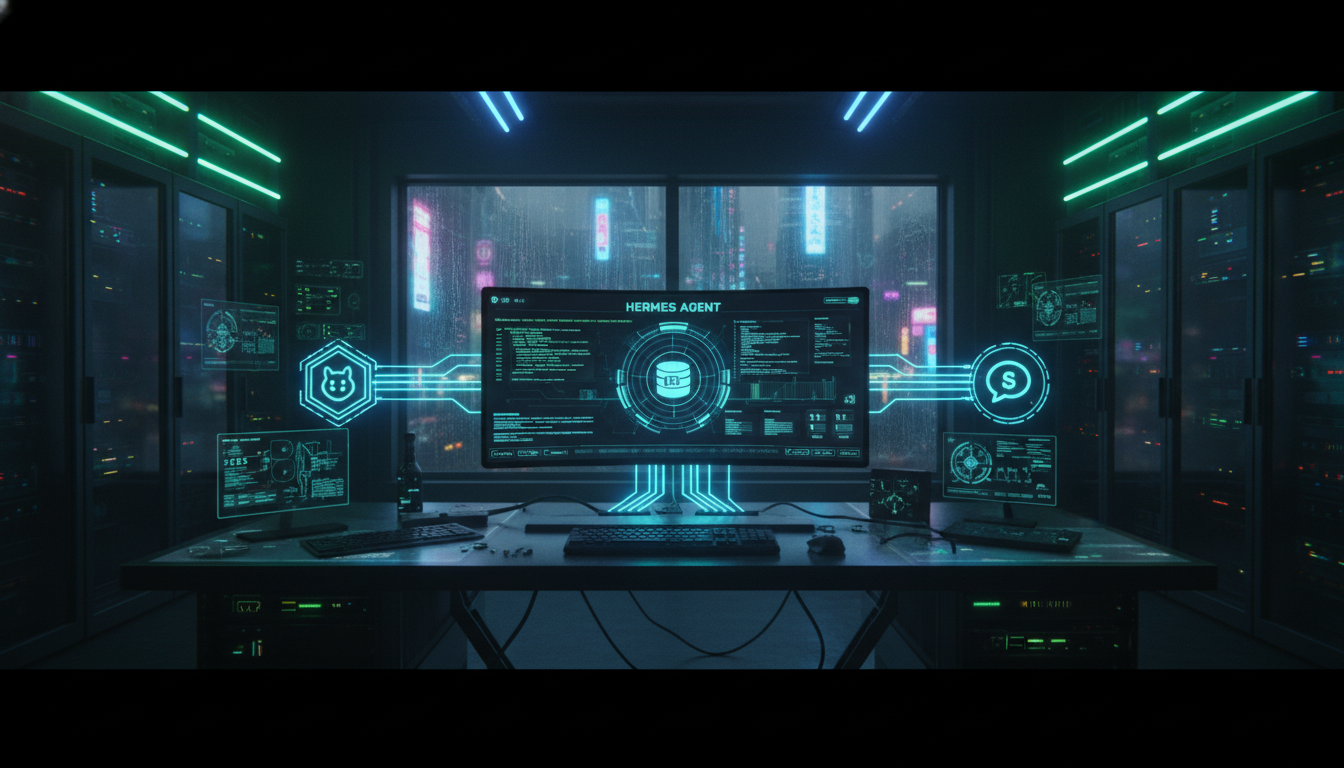
Hermes Agent supports running multiple specialized agents that coordinate on tasks. The official Hermes Agent documentation covers the configuration schema in depth. Here's how to set up a multi-agent system that delegates work to the right agent for each job.
What Is a Multi-Agent Setup?
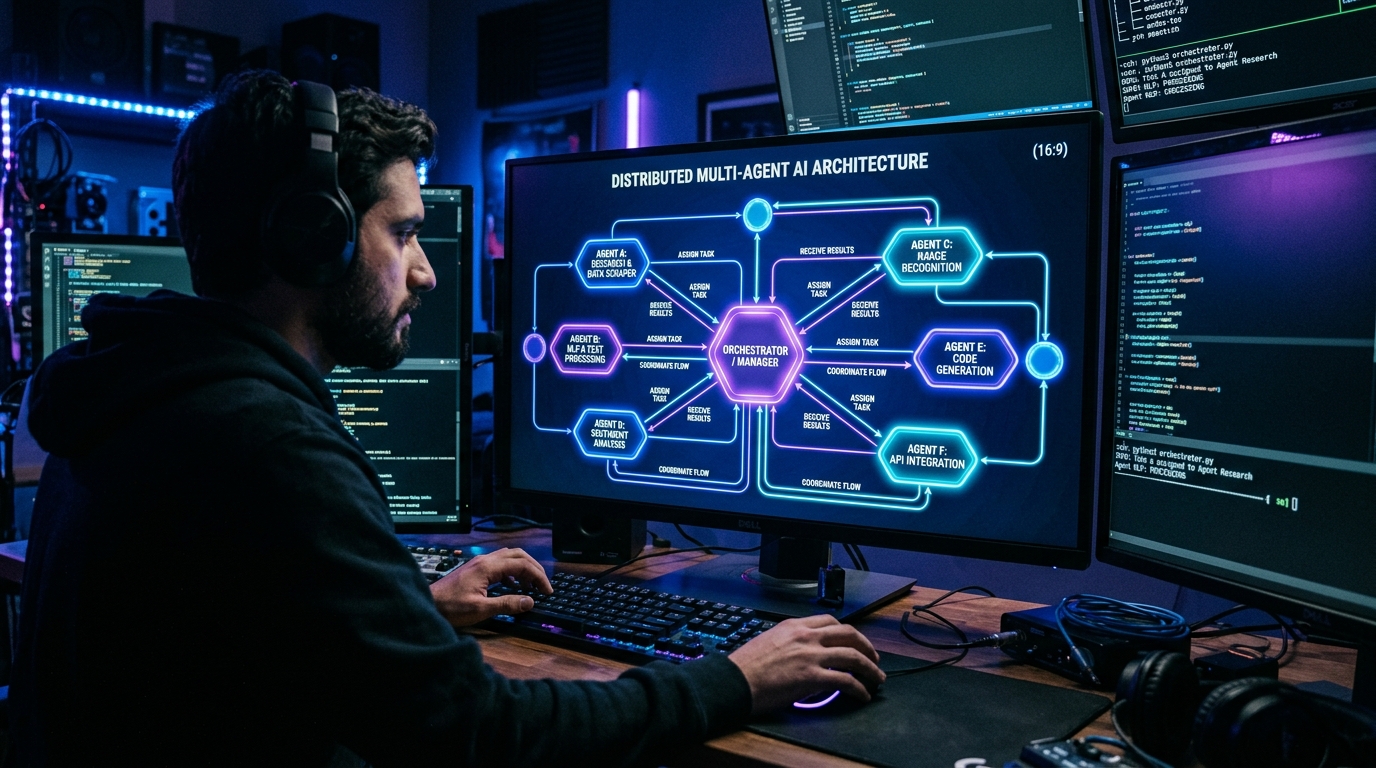
A multi-agent setup runs several Hermes agents simultaneously, each with a specific role, model, and tool set. An orchestrator agent receives your request and delegates to the appropriate specialist.
Instead of one agent doing everything:
class="language-text">You → Generalist Agent (does everything, mediocre at most)You get a team of specialists:
class="language-text">You → Orchestrator
 ├── Research Agent (web search, data extraction)
 ├── Code Agent (file ops, terminal, git)
 ├── Writing Agent (content generation, editing)
 └── Analysis Agent (data processing, visualization)
Step 1: Define Your Agent Roles
Each agent needs a clear role definition. The examples below follow the schema from the Hermes Agent GitHub repository. Create a configuration for each:
class="language-yaml"># ~/.config/hermes/agents.yaml
agents:
orchestrator:
model: anthropic/claude-sonnet-4.6
description: "Coordinates work across specialist agents. Does not do actual work."
tools:
- delegate
research:
model: deepseek/deepseek-v4-flash
description: “Searches the web, reads sources, extracts facts and data.”
tools:
- web_search
- read
- memory_write
code:
model: anthropic/claude-sonnet-4.6
description: “Writes and debugs code, runs terminal commands, manages git.”
tools:
- shell
- read
- write
- git
writer:
model: anthropic/claude-sonnet-4.6
description: “Creates content, edits, formats. Not for code or data work.”
tools:
- write
- read
analyst:
model: deepseek/deepseek-v4-flash
description: “Processes data, runs analysis, creates summaries.”
tools:
- read
- write
python
Step 2: Configure Delegation
The orchestrator uses Hermes's built-in delegation system. When you ask a question, the orchestrator determines which specialist should handle it:
class="language-yaml">delegation:
 strategy: semantic # Routes based on task description
 confidence_threshold: 0.7 # Route to specialist if 70%+ confident
 fallback: orchestrator # If unsure, orchestrator handles it
Step 3: Set Isolation Levels
Specialist agents can share context or run fully isolated. Configure what each agent can see:
class="language-yaml">agents:
 research:
 isolation: workspace # Sees shared workspace files
 code:
 isolation: workspace
 allowed_paths:
 - ~/projects
 - /tmp
 writer:
 isolation: full # Full isolation, sees nothing from other agents
 analyst:
 isolation: workspace
 read_only: true # Can read workspace, cannot modify
Step 4: Start Your Agents
Launch your multi-agent system:
class="language-text">hermes agents start --config ~/.config/hermes/agents.yamlYou should see:
class="language-text">Starting Hermes multi-agent system...
 ✅ Orchestrator (claude-sonnet-4.6) — online
 ✅ Research (deepseek-v4-flash) — online
 ✅ Code (claude-sonnet-4.6) — online
 ✅ Writer (claude-sonnet-4.6) — online
 ✅ Analyst (deepseek-v4-flash) — online
System ready. Delegate tasks to "hermes" to route to the right agent.
Real-World Example: Research Article Workflow
Here's how a multi-agent system handles a typical task:
- You: "Research and write a comparison of local LLM deployment options"
- Orchestrator determines this needs research + writing → delegates to Research Agent
- Research Agent searches web, reads 8+ sources, extracts key facts → saves structured data
- Orchestrator passes structured data to Writer Agent
- Writer Agent produces draft article → saves to workspace
- Orchestrator passes draft to Analyst for fact-checking
- Analyst cross-references claims, flags inconsistencies → updates draft
- You: Review final output
The entire pipeline runs without you switching contexts or re-prompting. Each agent does what it's best at.
Model Selection Strategy
| Agent Role | Recommended Model | Why |
|---|---|---|
| Orchestrator | Claude Sonnet 4.6 or GPT-5.4 | Best at understanding intent and routing |
| Research | DeepSeek V4 Flash or Gemini 3 Flash | Cheap, fast, good for search |
| Code | Claude Sonnet 4.6 or GPT-5.5 | Strongest at code generation and debugging |
| Writing | Claude Sonnet 4.6 | Best prose quality and editing |
| Analysis | DeepSeek V4 Flash or Claude Sonnet 4.6 | Data processing doesn't need frontier model |
Cost Comparison
| Setup | Monthly Estimate | Best For |
|---|---|---|
| Single Sonnet 4.6 agent | ~$75-150 | Simple tasks, one user |
| Multi-agent (Sonnet + DeepSeek Flash) | ~$40-80 | Research + writing workflows |
| Multi-agent (all Sonnet) | ~$100-200 | Code-heavy workflows |
| Multi-agent (all DeepSeek Flash) | ~$10-25 | Budget-constrained, high volume |
The multi-agent approach with tiered models (cheap for search, premium for writing) saves roughly 40-60% compared to running everything on a single premium model.
Frequently Asked Questions
Can all agents run on the same machine?
Yes. Hermes runs all agents as subprocesses on the same machine. For cloud-based models (OpenAI, Anthropic, DeepSeek), the local resource requirement is minimal. For local models via Ollama, you'll need sufficient GPU memory for concurrent inference.
How does the orchestrator decide which agent to use?
Hermes uses semantic routing — the orchestrator analyzes your request and matches it against each agent's description. You can also explicitly delegate using @agent_name in your prompt.
Can agents work on tasks in parallel?
Yes. Hermes supports parallel sub-agent execution — the same delegation primitive documented on the official Hermes Agent site. The orchestrator can spawn multiple specialists simultaneously for independent subtasks, collecting results as they complete.
Do agents share memory?
By default, agents share the workspace filesystem but have isolated conversation histories. You can configure shared memory via the memory section — agents can read from a common semantic memory store while keeping their episodic memory private.
Can I add more agents later?
Yes. Add new agent definitions to your agents.yaml and restart. The orchestrator discovers new agents automatically and routes tasks to them based on their descriptions.
Dig deeper: Hermes Agent review · DeepSeek V4 Flash review.
Back to all posts