TL;DR: OpenClaw's cron and heartbeat system turns your AI agent from a reactive chatbot into a proactive automation engine. Use cron for exact-scheduled, isolated tasks (daily reports, weekly reviews). Use heartbeat for periodic proactive checks (inbox scans, calendar alerts). This guide covers both, with real configs and best practices from the toolbrain.net pipeline.
If you are weighing OpenClaw against the alternatives, our comparison database keeps a live scorecard of how the leading AI Agent tools stack up.
Chatbots React. Agents Act.
The difference between a chatbot and a true AI agent is simple: one waits for you to ask; the other acts on its own schedule. OpenClaw's automation system — powered by cron timers and heartbeat, documented in the [official OpenClaw docs](https://docs.openclaw.ai) — is what bridges that gap.
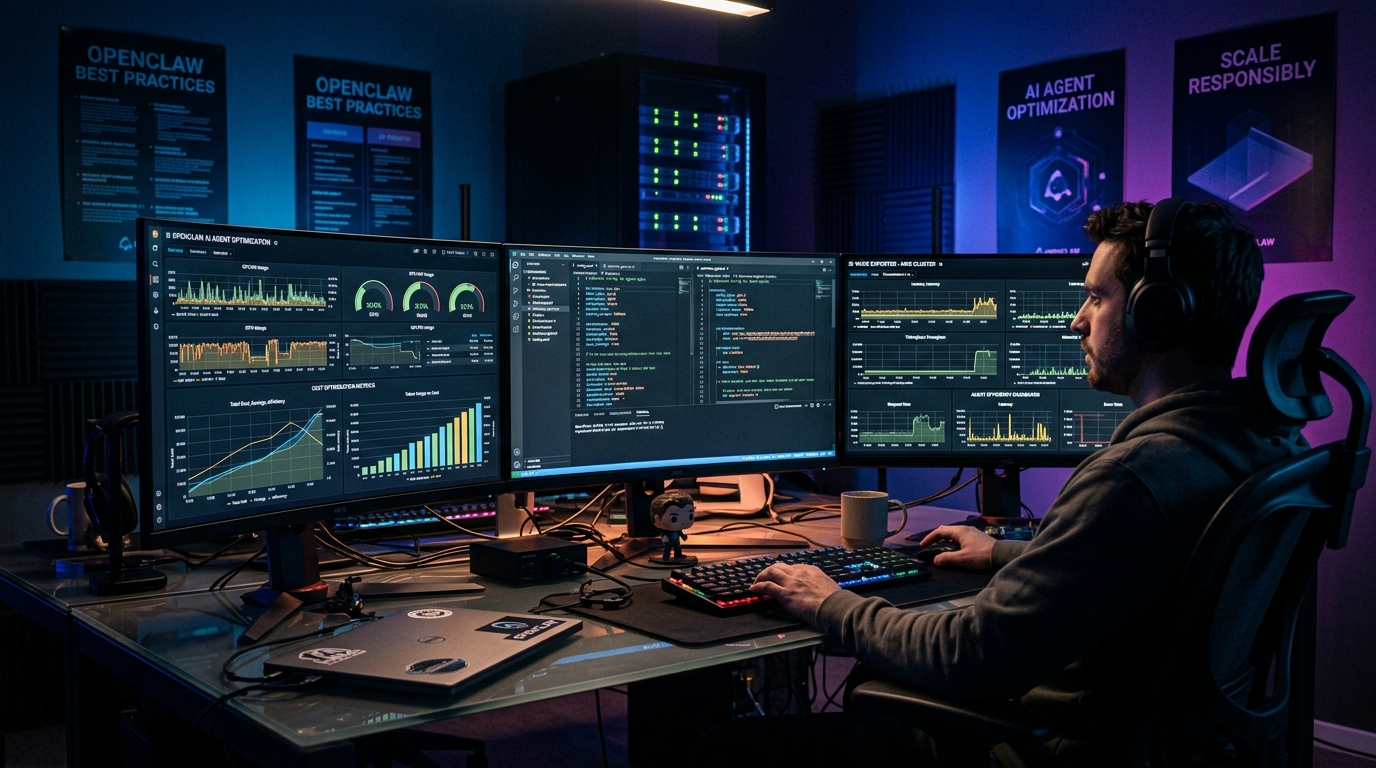
On toolbrain.net, we run 19 scheduled AI tasks daily. The blog automation pipeline generates posts, verifies quality, scans for issues, and alerts us when something breaks — all without a human typing a single prompt. This guide shows you how to build the same for your own setup.
Two Automation Modes, One System
| Feature | Cron Jobs | Heartbeat |
|---|---|---|
| Timing | Exact schedule (e.g., 08:00 daily) | Approximate interval (default ~30 min) |
| Context | Isolated session (fresh start each run) | Full session context (ongoing awareness) |
| Task Records | Creates audit trail | No task records |
| Best For | Daily posts, weekly reviews, one-shot reminders | Inbox checks, calendar scans, health monitoring |
| Cost | Per-run token consumption | Batches multiple checks per turn |
| Session Isolation | Recommended for deterministic tasks | Always runs in main session |
Setting Up Cron Jobs
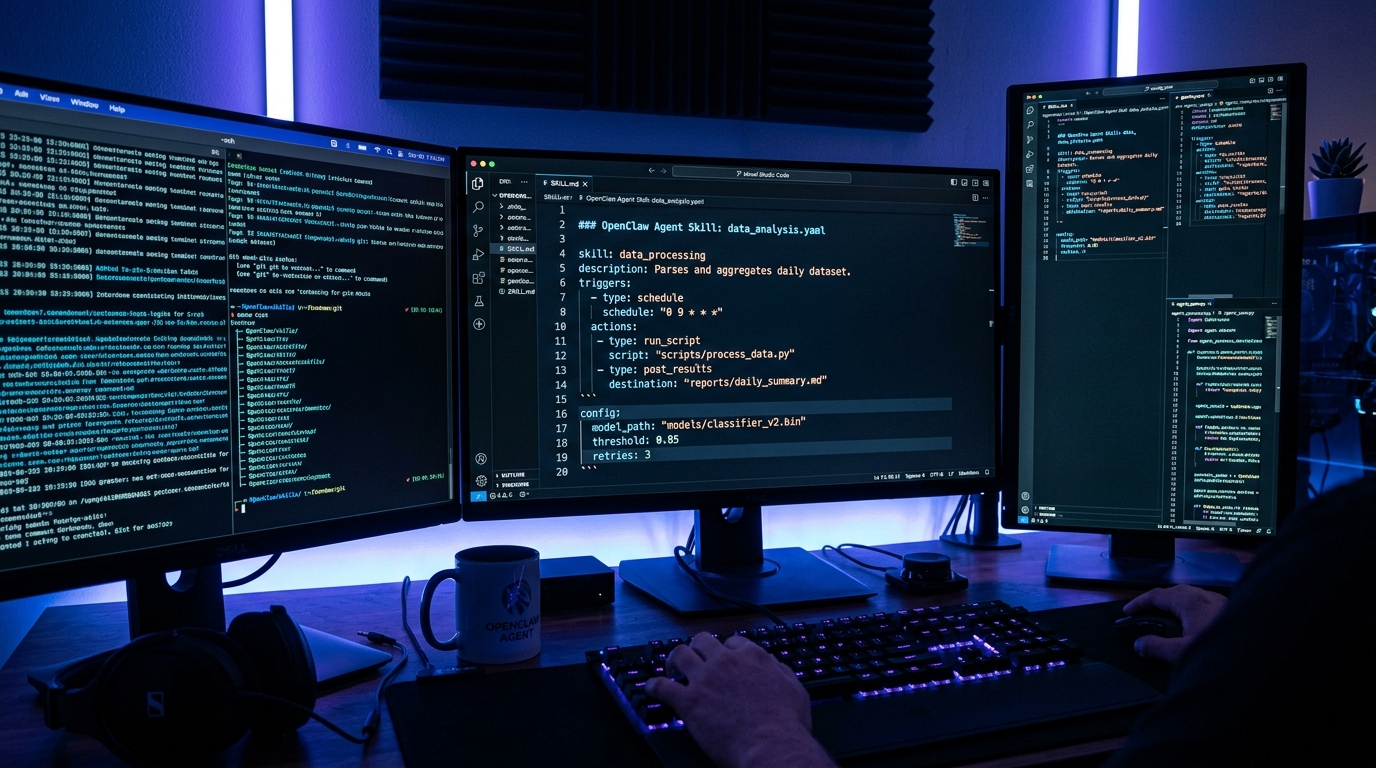
OpenClaw cron jobs use standard five-field cron syntax, matching the [cron reference in the OpenClaw documentation](https://docs.openclaw.ai). Here's the practical flow:
class="language-bash"># Add a daily task at 8 AM
openclaw cron add \
 --schedule "0 8 * * *" \
 --message "Write and publish the tip of the day post" \
 --session isolated

# List all cron jobs
openclaw cron list

# View task run history
openclaw cron runs --id JOB_ID
Scheduling Types
cron— Precise recurring schedules (0 9 * * 1= Mondays at 9 AM)every— Fixed intervals (every 4 hours,every 30 minutes)at— One-time tasks at a specific time
Managing Jobs
Every cron job gets a unique ID. You can pause, resume, or delete it without losing the schedule:
class="language-bash">openclaw cron disable JOB_ID # Pause without deleting
openclaw cron enable JOB_ID # Resume
openclaw cron rm JOB_ID # Delete permanently
Real Config Example
Here's how the toolbrain.net blog schedule looks in systemd timer format. Each timer fires a script that triggers the OpenClaw agent with a specific task:
class="language-ini"># daily-tip.service
[Unit]
Description=Daily Tip Post Generator

[Service]
Type=oneshot
ExecStart=%h/bin/daily-tip.sh
Nice=19

# Timed daily at 08:00
# daily-tip.timer
[Timer]
OnCalendar=*-*-* 08:00:00
The shell script it calls wraps the OpenClaw CLI invocation with the right agent and message:
class="language-bash">#!/bin/bash
# daily-tip.sh
openclaw run --agent blog-writer \
 --message "Research a high-search, low-competition AI topic and publish a tip of the day..."
Setting Up Heartbeat
Heartbeat is the more flexible option for recurring background checks. Instead of exact scheduling, you define what the agent should look for in a HEARTBEAT.md file, and the agent checks it every ~30 minutes.
Create HEARTBEAT.md in your workspace:
class="language-markdown">## Morning Checklist
- Check for urgent unread emails
- Review today's calendar events
- Check blog health (HTTP 200?)
- Alert me if anything needs attention

## Response Rules
If nothing needs attention: respond with only HEARTBEAT_OK
If something urgent: send me a direct message
The agent reads this file during each heartbeat turn. If nothing needs attention, it replies HEARTBEAT_OK and the response is suppressed — no noise, no cost. If something's urgent, it alerts you directly.
Cron vs. Heartbeat: When to Use What
The decision is straightforward:
- Use cron when exact timing matters. "Publish at 08:00 sharp every day" is a cron job. The isolated session ensures clean state every time — no bleed from past conversations.
- Use heartbeat for routine vigilance. "Check if there's an important email every 30 minutes" is a heartbeat. It batches multiple checks into one turn and only interrupts you when it finds something.
- Use both together for the full automation stack. Cron handles your scheduled outputs (posts, reports). Heartbeat handles your unscheduled inputs (notifications, alerts).
Best Practices From Production
Running 19 cron jobs daily on toolbrain.net taught us these lessons the hard way:
1. Test Manually Before Scheduling
Before setting a cron schedule, run the exact command manually. Verify the agent's behavior, check output format, and confirm it handles edge cases. A failing cron job in production is harder to debug than a failing test run.
2. Stagger Heavy Tasks Overnight
Schedule resource-intensive jobs between 1-5 AM. This preserves your API rate limit quota for daytime interactive use. Stagger jobs by at least 15 minutes to prevent resource contention.
3. Make Operations Idempotent
Cron jobs can fail and retry. Design your tasks so running them twice produces the same result as running them once. Our publish scripts check for duplicate slugs before inserting — a failed publish can safely retry without creating duplicate posts.
4. Monitor Job Health
OpenClaw preserves task logs. Check them regularly:
class="language-bash"># View recent runs for a specific job
openclaw cron runs --id JOB_ID --limit 10

# Check gateway logs for errors
openclaw gateway logs --level error
5. Set Appropriate Timeouts
Configure agents.defaults.timeoutSeconds to 1.5× the expected execution time of your longest task. A post generation task that usually takes 60 seconds needs a 90-second timeout. Break long tasks into shorter, chained ones.
What This Unlocks
With cron + heartbeat, your OpenClaw agent goes from "ask me anything" to "I've got this handled." The same infrastructure that powers the toolbrain.net blog pipeline — 19 daily posts across 7 categories, automated quality checks, self-healing recovery — is available to any OpenClaw user.
For more on building automated pipelines, see our blog automation build log and multi-provider failover setup. For the agent configuration basics, check the OpenClaw best practices guide.
Frequently Asked Questions
Can I run cron jobs on a different timezone?
Yes. Cron expressions use the host's local time by default. Add an explicit tz field to the cron configuration to override. ISO timestamps without timezone are treated as UTC.
Does every heartbeat turn cost money?
Yes, but it's minimal. A heartbeat turn involves reading HEARTBEAT.md and making a single LLM call. If nothing needs attention, the agent replies HEARTBEAT_OK and ends. At roughly 100-200 tokens per check, a month of hourly heartbeats costs less than $0.20.
What happens if a cron job fails?
OpenClaw preserves the error in task logs. Depending on your configuration, the service unit can retry on failure. We recommend adding Restart=on-failure with RestartSec=10 to your systemd service files. For source-level details on scheduling internals, the [OpenClaw GitHub repository](https://github.com/openclaw/openclaw) is the authoritative reference.
Can cron jobs access my conversation history?
Only if you use --session main. The recommended approach is --session isolated, which spins up a fresh agent context for each run. This prevents past conversations from influencing the task and keeps results deterministic.
How many cron jobs should I run?
There's no hard limit. We run 19 daily plus weekly jobs on a single CachyOS machine. The constraint is your API rate limits — each job consumes tokens. Start with 2-3 and monitor usage before scaling up.
Dig deeper: OpenClaw review · IronClaw review.
Back to all posts