If you’re not a coder and want an AI agent to handle logins and forms, Skyvern is your pick. Python developers building AI-agent workflows should look at Browser-Use. If you want free, deterministic testing with zero per-run token costs, Playwright is the answer. And if you need to scrape data at scale while dodging anti-bot systems, Scrapling is the stealth choice. Here’s the full breakdown.
How We Tested
This review is based on official documentation, pricing pages, and published third-party reports — we did not run the tool hands-on. We covered setup requirements, pricing tiers, feature claims, licensing, and reported limitations from vendor sources. We did not verify execution speed, success rates, or real-world anti-bot effectiveness in practice — those claims come straight from the vendors’ published materials.
Quick Comparison Table
| Skyvern | Browser-Use | Playwright | Scrapling | |
|---|---|---|---|---|
| Type | AI agent platform (SaaS + OSS core) | AI agent framework (OSS + cloud) | Testing framework (OSS) | Scraping library (OSS) |
| License | AGPL-3.0 (core) | MIT | Apache-2.0 | BSD-3-Clause |
| Free tier | 5,000 credits (~170 actions) | 10 tasks/mo, 3 sessions | 100% free | 100% free |
| Paid from | $29/mo | $29/mo | — (paid Azure service) | — |
| Stars (Aug 2026) | ~22.8k | ~110.3k | ~95.1k | ~76.3k |
| Coding needed | No (optional SDKs) | Yes (Python) | Yes (code/agents) | Yes (Python) |
| Needs LLM/API keys | No (cloud) | Yes (or cloud) | No | No |
Skyvern: AI Automation for Non-Coders
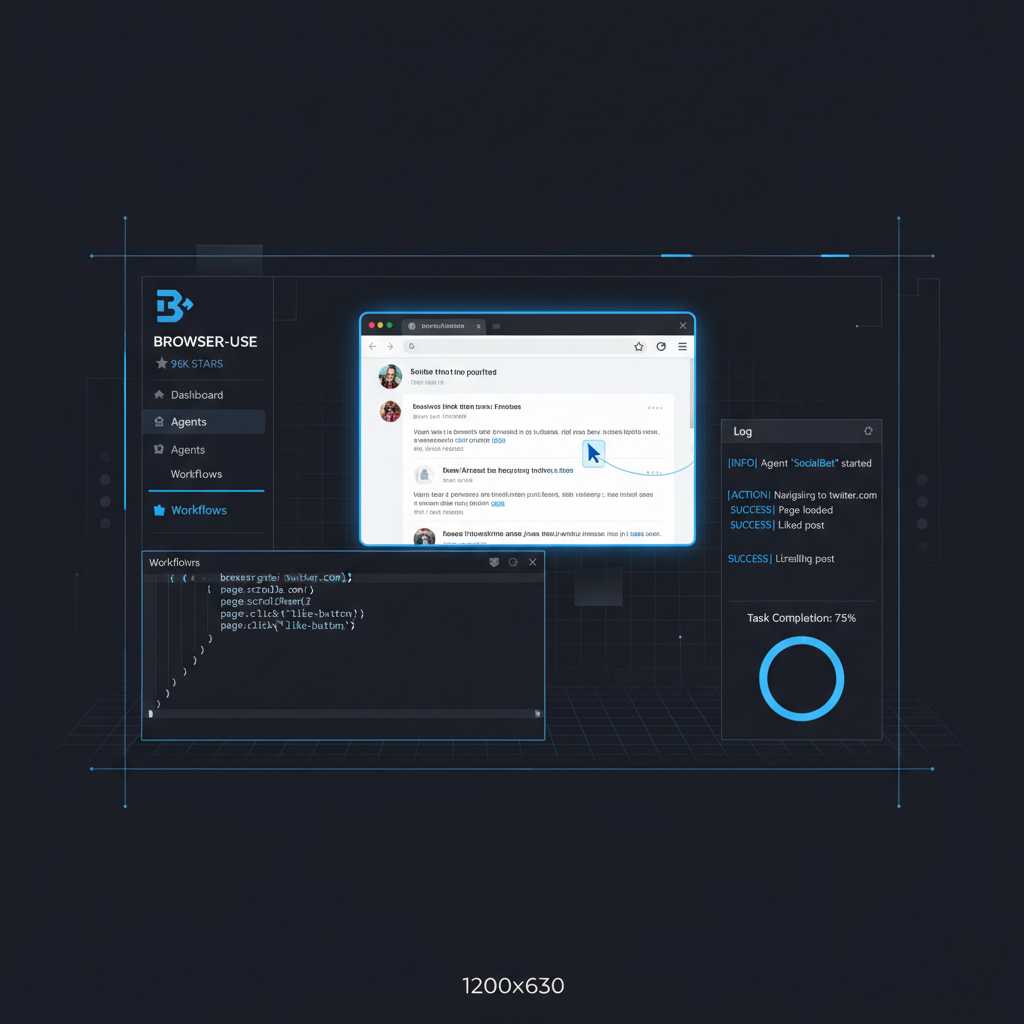
Skyvern is an AI agent platform where you describe a task in plain English — “log into my vendor portal and download yesterday’s invoices” — and an AI agent with computer vision drives a real browser, clicking, typing, and filling forms on any website, even behind logins and CAPTCHAs. No brittle selectors to maintain; the agent looks at the page and decides what to do.
The free tier gives you 5,000 credits (~170 actions) with one concurrent run and no credit card required. Paid plans start at $29/month for 30,000 credits (~1,200 actions), and the Pro tier at $149/month adds advanced CAPTCHA, 2FA/TOTP, and residential proxies. The core is open source under AGPL-3.0 with ~22.8k GitHub stars, and you can self-host via Docker — but you’ll supply your own LLM API keys and infrastructure. Skyvern is YC-backed with a $2.7M seed, and it holds SOC 2 Type II and HIPAA certifications. Native CAPTCHA solving and 2FA/TOTP handling are built in. Check the Skyvern pricing page and Skyvern docs for details.
The catch: AGPL-3.0 is copyleft, so if you modify and distribute the core, your changes must stay open. Self-hosting means managing your own LLM keys and infra, and the anti-bot features only work in the managed cloud. This is an ops tool, not a developer framework.
Best for: ops teams and non-coders automating portal work — invoicing, form-filling, data pulls.
| Overall Score | 7.5/10 | | Ease of Use | 8/10 | | Features | 8/10 | | Performance | 7/10 | | Documentation | 7/10 | | Support | 7/10 |
Browser-Use: The Developer’s AI Agent Framework
Browser-Use is an open-source Python library that gives an AI agent control of a Chrome browser based on a one-sentence task. You write code that calls the library, the agent figures out the rest. It works with OpenAI, Anthropic, Google Gemini, and Grok models, plus its own custom BU 2.0 model built specifically for browser automation.
It’s the most-starred tool in this category at ~110.3k GitHub stars under an MIT license. The free tier gives you 10 agent tasks per month with 3 concurrent sessions; paid plans start at $29/month. Cloud browsers run at $0.02/hour, and the BU 2.0 model costs $0.60 input / $3.50 output per 1M tokens. Browser-Use raised a $17M seed in March 2025 (YC W25, with Paul Graham involved, used by Manus, per TechCrunch). The library claims ~46M downloads per month. See Browser-Use pricing and Browser-Use benchmarks.
The real expense isn’t the library — it’s the LLM tokens. Open tabs inflate usage, and Chrome eats memory at scale. Self-hosting at scale is genuinely hard. Agent success depends heavily on model quality, so your results will vary.
Best for: Python devs building AI-agent workflows who want full control.
| Overall Score | 6.5/10 | | Ease of Use | 5/10 | | Features | 8/10 | | Performance | 6/10 | | Documentation | 7/10 | | Support | 6/10 |
Playwright: Free, Deterministic Browser Testing
Playwright is Microsoft’s free, open-source framework for automating real browsers — Chromium, Firefox, and WebKit — with code. You write exact steps; the framework executes them. No AI, no per-run token costs, maximum reliability. It’s the industry standard for website testing.
It’s 100% free under Apache-2.0 with ~95.1k GitHub stars. The latest version is v1.62.1 (July 30, 2026). One API works across all three browser engines, with Python, .NET, and Java bindings. It includes auto-waiting, web-first assertions, parallel tests, codegen, Trace Viewer, UI mode, and a VS Code extension. In January 2026, Microsoft shipped an official Playwright MCP server plus CLI and skills for coding agents like Claude Code and GitHub Copilot. Mobile emulation is built in, though it’s emulation, not real devices. See the Playwright docs for the full feature set.
The limitation: it’s not AI-native. No natural-language task execution — you write and maintain code. Scripts break when sites change. There’s no built-in CAPTCHA or 2FA handling. And you need Node.js installed.
Best for: QA engineers, devs wanting free predictable automation, and anyone allergic to per-run token costs.
| Overall Score | 7.5/10 | | Ease of Use | 6/10 | | Features | 7/10 | | Performance | 8/10 | | Documentation | 9/10 | | Support | 8/10 |
Scrapling: Stealth Web Scraping in Python
Scrapling is a free Python library for pulling data off websites — from a single page to a full site-wide crawl. Its “smart” selectors re-find data even after a site redesigns, and its stealth fetchers are designed to slip past anti-bot systems like Cloudflare Turnstile.
It’s 100% free and open source under the permissive BSD-3-Clause license, with ~76.3k GitHub stars. The latest version is v0.4.15 (August 23, 2026), which reworked the MCP server, added one-line LLM-ready Markdown conversion, and improved the Cloudflare solver. You get four fetcher types: fast HTTP with TLS-fingerprint impersonation, stealthy anti-bot/Cloudflare bypass, dynamic full browser via Playwright, and async. There’s a full crawling framework called “Spiders” with a Scrapy-like API, concurrency, pause/resume, AutoThrottle, robots.txt compliance, and JSON/CSV/XML export. Proxy rotation is included. AI add-ons cover an MCP server, an agent skill, and one-line page-to-Markdown for RAG pipelines. Test coverage is at 92%. See the Scrapling GitHub and Scrapling docs.
The catch: it’s Python-only with no no-code UI. Anti-bot bypass isn’t universal — Akamai, DataDome, Kasada, and Incapsula are explicitly out of scope. And you’re responsible for complying with local scraping laws and robots.txt.
Best for: Python users collecting data — prices, listings, corpora — who need stealth and scale.
| Overall Score | 6.0/10 | | Ease of Use | 5/10 | | Features | 7/10 | | Performance | 7/10 | | Documentation | 6/10 | | Support | 5/10 |
Which One Should You Pick?
- “I’m not a coder, I want to automate logins/forms” → Skyvern. Describe the task in English, let the AI agent handle the rest. No code, no LLM keys to manage.
- “I’m a Python dev, I want AI agents doing web tasks” → Browser-Use. The most flexible framework, but budget for token costs. See our full Browser-Use review for a deeper dive.
- “I want free, reliable testing with full control” → Playwright. Write exact steps, get deterministic results. Zero cost per run.
- “I need to scrape data at scale, free, beat anti-bot” → Scrapling. Stealth fetchers, adaptive selectors, and a permissive license. For comparison with another scraping-focused tool, check our UI-TARS desktop review.
Who Should Use This / Who Shouldn’t
Use if: you’re a beginner exploring browser automation and want to understand the difference between AI-native agents and code-first frameworks. This comparison gives you a profile-based starting point. You’re comparing tools with different philosophies — task execution, testing, or data extraction — and need a clear map.
Skip if: you already have a tool that works for your use case. You need only mobile app automation — none of these are real-device mobile testers. Or you’re looking for a single definitive “best” answer — there isn’t one. The right tool depends on your coding comfort, budget, and whether you need AI or determinism.
We’re tracking browser automation tools on our AI automation roadmap — check progress as these tools evolve. This comparison is part of our Monday rotation — next week’s showdown is already queued. 📊 See how Skyvern compares to other browser automation tools in our full category index, and browse all comparisons for more head-to-head breakdowns.
📖 Related Reads
- NiteAgent — AI agent development, frameworks, and production patterns
- ToolBrain — tool reviews, LLM comparisons, and AI workflow guides
- NoCode Insider — AI workflow automation with no-code tools, agents, and APIs
- Hermes Tutorials — Hermes Agent setup, configuration, and advanced workflows
- CodeIntel Log — code quality, debugging, and software engineering benchmarks
Cross-links automatically generated from None.
Back to all posts