Verdict: Microsoft Agent Framework v1.0 is the free, enterprise-grade successor to AutoGen and Semantic Kernel — the strongest choice for .NET/C# developers and Azure shops building multi-agent AI systems. However, its young community, coding-heavy interface, and fast-moving API make it a harder starting point for true beginners compared to alternatives like LangChain or CrewAI.
How We Tested
This review is based on official documentation, pricing pages, and published third-party reports — we did not run the tool hands-on. All factual claims are sourced to official Microsoft documentation, verified GitHub API data (pulled 2026-08-26), or cited third-party evaluations. Where no verified data exists (e.g., MAF-specific benchmark scores), we say so explicitly.
Score Table
We rate Microsoft Agent Framework 7.0 out of 10 overall. It earns high marks for features and documentation but loses ground on ease of use, performance evidence, and support. The subscores below reflect a documentation-based assessment, not hands-on benchmarks, so treat the performance figure as unverified.
| Overall Score | 7.0/10 | | Ease of Use | 5.5/10 | | Features | 8.5/10 | | Performance | 6.0/10 | | Documentation | 7.5/10 | | Support | 6.5/10 |
What Is Microsoft Agent Framework?
Think of a simple chatbot as a talker. An AI agent is a worker — it doesn’t just answer questions; it can use tools, remember context, and work through multi-step tasks. Microsoft Agent Framework (MAF) is the free, open-source toolbox Microsoft gives developers to build these workers in either Python or C#/.NET.
It’s the official, unified successor to Microsoft’s two previous, now-legacy frameworks: AutoGen and Semantic Kernel (AutoGen README, Semantic Kernel README). In short, if you’re starting a new project today, MAF is the Microsoft-recommended path. It reached version 1.0 General Availability (GA) in April 2026 (GitHub Release, Official Announcement).
Beginner Takeaway: If you’re new to AI agents, MAF is Microsoft’s official, free toolkit for building them with code in Python or C#.
Key Features
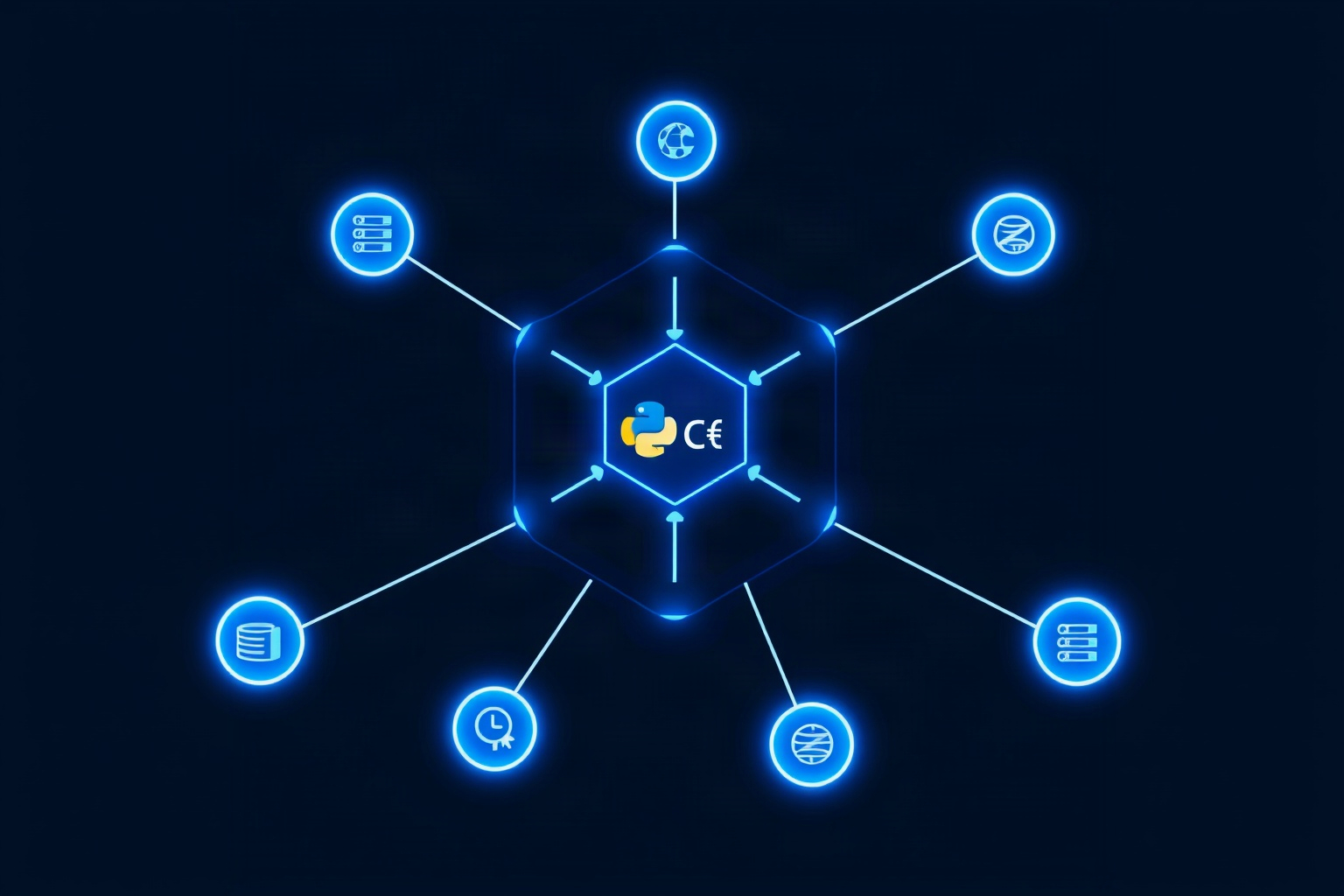
Microsoft Agent Framework ships with everything needed to build production agents: dual-language support, graph workflows, MCP tool connectivity, a debugging interface, observability, broad model support, and multi-agent orchestration. Below are the headline features, each linked to official documentation. These capabilities explain its strong feature score despite a steep learning curve.
- Dual Language Support (Python + C#/.NET): MAF provides full, consistent APIs for building agents in both Python and C#/.NET, with a Go SDK in public preview (GitHub README).
- Graph-Based Workflow Engine: It uses a “superstep” execution model to define complex, graph-based agent workflows with parallel steps and automatic checkpointing (MS Learn Workflows).
- Native MCP Client: Agents can easily connect to external tools and services using the open Model Context Protocol (MCP) standard (MS Learn - MCP Tools).
- DevUI Debugger: A built-in web interface for visually testing and debugging agents and workflows — though it’s a sample tool, not for production (GitHub DevUI Package).
- OpenTelemetry Observability: It has built-in support for tracking traces, logs, and metrics, which is crucial for monitoring production agents (MS Learn Observability).
- Broad Model Support: Connects to 7 major model providers at launch, including OpenAI, Anthropic, Google Gemini, and Ollama (Official Announcement).
- Multi-Agent Orchestration: Comes with ready-made patterns for teams of agents, including sequential, concurrent, handoff, and group chat workflows (Official Announcement).
Beginner Takeaway: MAF gives developers a rich set of pre-built tools to create, connect, and monitor complex teams of AI agents.
Pricing
MAF itself is 100% free and open-source under the MIT license. You can install it via pip for Python (PyPI) or NuGet for .NET (NuGet). There is no paid tier or pricing page for the SDK. The MIT license permits commercial use, modification, and redistribution at no cost — rare for an enterprise-grade framework.
What costs money: You will pay the LLM providers (like OpenAI, Anthropic, or Azure) for the API tokens your agents consume. If you choose to host your solution on Azure AI Foundry, you will incur standard Azure hosting costs (MS Learn Overview).
Beginner Takeaway: The toolkit is free, but the AI “brain power” (LLM API calls) it uses is not.
Comparison: How It Stacks Up
Microsoft Agent Framework competes with two very different groups: general-purpose orchestration libraries like LangChain and CrewAI, and its own legacy predecessor AutoGen. The mini-verdicts below compare community size, ease of onboarding, and platform fit so you can decide which tool matches your team.
vs. LangChain
Mini-verdict: LangChain has the biggest community (145k GitHub stars) and the richest ecosystem of tutorials and integrations. Choose LangChain if you want the largest Python/JS community and don’t need .NET support. Choose MAF if you’re a .NET shop or want Microsoft’s enterprise telemetry story baked in for free.
vs. CrewAI
Mini-verdict: CrewAI uses a more intuitive, role-based metaphor (e.g., assigning “researcher” or “writer” roles) that can be easier for beginners to grasp. Choose CrewAI if you want the simplest onboarding for building a team of agents. Choose MAF if you need lower-level graph workflows, middleware hooks, or .NET support.
vs. AutoGen (Legacy)
Mini-verdict: AutoGen is officially in maintenance mode and will receive no new features (AutoGen README). If you’re starting fresh, use MAF. If you’re already on AutoGen, Microsoft provides a migration guide, but expect significant rewriting.
Limitations & Watchouts
No framework is perfect, and Microsoft Agent Framework has real trade-offs. The biggest watchouts are its young community, code-first design, fast-moving API, incomplete platform coverage, and the absence of published benchmarks. Each item below links to the official source. Beginners should weigh these before committing.
- Active, But Young: The repository has 13,131 GitHub stars and 618 open issues as of this review (GitHub, GitHub Issues). Its community is much smaller than LangChain’s or CrewAI’s.
- Developer SDK, Not No-Code: This is a code-first framework. Beginners with no coding experience will find a steeper learning curve than with some alternatives.
- Fast-Moving API: Microsoft published a dedicated upgrade guide for breaking changes around the 1.0 launch, indicating the API was evolving quickly (Upgrade Guide).
- Incomplete Platforms: The Go SDK is a preview and is missing key features. The Python “functional workflow” API is still experimental (MS Learn Overview).
- No Published Benchmarks: Microsoft ships experimental evaluation harnesses (GAIA/TAU2), but no public benchmark scorecard for MAF 1.0 exists (Lab README). Any performance claims are unverified.
- Migration Pain: Moving from the legacy AutoGen or Semantic Kernel means real rewriting — InfoWorld notes teams that tightly coupled their apps to framework abstractions found “migrating and rewriting are not the same thing” (InfoWorld).
Beginner Takeaway: MAF is powerful but complex. Be prepared for a coding-focused experience and a smaller community than the biggest alternatives.
Who Should Use This / Who Shouldn’t
Microsoft Agent Framework is a developer tool, so fit depends less on your budget and more on your coding background and ecosystem. The lists below separate who benefits from its enterprise features and who will struggle with its learning curve.
Who should use Microsoft Agent Framework?
- .NET/C# developers and teams in the Azure/Microsoft ecosystem.
- Projects requiring a free, open-source foundation with enterprise-grade features like telemetry and middleware.
- Developers migrating from the legacy AutoGen or Semantic Kernel frameworks.
Who should probably avoid it (for now)?
- Absolute beginners with no programming experience who need a no-code tool.
- Teams that need the largest possible community for tutorials, support, and pre-built integrations.
- Projects requiring independently verified performance benchmarks, as none are published for MAF.
Roadmap & What’s Next
Microsoft has been actively developing MAF since its GA. Recent additions in 2026 include the Agent Harness (July 22), stable orchestration patterns (July 8), and declarative workflows (July 23) (MAF Blog Hub). It remains an actively developed project. See what’s next in our AI Agent category progress at /roadmap/, and follow our weekly pipeline at /cron-pipeline/.
For a deeper look at the alternatives, check our full AI Agent comparison database or read our reviews of LangGraph and CrewAI. You can browse all our tool comparisons in the /comparisons/ hub.
Beginner Takeaway: MAF is the future for Microsoft’s agent ecosystem, but its community is still growing. Watch this space.
Back to all posts