📖 What Is Gamma?
Gamma is an AI-powered content creation platform that generates presentations, documents, and websites from a single text prompt. Founded in 2020 by Grant Lee, JJ Powell, and Maximillian Angerer, Gamma has grown to over 20 million users and surpassed $100 million in annual recurring revenue as of late 2025 [1].
Unlike traditional presentation tools like PowerPoint or Google Slides, Gamma is built around AI-first generation. You describe what you want — “a pitch deck for a climate tech startup raising a Series A” — and Gamma produces a complete, styled, interactive deck in under 30 seconds. The output isn’t a static slide: it’s an interactive web page with cards, zoom, and click-through navigation that works on any device.
Gamma raised a $68 million Series B led by a16z in November 2025 at a $2.1 billion valuation, bringing total funding to $87 million [1]. The platform competes directly with Beautiful.ai, Tome, and Canva AI in the AI presentation space, but differentiates itself by also supporting document and website creation within the same tool.
In March 2026, Gamma launched Gamma Imagine, its own AI image generation capability, reducing reliance on third-party image providers and bringing it closer to Canva’s all-in-one design approach [2].
📊 At a Glance & ✅ Pros & Cons
| Feature | Gamma | Beautiful.ai | Tome AI | Canva AI |
|---|---|---|---|---|
| Category | AI Presentation | AI Presentation | AI Presentation | AI Design Suite |
| Starting Price | $8/mo annual | $12/mo annual | $16/mo annual | $13/mo annual |
| Free Tier | ✅ Yes (400 credits) | ✅ Yes (limited) | ✅ Yes (basic) | ✅ Yes (limited) |
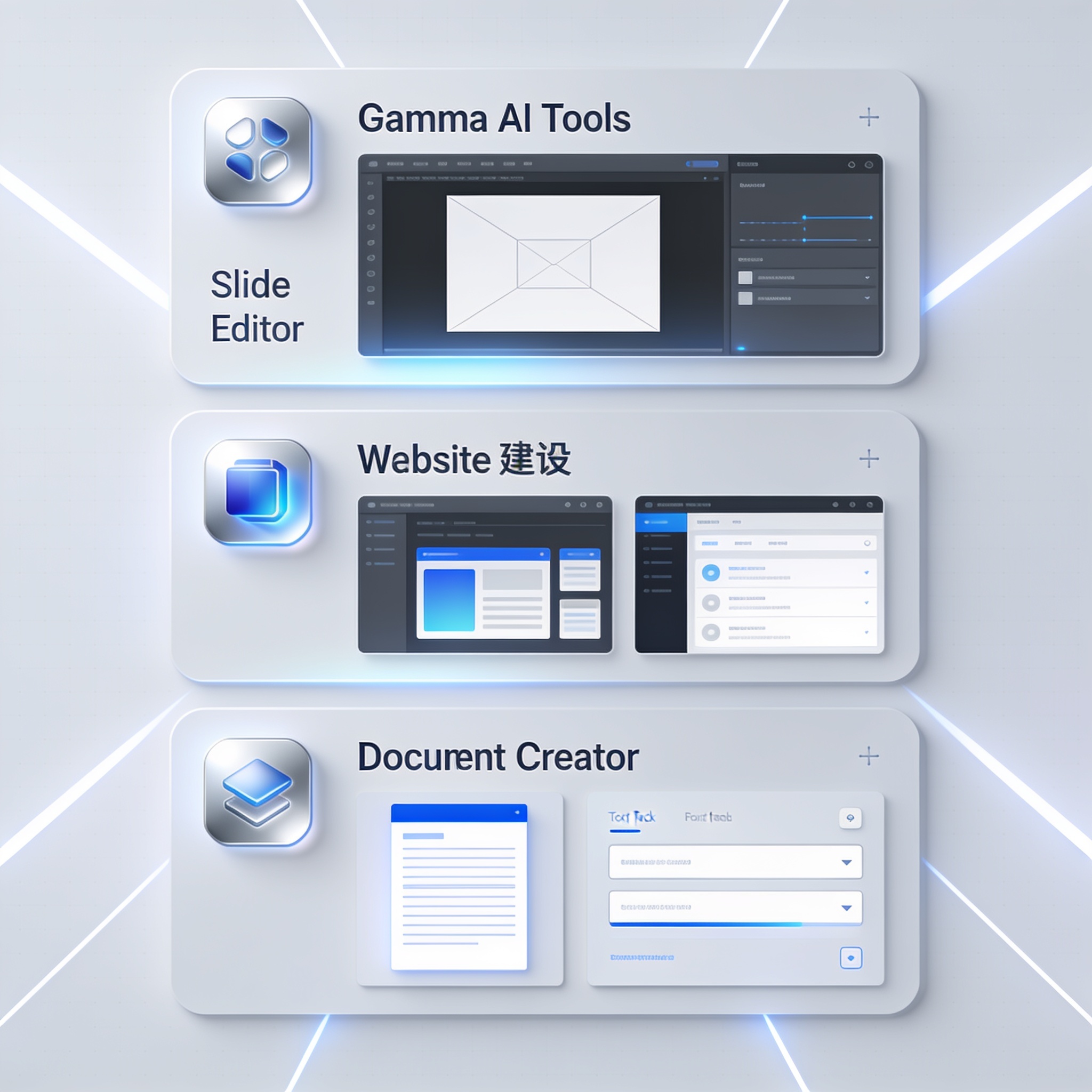
| Formats | Presentations, docs, websites | Presentations only | Presentations, docs | Full design suite |
| AI Generation | ✅ Prompt to deck | ✅ Template-based | ✅ Prompt to deck | ✅ Magic Design |
| Interactive Output | ✅ Web-native cards | ❌ Static slides | ✅ Web-native | ❌ Traditional |
| AI Images | ✅ Gamma Imagine | ❌ No | ❌ No | ✅ Magic Media |
| Brand Kits | ✅ Yes | ✅ Yes | ✅ Yes | ✅ Yes |
| API | ✅ Yes | ❌ No | ❌ No | ✅ Yes |
✅ What It Does Best
- Three formats in one — Create presentations, documents, and websites from a single tool with consistent branding and design. No tool switching needed for different content types.
- Exceptional ease of use — The AI generates complete, polished decks from a single prompt in seconds. The card-based editor is intuitive and requires zero design skills.
- Interactive by default — Gamma decks are interactive web pages, not static slide decks. Viewers can click through, zoom, and engage in ways PowerPoint never could.
- Generous free tier — 400 one-time credits let you experiment with 10-15 presentations before committing. Plus ($8/mo annual) is affordable for regular users.
- Active development — Gamma Imagine (AI image gen) launched March 2026. Claude/ChatGPT Connectors, brand kits, and API keep the platform evolving.
❌ Where It Falls Short
- Credit system is confusing — Credits are consumed for AI generation, images, and exports. Usage stacks up fast, and the rolling expiry (2x monthly cap) creates artificial scarcity.
- Export limitations — Free tier watermarks shared decks. PPT/PDF export quality degrades from the interactive web format. Complex animations don't survive conversion.
- Not a full design tool — Gamma generates beautiful decks but lacks fine-grained control. Power users who want pixel-perfect layouts will find the editor limiting.
- Website builder is basic — Gamma can generate websites, but they're really single-page decks repurposed. Not a replacement for Webflow or Framer for serious sites.
AI presentation tool with smart templates and automated layout. Best for teams that want design consistency without AI generation. Pro from $12/mo.
AI presentation tool with web-native output and AI generation from prompts. Strong competitor with similar interactive format. Pro from $16/mo.
Full design suite with AI-powered Magic Design, presentations, social graphics, and video. Better for visual content creators who need more than slides.
AI slide generator focused on text-to-presentation conversion. Pro from $20/mo. Strong for rapid content-to-slide workflows.
✨ Capabilities & Agentic Deep Dive
AI Presentation Generation
Gamma's core capability is transforming a single text prompt — or an outline, document, or URL — into a complete, styled presentation in under 30 seconds. You can specify length (short, medium, long), tone (professional, creative, casual), and theme (from Gamma's library or your own brand kit). The AI generates card-by-card content with appropriate headings, bullet points, and visual suggestions. Each card is individually editable, so you can tweak AI-generated content without regenerating the whole deck [1].
Gamma Imagine — AI Image Generation
Launched in March 2026, Gamma Imagine brings native AI image generation to the platform [2]. Users can generate custom images directly within a deck by describing what they want — no need to source stock photos or switch to a separate image tool. Basic image generation costs 2 credits; premium models cost up to 50 credits per image. The feature competes directly with Canva Magic Media and reduces the friction of finding or creating visuals for each card.
Interactive Web-Native Delivery
Unlike PowerPoint or Google Slides, Gamma decks are interactive web pages by default. Viewers can click to expand cards, zoom into details, navigate non-linearly, and engage with embedded content. The format works on any device without special software. Gamma also provides viewer analytics — you can see who viewed your deck, for how long, and which cards they spent the most time on [1].
Brand Kits & Templates
Gamma's brand kits let organizations define fonts, colors, logos, and themes that apply across all decks. Team and Business plans get shared brand kits that enforce design consistency without restricting individual creativity. The template library includes hundreds of professionally designed themes for pitch decks, internal reports, marketing presentations, educational content, and more.
AI Connectors (Claude & ChatGPT)
Gamma's integration with Claude and ChatGPT lets you generate content for your decks directly through AI chat interfaces. You can brainstorm ideas, outline sections, or rewrite copy through the connector, then bring the results into your deck. This bridges the gap between AI writing assistants and Gamma's presentation engine, though the integration is still more manual than a fully automated pipeline.
🔬 AI Performance Analysis
🦾 Ease of Use
Gamma is remarkably easy to use. Sign up, type what you want, and within 30 seconds you have a complete deck. The card-based editor is intuitive — click to edit, drag to reorder, and the design stays consistent. There is no learning curve for basic use. Advanced features (brand kits, custom themes, analytics) are discoverable without being overwhelming. The only friction is the credit system, which adds mental overhead to what should be a frictionless creative process.
⚙️ Features
Gamma's feature set is broad but not deep. It excels at AI generation, interactive delivery, and brand consistency. The three-format approach (slides, docs, websites) is genuinely useful. However, the editor is deliberately simple — there is no timeline, no animation editor, no advanced typography controls. Gamma Imagine is a welcome addition but still lags behind Canva Magic Media in image quality and variety. The API and connectors add flexibility for developers and power users.
🚀 Performance
AI generation is fast — typically 15-30 seconds for a full deck. The editor is responsive, and the interactive viewer loads quickly on modern browsers. Image generation via Gamma Imagine takes 5-15 seconds depending on model complexity. Export to PPTX and PDF is slower for long decks but acceptable. The main performance pain point is credit consumption: generating a single deck can use 25-50 credits, and the free tier's 400 one-time credits disappear faster than expected.
📚 Documentation
Gamma's documentation covers the basics — getting started, pricing, brand kits, and API reference — and is reasonably well organized. Tutorials are available across the blog and community forums. The API docs are functional and cover the main endpoints. For a platform with $100M+ ARR and enterprise customers, the documentation could be more structured and comprehensive, but it's sufficient for most users.
🎯 Support
Gamma offers email and in-app chat support for paid plans. Free users get community forum access. Response times are reasonable (2-4 hours for Plus, faster for Pro and above). The community forum is active with 20M+ users, and common questions have good answers. There is no phone support, and enterprise support SLAs require Business plan. The Gamma blog and social channels provide regular product updates and tips [3].
🎯 Ideal Use Cases
✅ Best For
|
❌ Not Ideal For
|
Gamma's Plus plan at $10/month (or $8/month billed annually) gives you 1,000 credits per month, removes Gamma branding, and unlocks premium templates and export options. The free tier is generous enough to evaluate the platform thoroughly before committing.
Quick start: Create a free account → get 400 credits → type a prompt like "pitch deck for a SaaS startup" → edit the generated cards → share as a link.
| Dimension | Score | Notes |
|---|---|---|
| Overall Score | 8.0/10 | Best AI presentation maker for interactive pitches; credit system and export limits hold it back. |
| ❓ FAQ | |
|---|---|
| Is Gamma AI free? | Yes — Gamma has a free tier with 400 one-time credits that never expire. This covers roughly 10-15 presentations depending on length. Free decks include Gamma branding on shared links. |
| Can Gamma replace PowerPoint or Google Slides? | For internal decks, pitch decks, and content presentations, yes — Gamma is often better. For print-ready slide decks, complex animations, or templates that must match corporate PPTX exactly, PowerPoint is still the safer choice. |
| Does Gamma export to PowerPoint? | Yes, Gamma exports to PPTX and PDF, but the conversion strips interactive elements (cards, zoom, animations). The native web format is the best experience. |
| What is a Gamma credit worth? | One credit generates roughly one slide or card. AI image generation costs 2-50 credits depending on model. A 20-slide deck costs about 25-30 credits. Credits roll over up to 2x your monthly allotment. |
| Does Gamma work for teams? | Yes — Gamma has real-time collaboration, shared brand kits, and team workspaces. Team ($20/seat/mo) and Business ($40/seat/mo) plans add admin controls, analytics, and SSO. |
| 📖 Related Reads | |
|---|---|
| Cursor Review 2026 | AI-powered code editor with Supermaven autocomplete and agent mode. The best AI coding IDE tested. |
| Timbal AI Review 2026 | End-to-end enterprise AI agent platform that compiles everything to exportable code. |
| ChatDev Review 2026 | OpenBMB's zero-code multi-agent platform for AI orchestration. |
| 📚 Verification & Citations | |
|---|---|
| https://gamma.app | Gamma Official Website — product features and sign-up. Accessed July 2026. |
| https://gamma.app/pricing | Gamma Pricing Page — credit tiers, plan limits, and billing details. Accessed July 2026. |
| https://www.presentations.ai/blog/gamma-pricing | Gamma Pricing Breakdown — independent analysis of Gamma's credit system and plan comparison. Accessed July 2026. |
| https://moda.app/blog/gamma-ai-presentation | Gamma AI Review — independent review with pricing and feature testing. Accessed July 2026. |
| https://24slides.com/presentbetter/gamma-app-review | Gamma App Review — deep dive into credit system and export quality. Accessed July 2026. |
Gamma released Gamma Imagine, a built-in AI image generation tool that lets users create custom visuals directly within their decks [2]. Basic image generation costs 2 credits; premium models cost up to 50 credits. The feature competes with Canva Magic Media and eliminates the need to source external images for presentations.
Gamma closed a $68 million Series B led by a16z, valuing the company at $2.1 billion [1]. The company surpassed $100 million in annual recurring revenue with 20M+ users. Total funding reached $87 million. The round will fund product expansion, AI capabilities, and enterprise sales.
A minor but meaningful update improved the editor's responsiveness, added better keyboard shortcuts, and fixed several export bugs. The update also introduced new template designs and improved the card layout engine for long-form documents.
- July 19, 2026: Initial published review — full v4 canonical structure with Score Hero, AI Performance Analysis, Get Started + Pricing, Verdict, FAQ, News, and Citations sections. Score: 8.0/10.
📖 Related Reads
- ToolBrain — tool reviews, LLM comparisons, and AI workflow guides
- NiteAgent — AI agent development, frameworks, and production patterns
Cross-links automatically generated from None.
Is Gamma AI free?
Yes — Gamma has a free tier with 400 one-time credits that never expire. This covers roughly 10-15 presentations depending on length. Free decks include Gamma branding on shared links.
Can Gamma replace PowerPoint or Google Slides?
For internal decks, pitch decks, and content presentations, yes — Gamma is often better. For print-ready slide decks, complex animations, or templates that must match corporate PPTX exactly, PowerPoint is still the safer choice.
Does Gamma export to PowerPoint?
Yes, Gamma exports to PPTX and PDF, but the conversion strips interactive elements (cards, zoom, animations). The native web format is the best experience.
What is a Gamma credit worth?
One credit generates roughly one slide or card. AI image generation costs 2-50 credits depending on model. A 20-slide deck costs about 25-30 credits. Credits roll over up to 2x your monthly allotment.
Does Gamma work for teams?
Yes — Gamma has real-time collaboration, shared brand kits, and team workspaces. Team ($20/seat/mo) and Business ($40/seat/mo) plans add admin controls, analytics, and SSO.