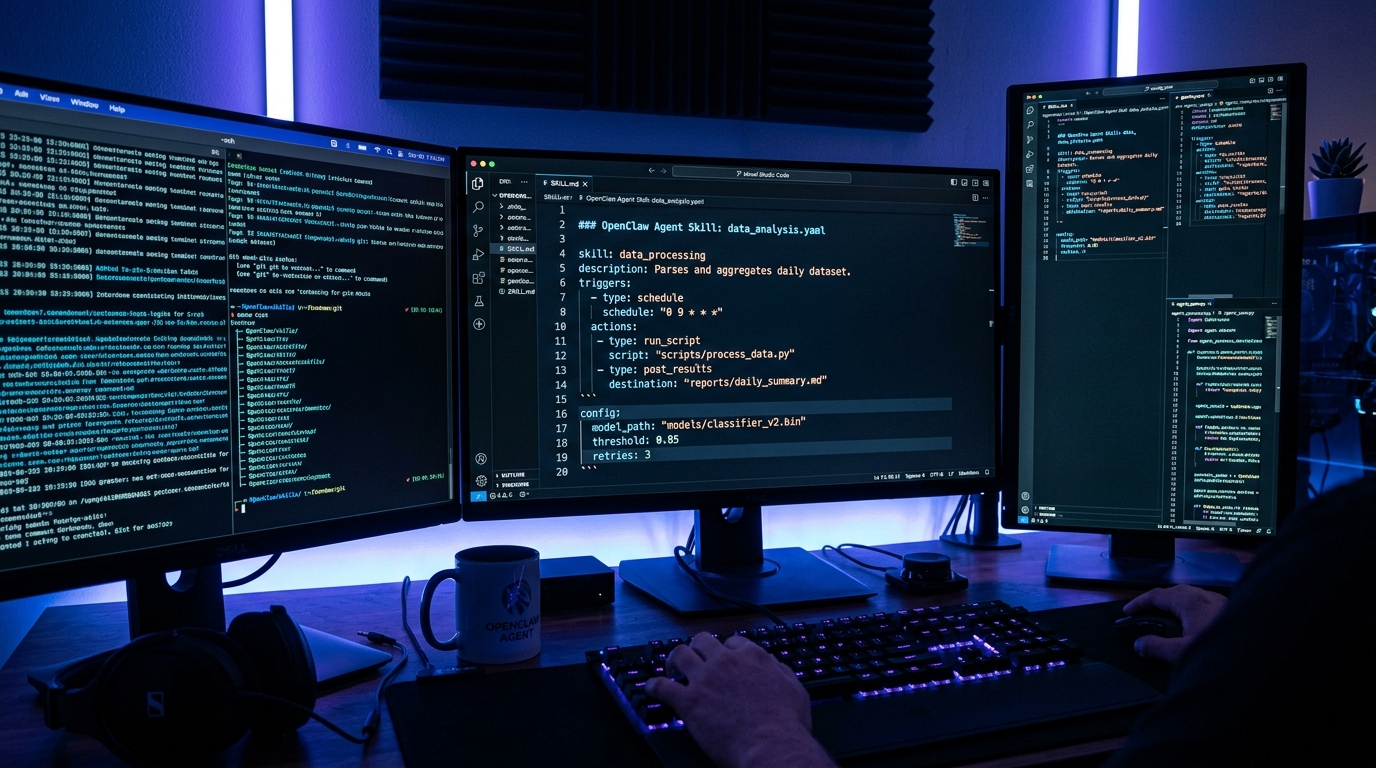
TL;DR: OpenClaw skills are Python modules that extend your AI agent with custom tools, triggers, and knowledge sources. This guide covers the full skill development lifecycle — from scaffolding a new skill with the OpenClaw CLI, to handling tool permissions, to publishing skills on ClawHub.ai. Whether you're building a Slack notifier, a database query tool, or a multi-step research pipeline, this is the practical reference you need.
If you are weighing OpenClaw against the alternatives, our comparison database keeps a live scorecard of how the leading AI Agent tools stack up.
What Are OpenClaw Skills?
OpenClaw is an open-source AI agent framework. The OpenClaw GitHub repository hosts the runtime source, example skills, and the full skill development specification. Community-contributed skills are also available on ClawHub.ai — a marketplace that covers categories from web research to database operations to messaging integrations.
Skills are the primary extension mechanism in OpenClaw. They let your agent interact with external systems — APIs, databases, file systems, messaging platforms — through a clean Python interface. Unlike standalone scripts, skills are managed by the OpenClaw runtime, which handles configuration, permissions, lifecycle, and error recovery automatically.
Every skill follows the same contract: implement a handler function, declare your tool schema, and let OpenClaw route requests to the right tool based on the agent's intent.
Skill Anatomy
An OpenClaw skill is a directory with three key files:
- skill.json — metadata: name, description, permissions, dependencies
- main.py — your Python implementation with tool handler functions
- requirements.txt — optional Python package dependencies
The runtime discovers skills from configured paths and loads them on demand. No manual registration — just drop the directory in your skills path and the agent can use it.
Step 1: Scaffold a New Skill
OpenClaw's CLI includes a scaffolding generator:
class="language-bash">openclaw skill create my-custom-tool --path ~/skills/This creates a skill directory with skeleton files. The scaffold includes a demo tool that accepts a message parameter and returns an echo response.
Step 2: Define Your Tool Schema
Tool schemas use JSON Schema. OpenClaw validates calls against the schema before reaching your handler:
class="language-python">from openclaw.skill import Skill, tool
class MySkill(Skill):
@tool(
name=“search_docs”,
description=“Search documentation”,
parameters={
“type”: “object”,
“properties”: {
“query”: {“type”: “string”, “description”: “Search query”}
},
“required”: [“query”]
}
)
async def search_docs(self, query: str) -> str:
results = await self.search(query)
return f”Found {len(results)} results”
Step 3: Configure Permissions
Skills declare permissions in skill.json. OpenClaw enforces them at runtime — a skill with filesystem:read can't make HTTP requests:
class="language-json">{
 "name": "my-custom-tool",
 "version": "1.0.0",
 "permissions": ["filesystem:read", "network:outgoing"],
 "env_vars": ["API_KEY"]
}
Step 4: Environment Variables
API credentials go in ~/.openclaw/.env. OpenClaw validates that all declared env vars are present before executing handlers — missing vars produce clear errors, not silent failures.
Step 5: Test Locally
class="language-bash">openclaw skill test my-custom-tool --input '{"query": "hello"}'The skill test command runs your handler with a fixed input and prints the raw tool response, including any exceptions raised inside the handler. This is the fastest way to iterate on logic without spinning up the full agent. For richer debugging, the --verbose flag adds runtime detail such as which permissions were granted, which env vars resolved, and how long the handler took. You can also pipe a file of test inputs with --input-file cases.json to exercise multiple branches in one pass, which is especially useful when your tool has optional parameters that change its behavior.
Keep a small set of representative inputs per skill and re-run them before every publish. A skill that passes its own fixture suite is far less likely to surprise you in production, and the fixtures double as living documentation for how the tool is meant to be called.
Step 6: Publish to ClawHub
Share your skill on ClawHub.ai:
class="language-bash">openclaw skill publish my-custom-toolReal-World Examples
- Slack Notifier — Wraps Slack Web API with rate limiting and retries
- PostgreSQL Query Runner — Read-only SQL with injection guards
- Web Research Agent — Chains search + fetch into a research workflow
See also: OpenClaw Automation Guide and Claude Code MCP Guide.
Real-World Debugging Example: Developing a Slack Notifier Skill
Building on the patterns from our MCP code review server build log, here is a concrete walkthrough of developing a Slack notifier skill:
- Scaffold:
openclaw skill create slack-notifier --path ~/skills/ - Configure permissions: Add
network:outgoingand"env_vars": ["SLACK_TOKEN"]toskill.json - Add dependency: Add
slack-sdktorequirements.txt - Write handler: Implement a
send_notificationtool that accepts channel, message, and optional attachments - Debug: Run
openclaw skill test slack-notifier --input '{"channel": "#alerts", "message": "test"}' - Monitor: Check
~/.openclaw/logs/for any permission denials or dependency errors
If the skill doesn't appear in openclaw skill list, verify the directory is under one of the paths in OpenClaw's config. The runtime auto-discovers skills on startup — no manual registration needed.
Common Pitfalls
- Missing permissions — check
skill.jsonif you see "operation not permitted" - Slow handlers — use async for tools that take >30s
- Hardcoded paths — use
self.data_dirinstead - No error handling — wrap API calls in try/except
FAQ
Can I use external packages?
Yes. List in requirements.txt and OpenClaw installs them into an isolated venv per skill.
How do I debug a skill that's not being called?
Run openclaw skill list to verify it loaded. Check agent logs in ~/.openclaw/logs/.
Can I update without restarting?
Yes — OpenClaw hot-reloads changed skills.
Can skills call other skills?
Not directly. The agent orchestrates multi-tool workflows.
Dig deeper: OpenClaw review · IronClaw review.
Back to all posts